Skip to content
Natural Disasters 2: Build Destroy
Simulation

Natural Disasters 2: Build Destroy

Published byVortex Play468 playsQuick play
Free · Runs in your browser · No sign-up
Quick answer

What is Natural Disasters 2: Build Destroy?

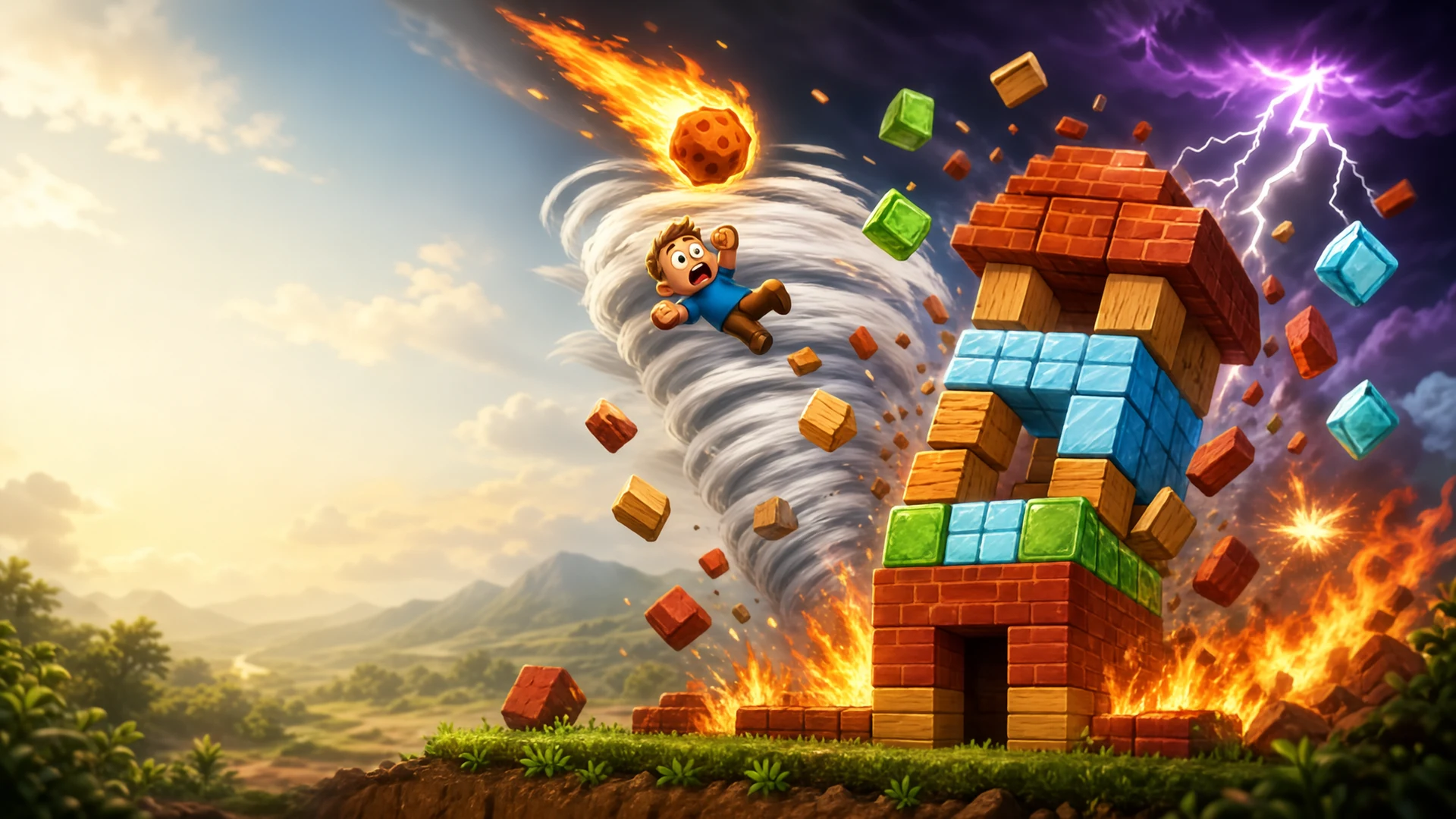
Natural Disasters 2: Build Destroy is a 2D physics sandbox with no score or win condition. You tap to place blocks of ten different materials on a grid, build towers and shelters, then open the disaster menu and let eight kinds of catastrophe loose on your work. You can also grab and throw blocks, delete them, fire them in with the Quick Gun, change the sky and tune the physics.

Updated

Key facts

Genre
Simulation
Players
1 (single player)
Session length
Under 5 min
Platform
Web browser
Devices
Desktop, Tablet, Mobile
Price
Free
Sign-up
Not required

Preview

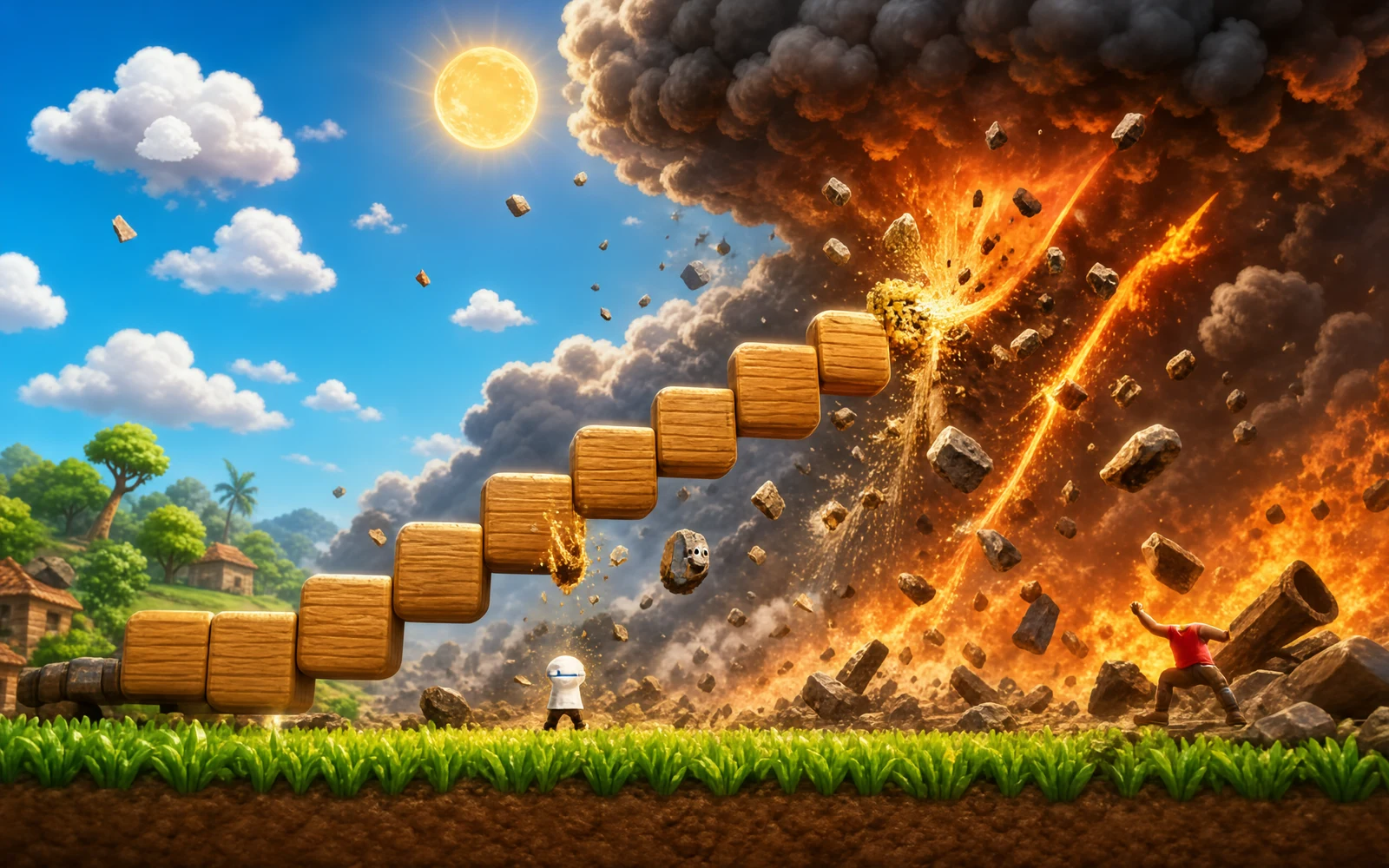
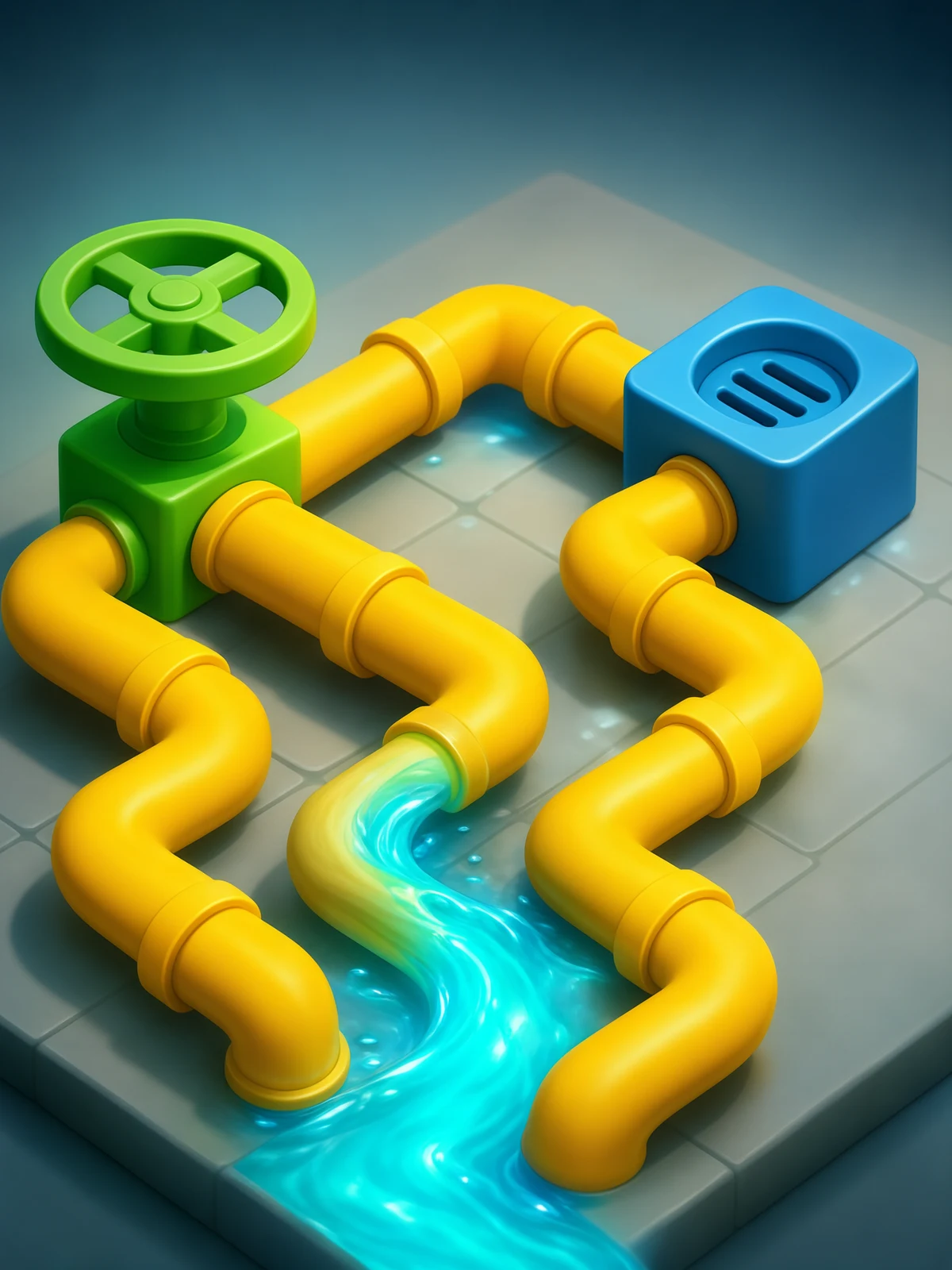
Natural Disasters 2: Build Destroy - Screenshot 1Screenshot 1
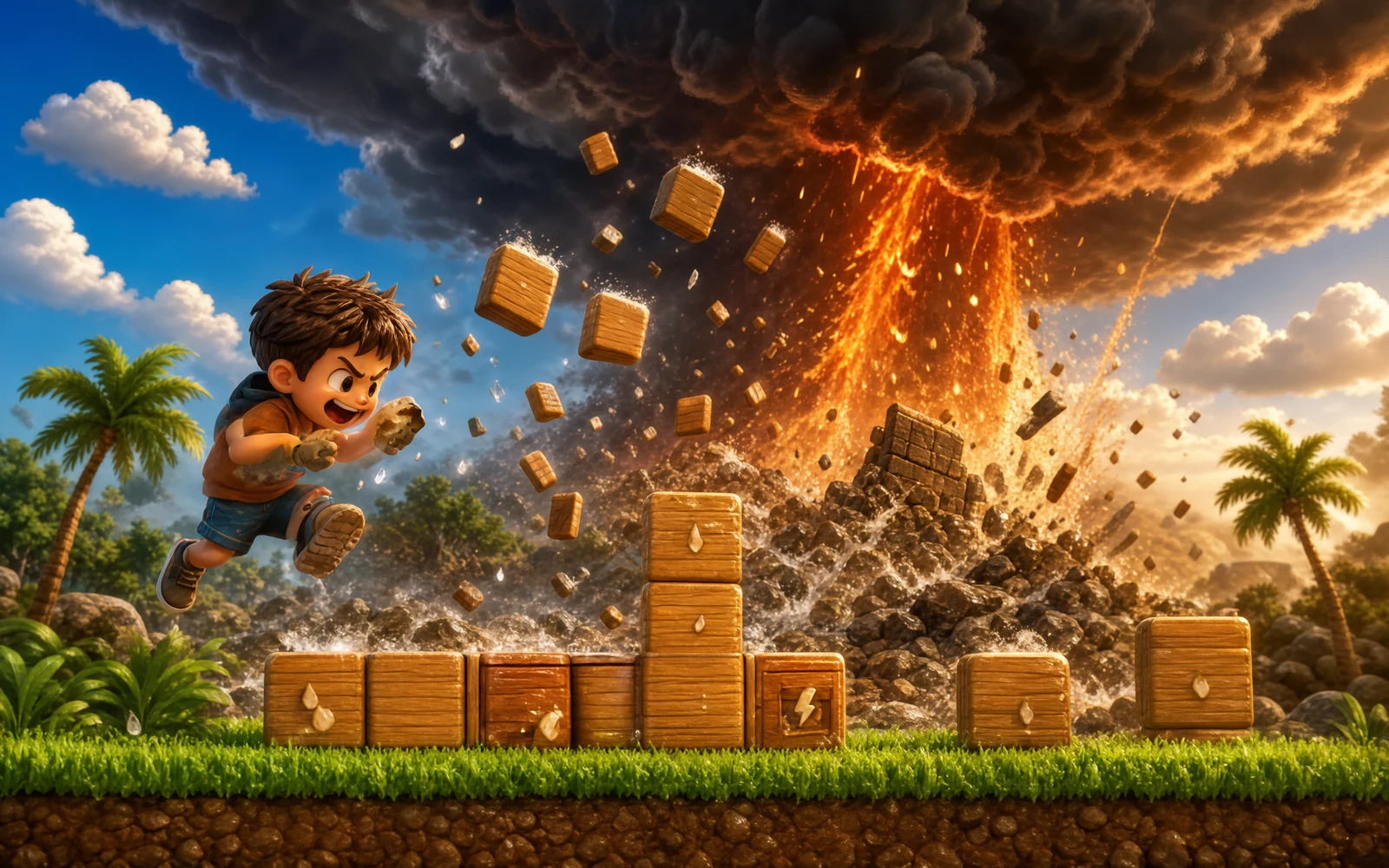
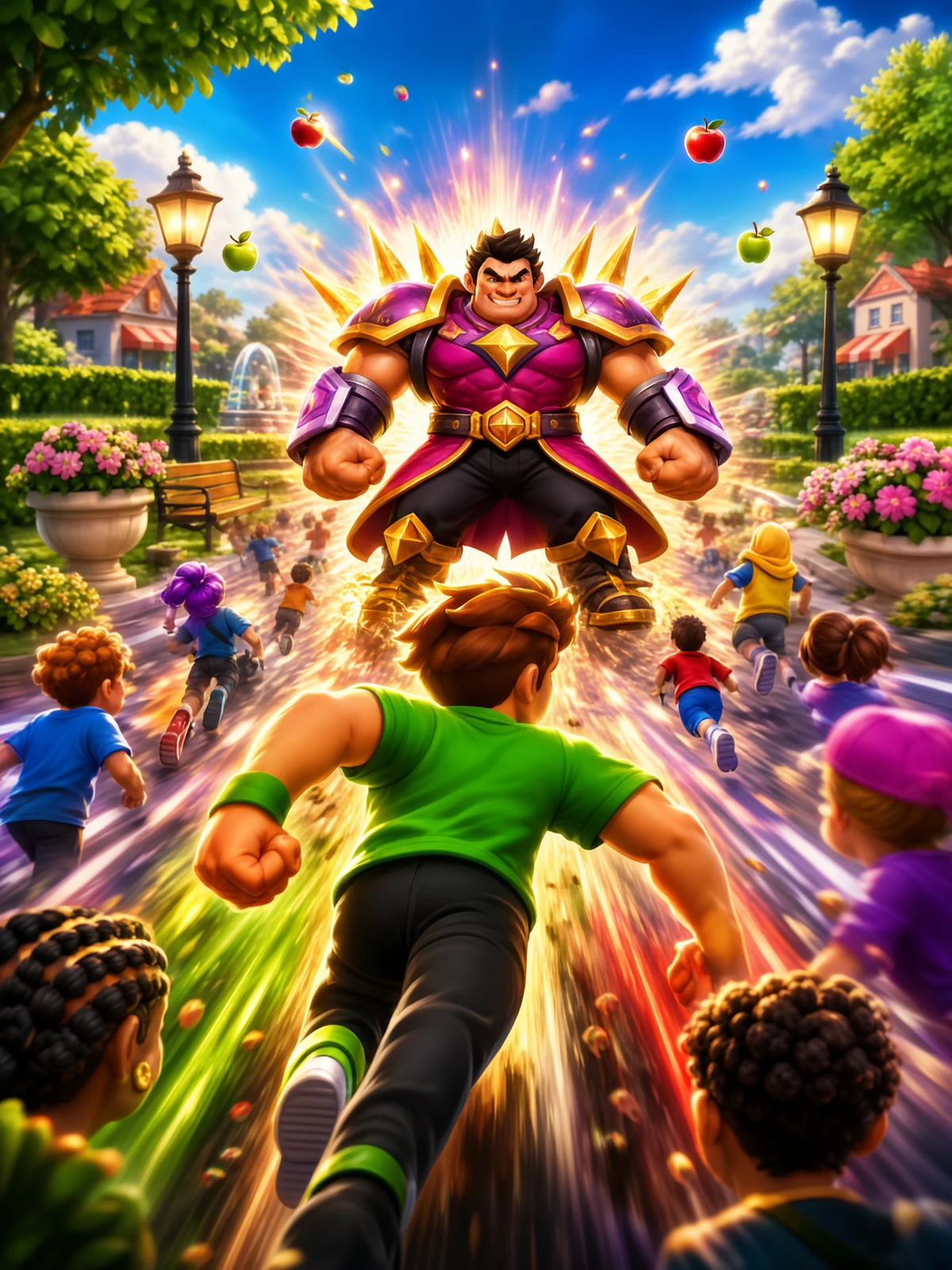
Natural Disasters 2: Build Destroy - Screenshot 2Screenshot 2
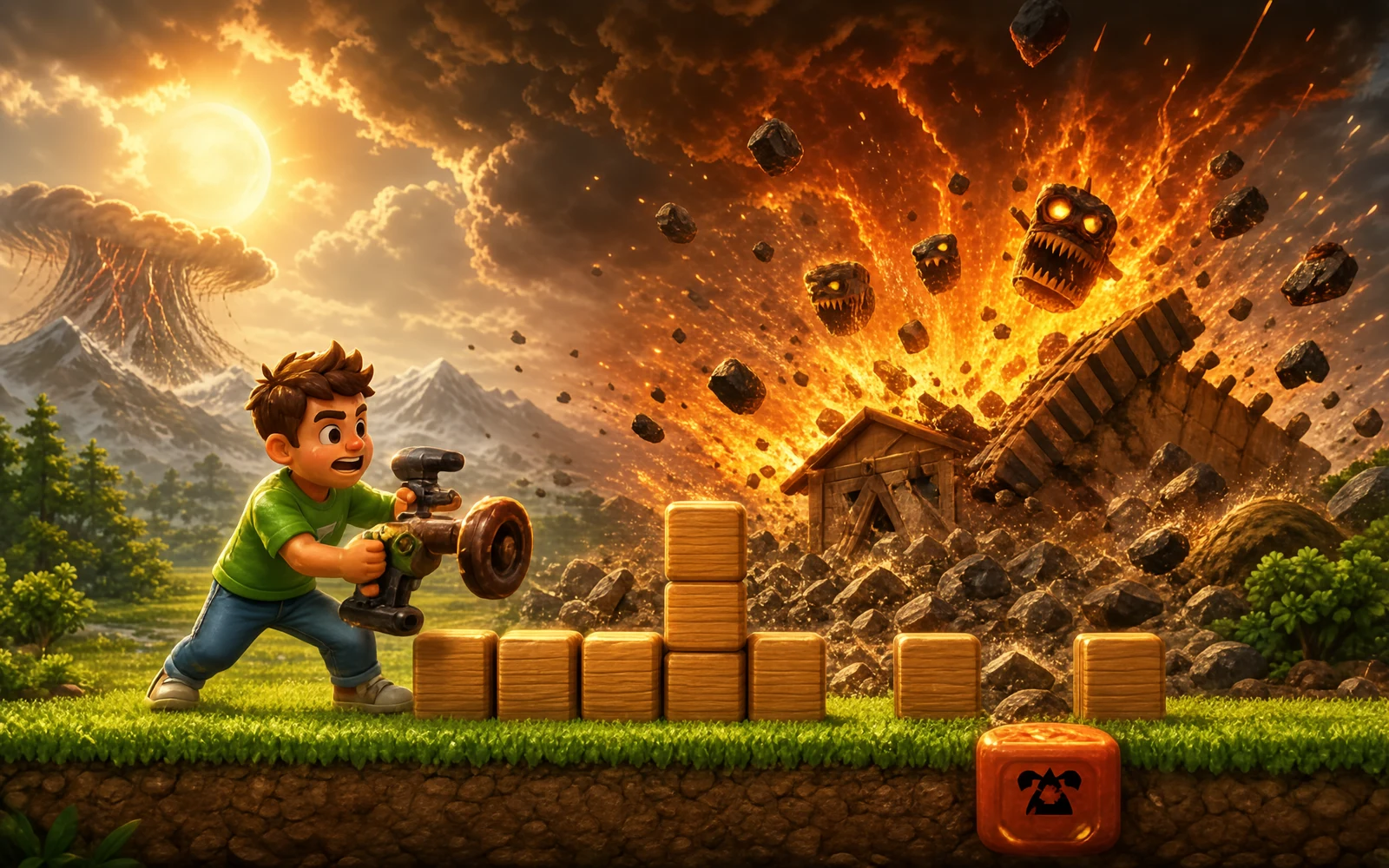
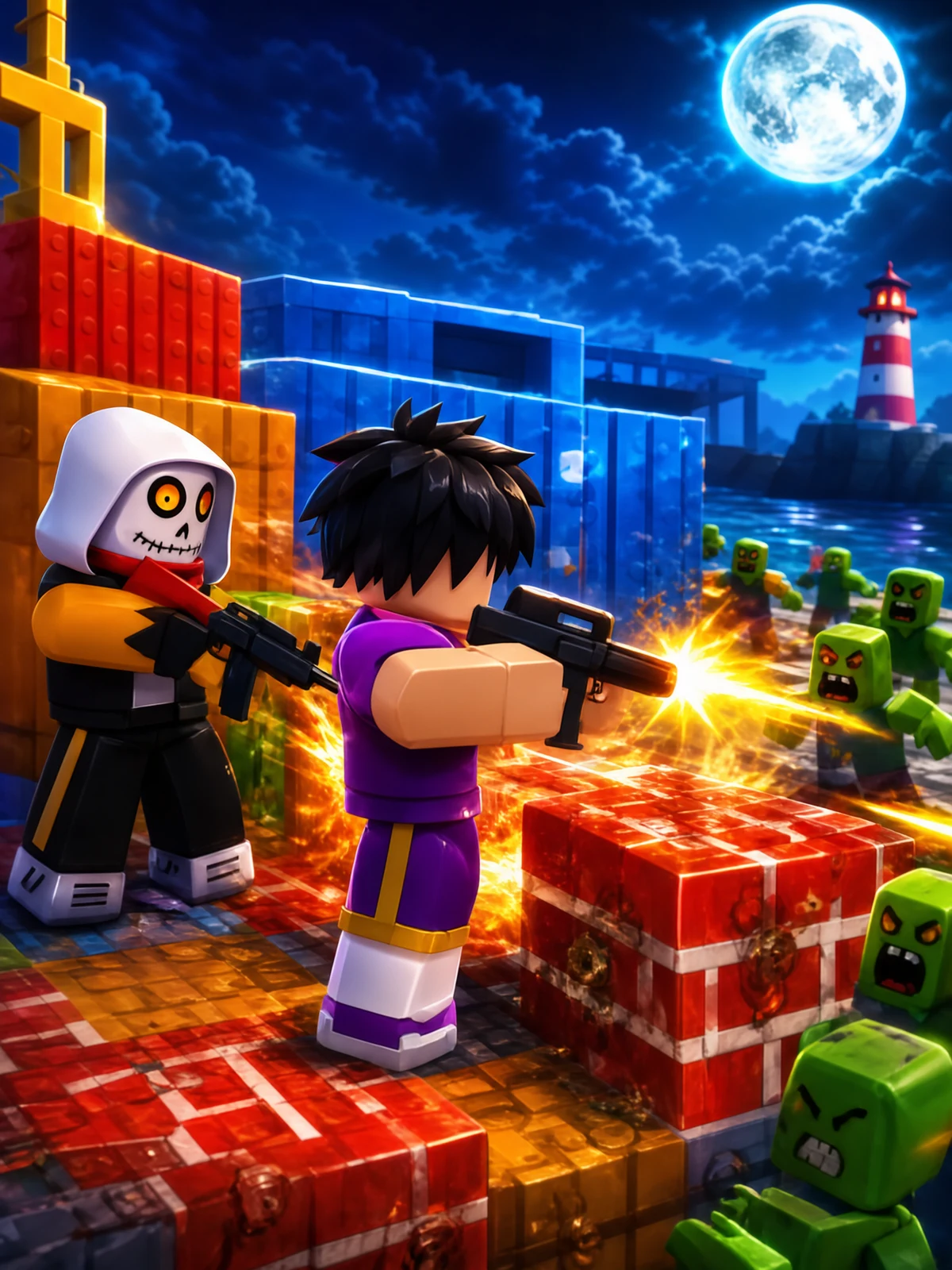
Natural Disasters 2: Build Destroy - Screenshot 3Screenshot 3
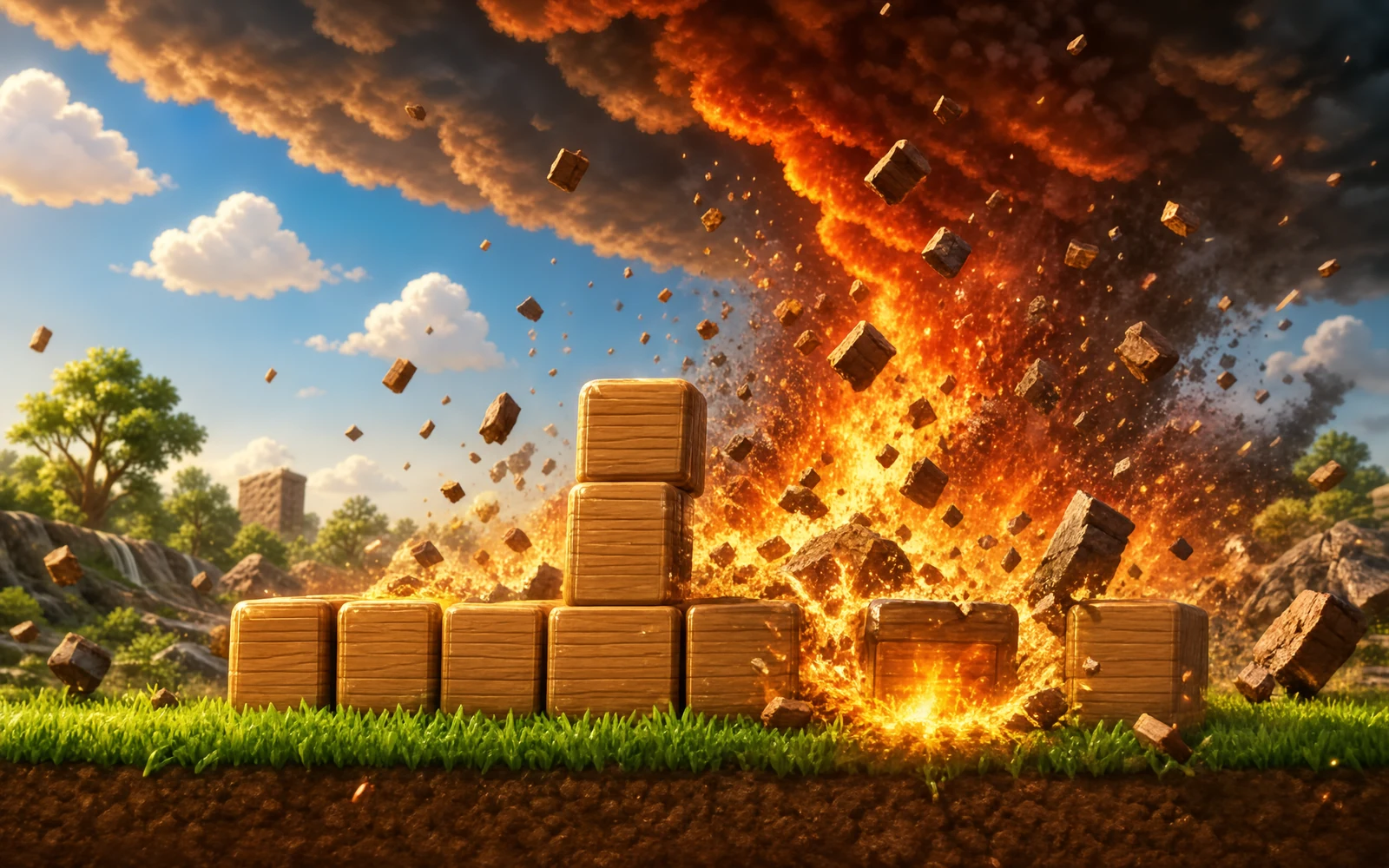
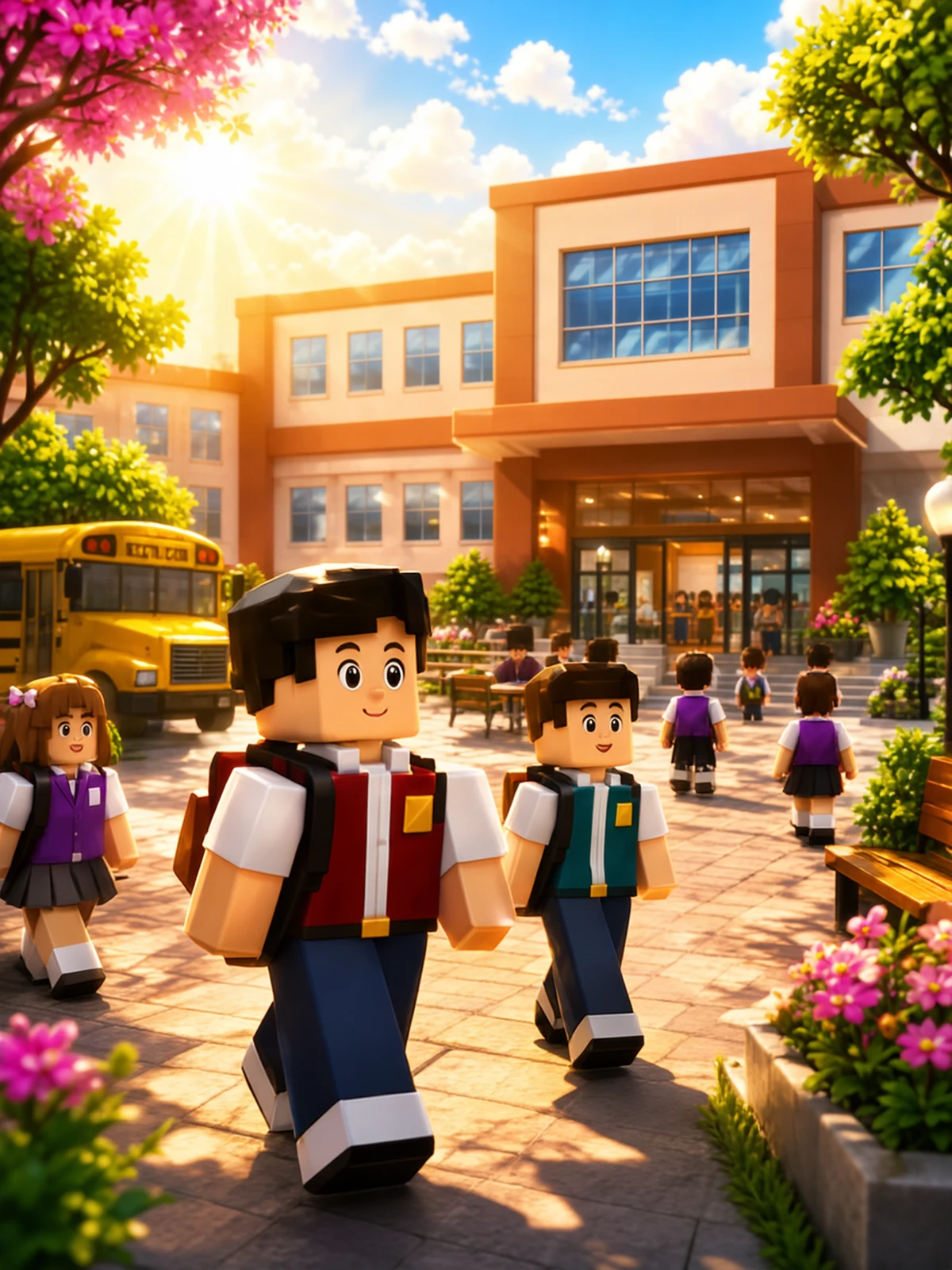
Natural Disasters 2: Build Destroy - Screenshot 4Screenshot 4

Tags

Browse more games with the same tags

Publisher

Vortex Play
@vortex_play

Gravity-defying platformers, speedrun challenges, and portal puzzles.

13Games
0Followers
7KPlays

This game is owned, managed and distributed by its creator. ZuZi.dev hosts and moderates it but does not edit it.
View profile

A sandbox for builders and wreckers

The game has no levels, timer or goal; what you do with the space is up to you. Blocks are physical objects with their own weight and toughness, so a tall wooden tower behaves very differently from a stone wall or a glass bridge. Stacking carefully, then testing the result against a disaster, is the whole loop. When the rubble settles you can keep building, clear the board with one button, or start another disaster on top of the mess.

Build, then break

  1. Press PLAY on the loading screen, then pick a material from the palette: Wood, Stone, Brick, Metal, TNT, Ice, Slime, Grass, Door or Glass.
  2. Tap or click an empty spot to place a block. Blocks snap to a grid, and an occupied square cannot take a second block.
  3. Press the disaster button (the explosion icon) and choose Earthquake, Tornado, Fire, Flood, Bomb, Storm, Meteors or Black Hole. Several can run at the same time.
  4. Use Delete, Grab, Gun, Clear and BG to adjust the scene, then rebuild and try again.

Controls

Tap or click
Place the selected block on the grid
Delete button, then tap a block
Remove that block
Grab button, then drag
Pick up a block, move it and throw it
Gun button
Quick Gun: choose a material and place blocks while moving the pointer sideways to give them a push
Clear button
Remove every block at once
BG button
Choose a background: Sunny Day, Sunset Twilight, Starry Night, Snow Plain, Inferno Sky or Deep Space
Settings button
Set SFX and music volume, switch physics on or off, or change the background

What you can build with and break with

  • Ten materials, each with its own density and durability: wood, stone, brick, metal, TNT, ice, slime, grass, doors and glass.
  • Glass and ice are fragile, metal is the toughest, and slime is deliberately bouncy.
  • Eight disasters: earthquake, tornado, fire, flood, bomb, storm, meteors and black hole.
  • Six backgrounds, including a snow plain, a starry night and deep space.

Ideas to try

  • Mix materials in one structure and see which parts survive. A stone base under a glass top fails differently from the reverse.
  • Place TNT low in a tower, then start an earthquake so the shaking and the blast work together.
  • Start a flood or storm first and build while it runs to test how your design handles moving water.
  • If you want to test a design without it falling apart as you build, turn physics off in Settings, then turn it back on before the disaster.

What to play next

Smash Everything! — This game

Natural Disasters 2: Build Destroy FAQ

Is there a score or a goal?

No. It is an open sandbox, so you set your own challenges, such as surviving a particular disaster or knocking a tower down with the fewest blocks.

Can I run more than one disaster at once?

Yes. The disaster menu lets you start several, and they can overlap.

How do I remove blocks I placed by mistake?

Press Delete and tap the block, or press Clear to wipe the whole board.

What does turning physics off do?

It switches off gravity so blocks stop moving, which is useful for placing a complex structure. Turn it back on before you trigger a disaster.

Is my build saved?

No evidence of saving was found in the game code, so assume a refresh starts with an empty board.


Report a problem with this game

Natural Disasters 2: Build Destroy

What's wrong?
0/1000