Skip to content
Pajama Stylist
Casual

Pajama Stylist

Published byHyperNova Labs166 playsQuick play
Free · Runs in your browser · No sign-up
Quick answer

What is Pajama Stylist?

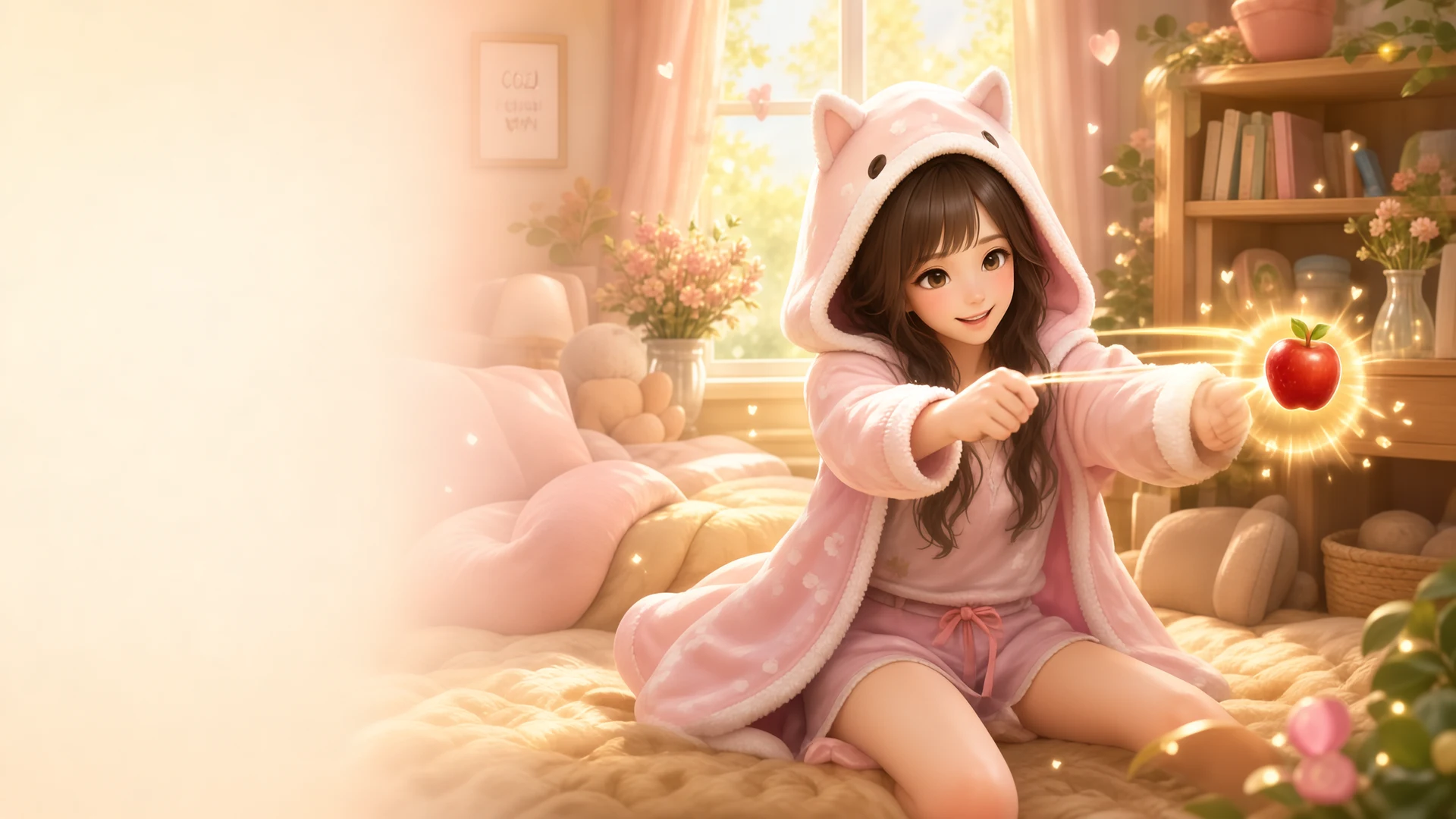
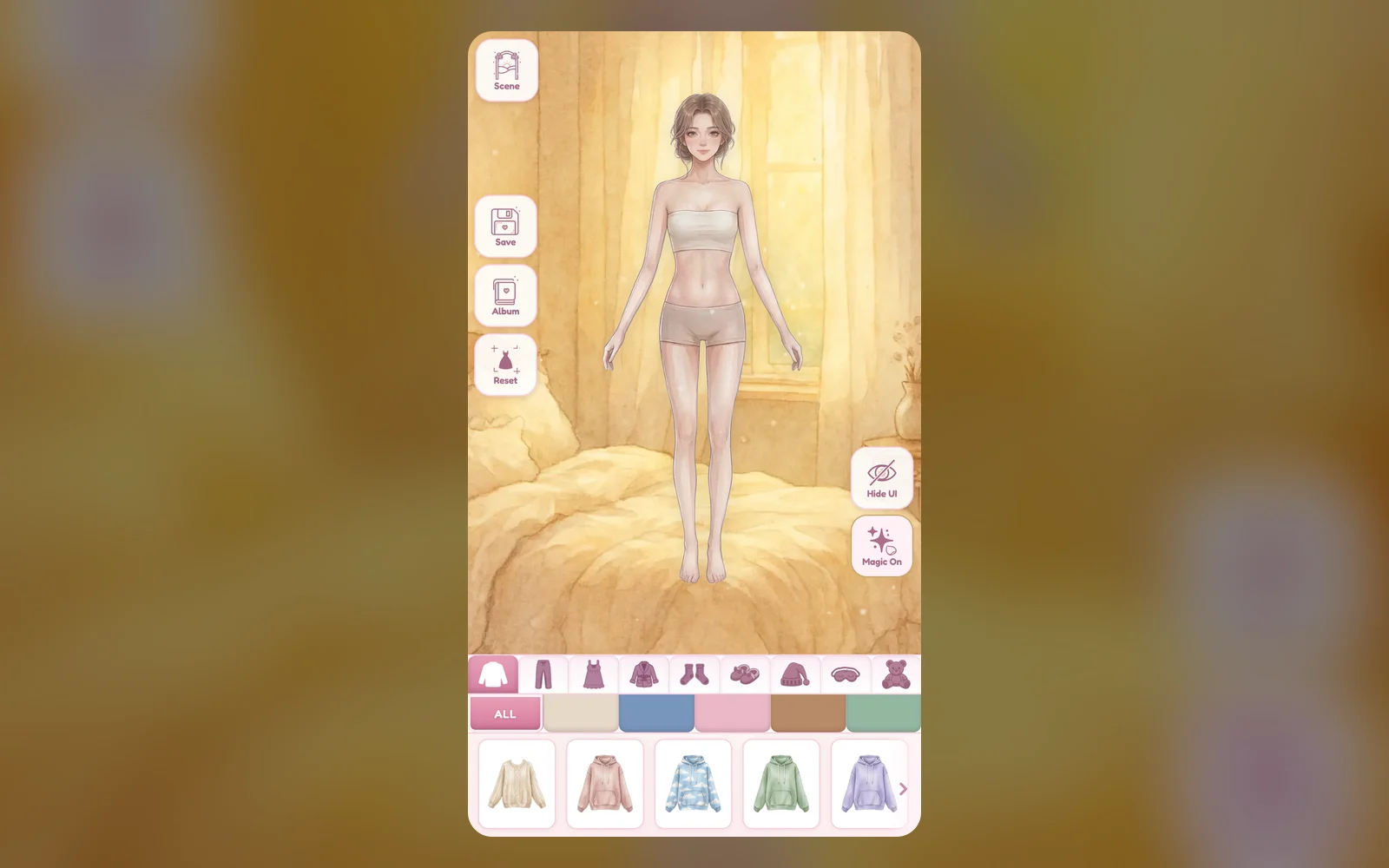
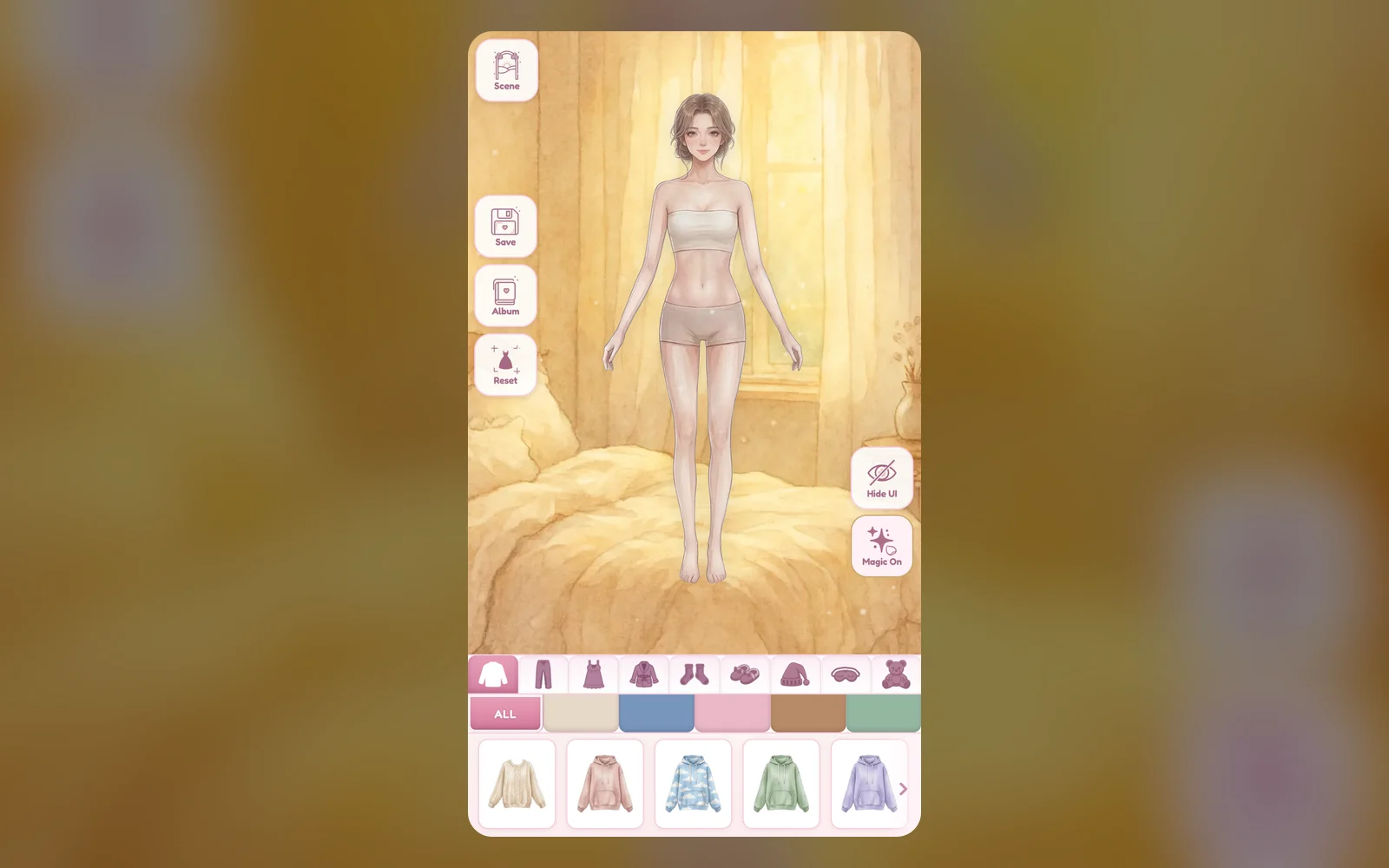
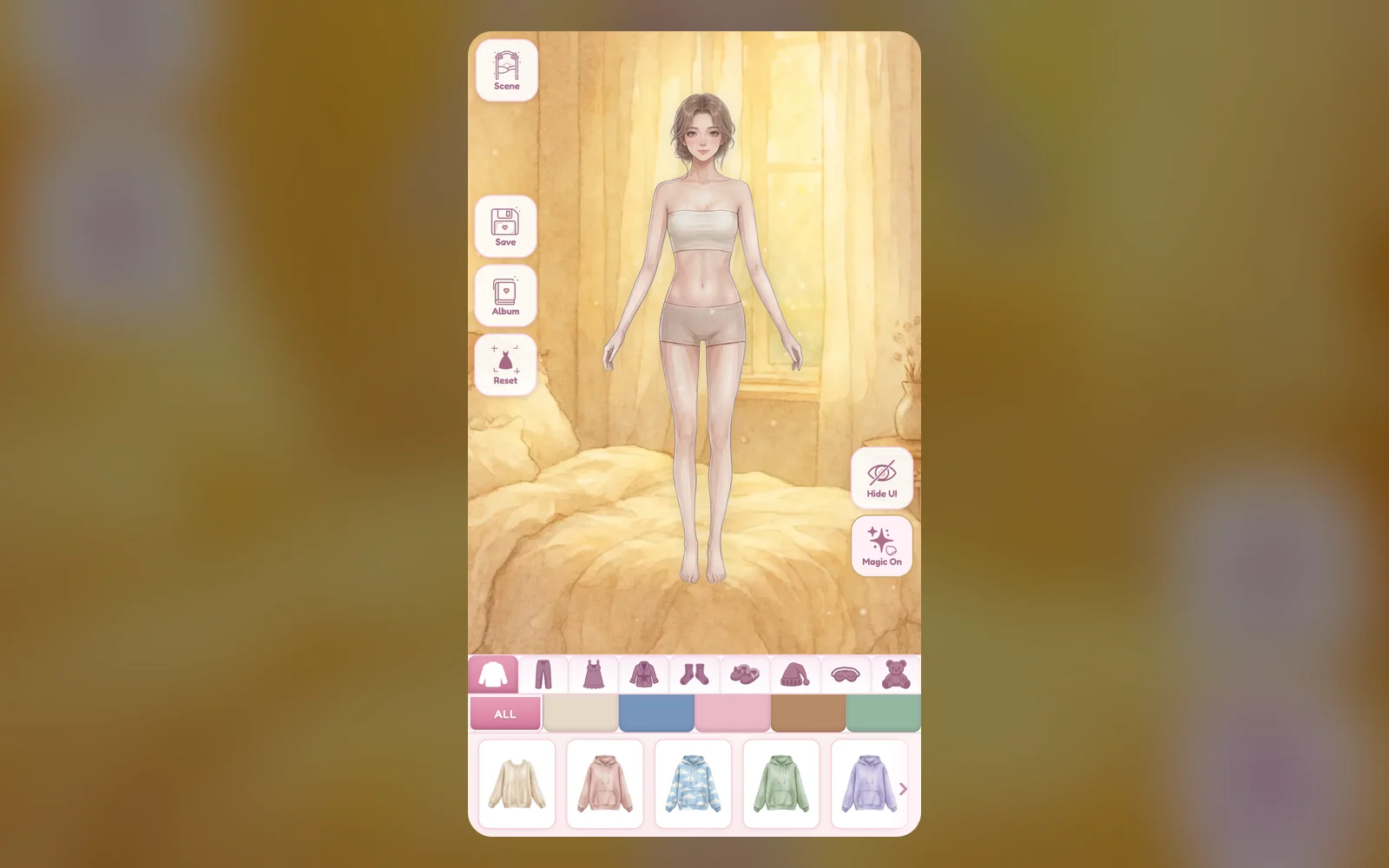
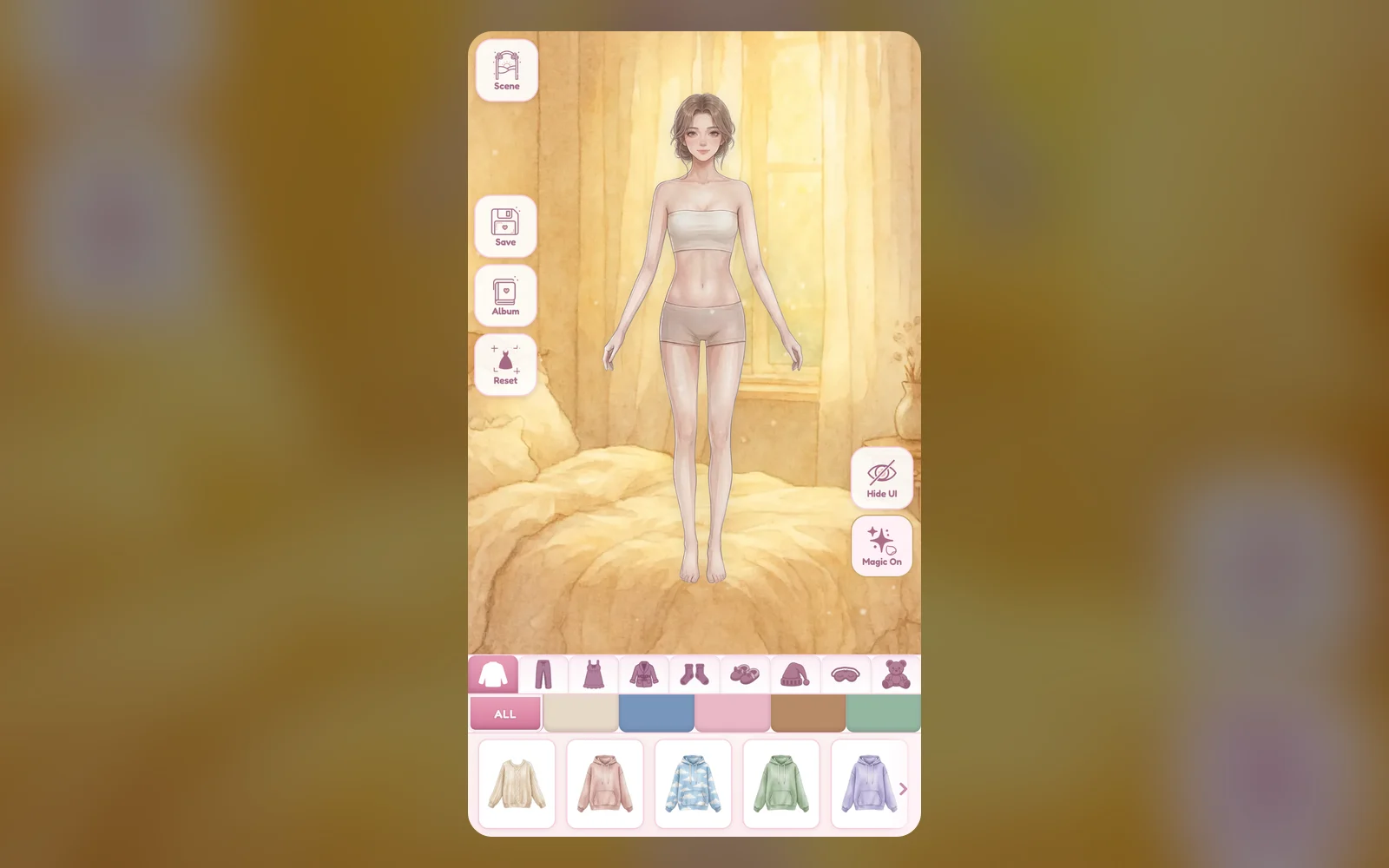
Pajama Stylist is a calm dress-up studio. Tap pieces from the wardrobe tray to place them on a model, then drag, resize, rotate and layer them until the outfit feels right. Browse tops, bottoms, dresses, outerwear, socks, shoes, headwear and hair, glasses and plush pillows, set the scene in a themed bedroom with soft music and optional sparkles, and save up to 12 finished looks in your album. There is no timer, score or failure state.

Updated

Key facts

Genre
Casual
Players
1 (single player)
Session length
Under 5 min
Platform
Web browser
Devices
Desktop, Tablet, Mobile
Price
Free
Sign-up
Not required

Preview

Pajama Stylist - Screenshot 1Screenshot 1
Pajama Stylist - Screenshot 2Screenshot 2
Pajama Stylist - Screenshot 3Screenshot 3
Pajama Stylist - Screenshot 4Screenshot 4

Tags

Browse more games with the same tags

Publisher

HyperNova Labs
@hypernova_labs

Next-gen WebGL 3D action, speed trials, and futuristic arcade racing.

6Games
0Followers
1.9KPlays

This game is owned, managed and distributed by its creator. ZuZi.dev hosts and moderates it but does not edit it.


View profile

How to style a look

  1. Choose a category tab such as Tops, Bottoms or Headwear & Hair, and tap a piece in the tray to place it on the model.
  2. Drag a piece to move it. Tap it to select it and use the handles or the shortcut keys to resize or rotate it.
  3. Use Front and Back to change layers, Lock to protect a piece, and Delete or the bin to remove it.
  4. Open Scene to choose a bedroom background, switch Magic sparkles on or off, then tap Save to put the look in My Looks.

Controls

Tap or click a tray item
Place the piece on the model
Drag
Move the selected piece; drop it on the bin to delete it
+ / - and , / .
Scale the selected piece / rotate it by 5 degrees
R
Switch the size handle between scale and rotate
[ and ]
Send the selected piece to the back / bring it to the front
Delete or Backspace
Remove the selected piece
F or 0
Reset the selected piece to its starting size and position
H, P, M
Hide the interface / toggle Magic sparkles / toggle music
Esc
Clear all unlocked pieces

What is in the studio

  • Nine wardrobe categories covering tops, bottoms, dresses, outerwear, socks, shoes, headwear and hair, glasses, and plush and pillows.
  • Family filter tabs inside the tray to narrow the wardrobe by style group.
  • Themed bedroom scenes such as Romantic Rose, Princess Palace, Gamer Den and Cottagecore Attic, each with its own ambient effect.
  • Lock, layer, size and rotate controls for every placed piece, plus a Hide UI view for a clean look.
  • My Looks album that stores up to 12 saved outfits on this device.

Styling tips

  • Place the base layers first, then add robes, shawls or hoodies on top and use Front and Back to fix overlaps.
  • Lock pieces you are happy with so Clear and accidental drags will not change them.
  • Press H to hide the interface and see the whole look before saving.
  • Try different scenes: the background changes the mood and the sparkle effect that goes with it.

What to play next

Daily Stylist — This game is a dress-up playground for putting together everyday looks.

Bridal Salon World Trip — This game is a bridal styling game with dresses, hair, makeup and accessories.

Bead Atelier — This game is a relaxed jewelry-making toy with no timer and no way to lose.

Pattern Painter — This game is a calm coloring game built around mandalas.

Pajama Stylist FAQ

Is there a score or rating?

No. Pajama Stylist is a free styling studio with no timer, score, rating or game over.

How many looks can I save?

The album holds up to 12 looks. They are stored in your browser on this device.

Can I resize and rotate clothes?

Yes. Select a piece, then use its handle or the + / - and , / . keys. Some pieces that follow the body are size-only and cannot be rotated.

How do I remove one piece without starting over?

Select it and press Delete or Backspace, or drag it onto the bin. Clear removes every unlocked piece at once.

Can I change the background and music?

Yes. Open Scene to pick a bedroom, and use the Magic button or the P and M keys for sparkles and music.

Report a problem with this game

Pajama Stylist

What's wrong?
0/1000