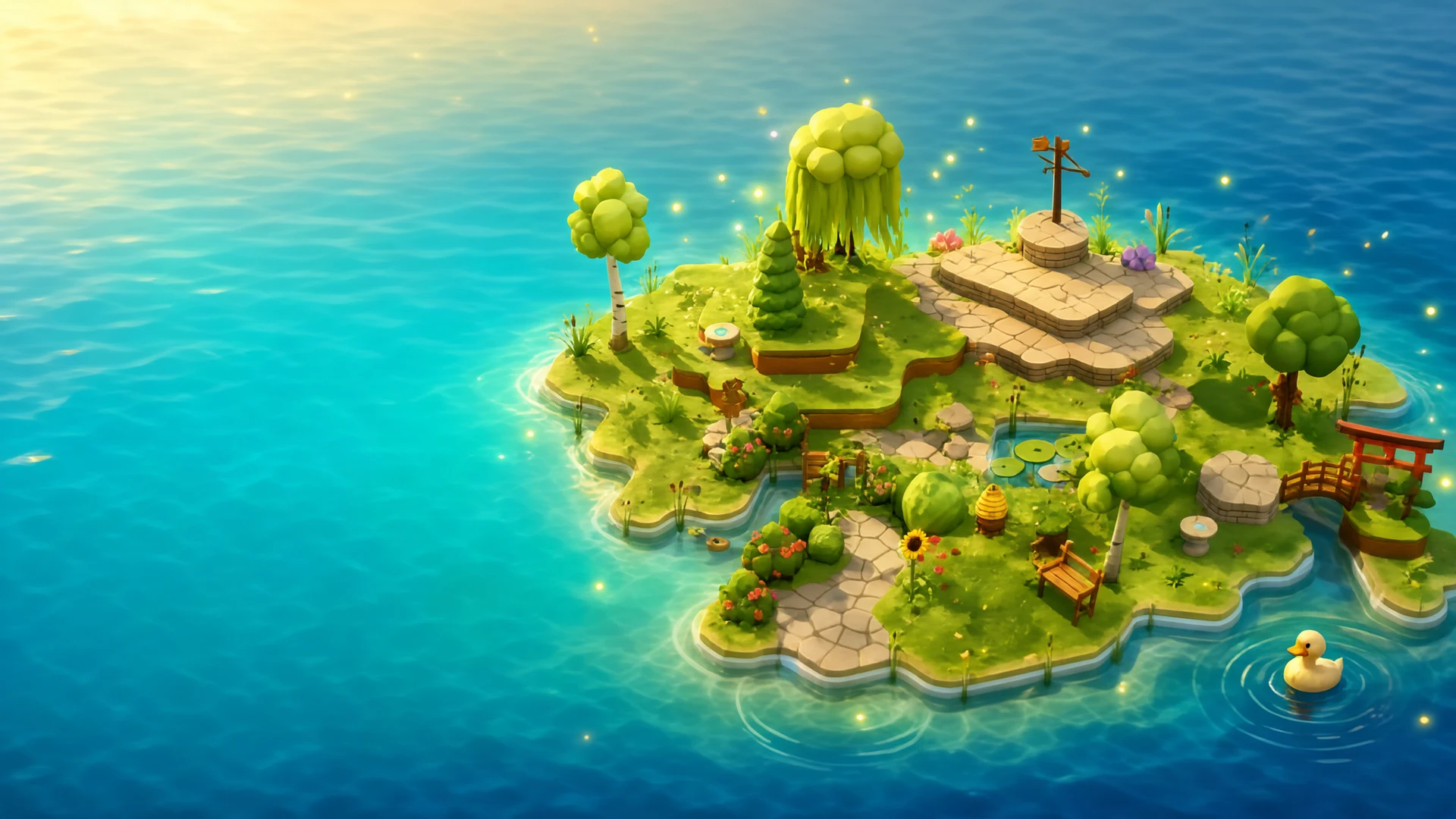
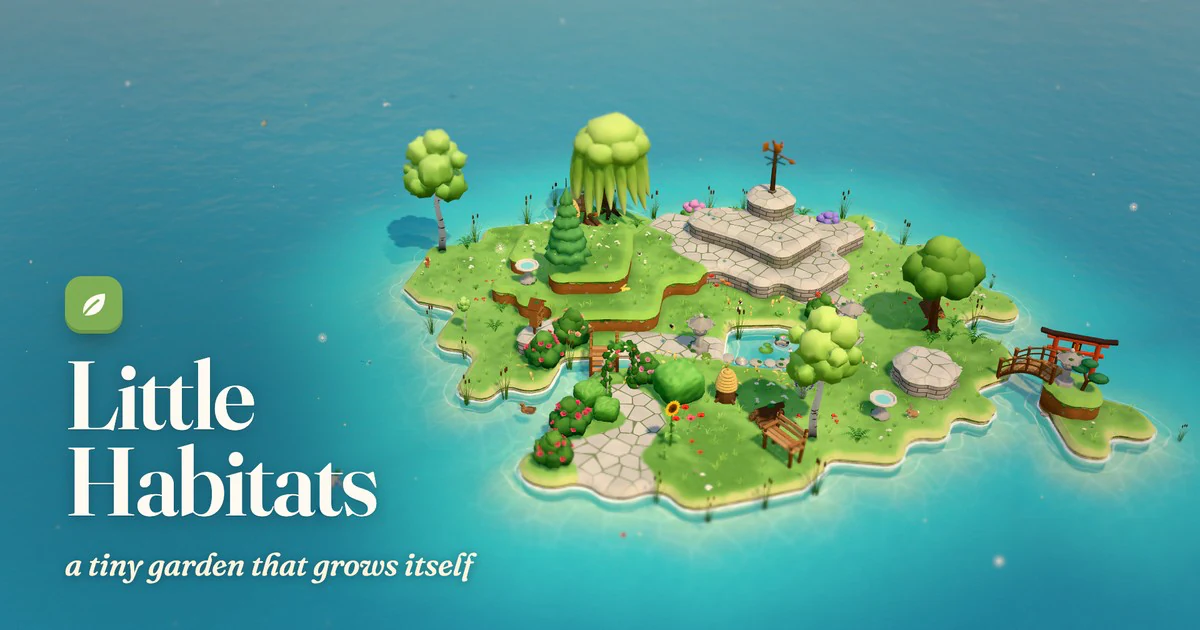
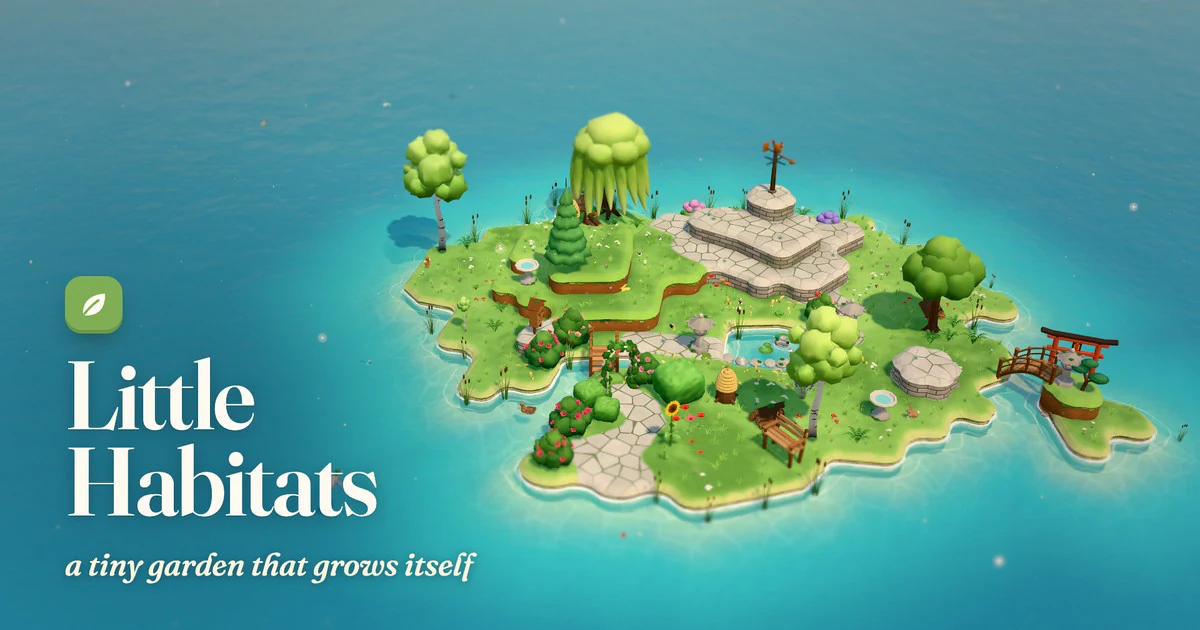
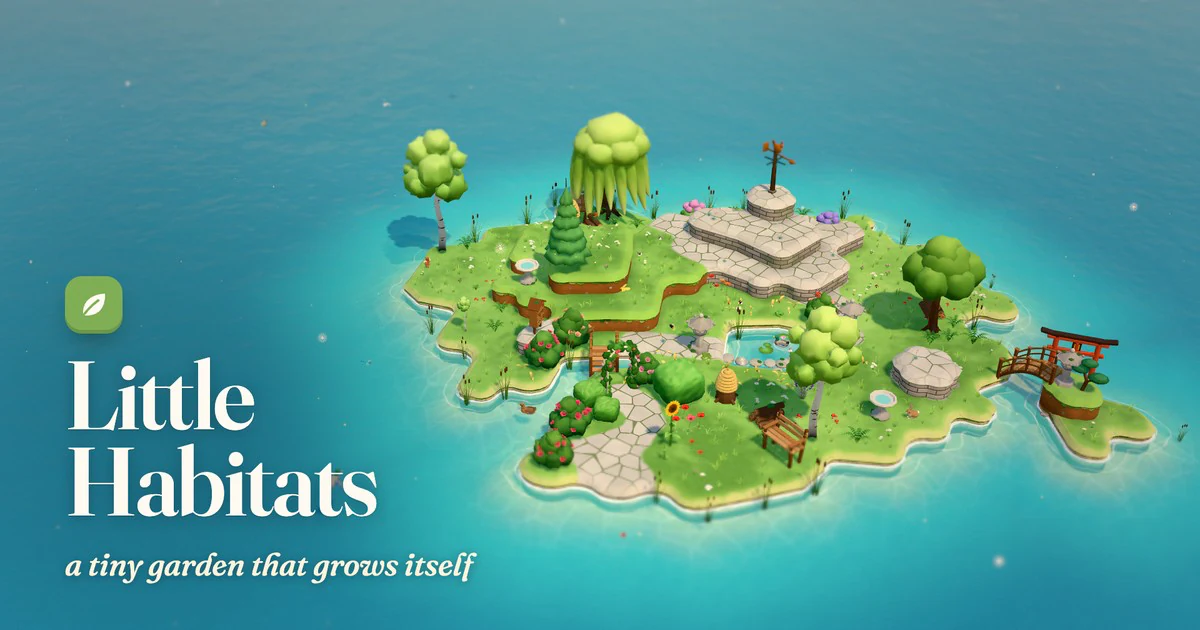
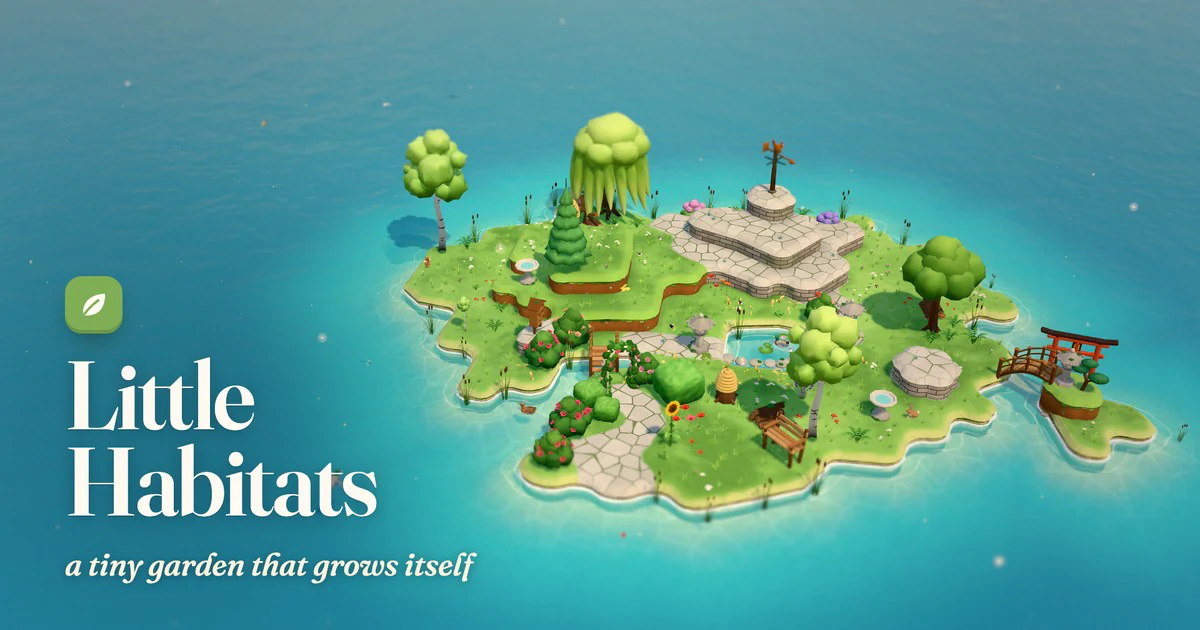
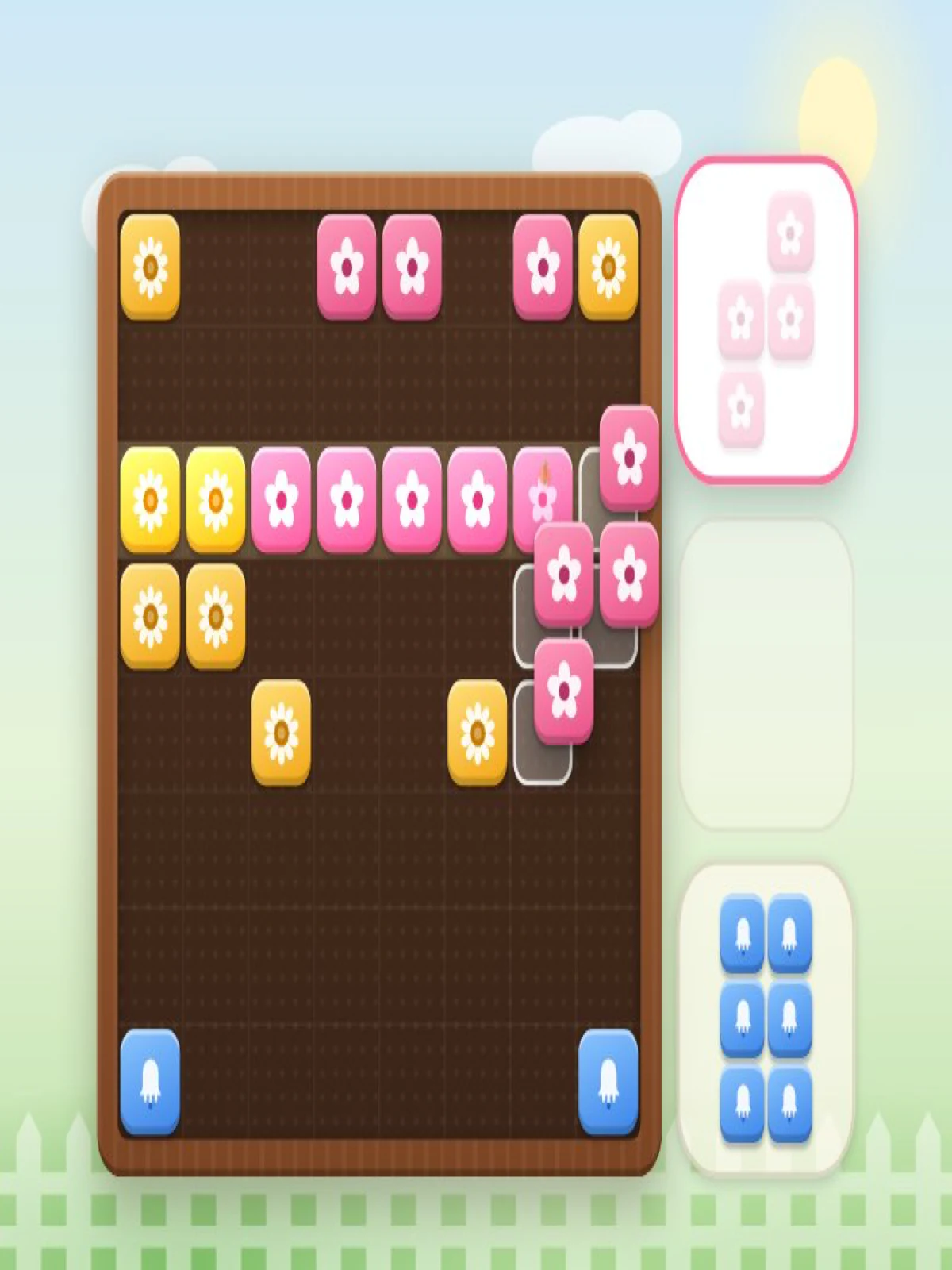
Little Habitats is a garden sandbox where you shape a small island and watch what grows or visits. Choose Soil, Stone, Water, Seeds or Poke with keys 1–5. Click or tap to apply a tool; right-click or long-press lowers land or removes a seed where supported. Drag to look around the garden. Plants respond to the conditions the game models: dry sunny soil, damp shade and ponds encourage different growth. There is no required score or finish line; the useful question is what changes when you reshape a corner and let time pass.
Use Soil to raise grassy ground, Stone for paths or walls, and Water to dig ponds or streams. Try changing one area at a time so you can see the result.
Sow with the Seeds tool. The game help associates lavender and sunflowers with sunny dry soil, ferns and foxgloves with damp shade, and lilies with ponds.
Choose Poke to greet a visitor or inspect a landmark without changing the terrain. Open the visitors’ journal with J.
Control the pace
Space pauses or resumes time. You can also change its speed, skip ahead in a day, or jump to a season to see the garden in a different state.
The garden and journal save automatically in this browser. Use the New Garden action only when you want a fresh island and journal.
help
Little Habitats FAQ
Is there a level or score I must reach?
expand_more
No fixed winning target is presented. Shape the garden, observe changes and collect discoveries at your own pace.
How do I lower land or remove seeds?
expand_more
Right-click on desktop or long-press on touch with the relevant tool selected. Alt-click is another lowering option on trackpads.
Why do different plants appear?
expand_more
The game uses local conditions: sunny dry soil, damp shade and water favor different plants. Try changing terrain and advancing time.
Where can I see visitors I found?
expand_more
Open the visitors’ journal with J. The garden and journal are saved in the current browser.
How do I see another season?
expand_more
Use the season controls to jump to spring, summer, autumn or winter; time can also be paused or sped up.