Skip to content
Pattern Painter
Casual

Pattern Painter

Published byCyberPixel Labs419 playsQuick play
Free · Runs in your browser · No sign-up
Quick answer

What is Pattern Painter?

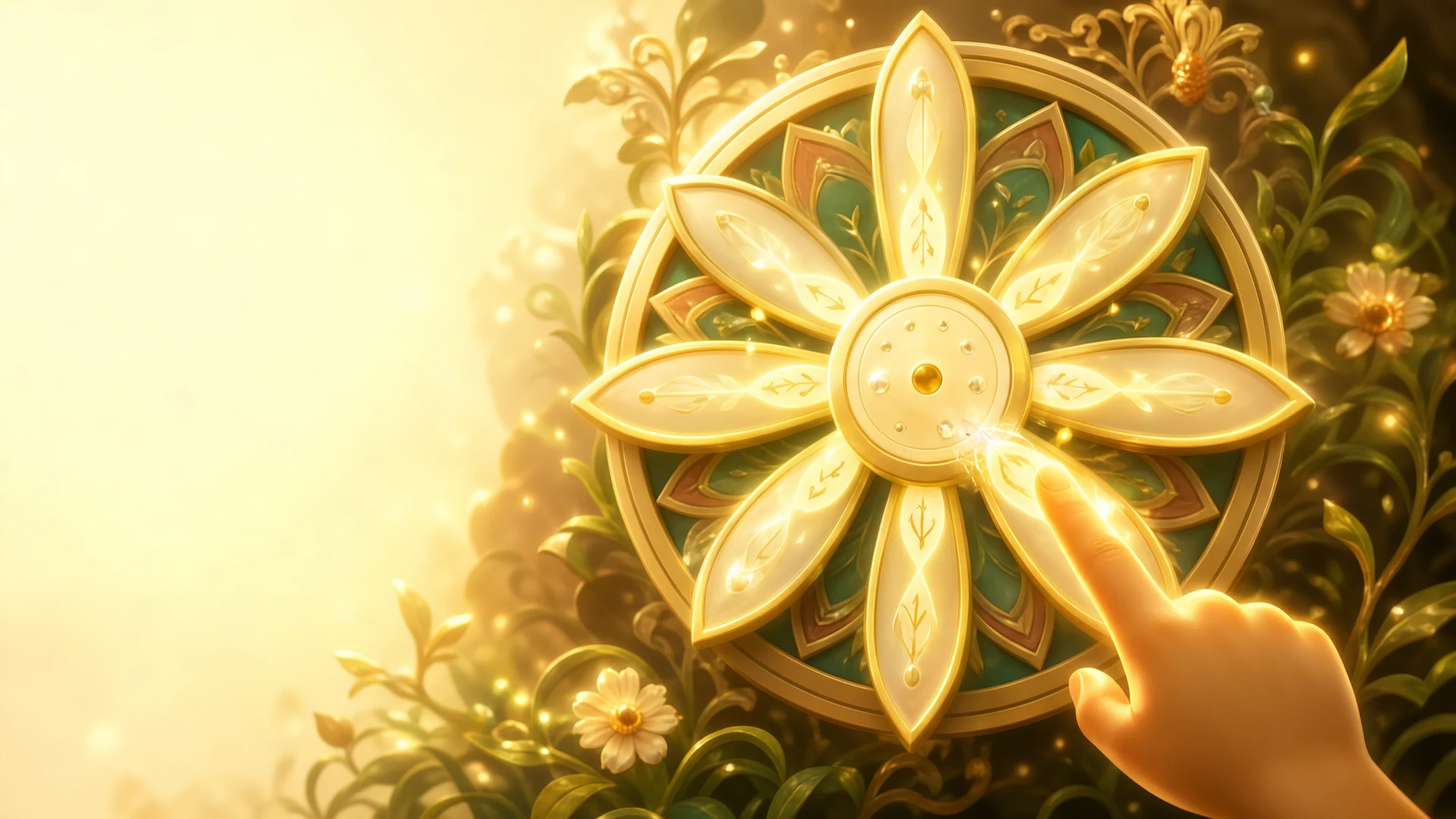
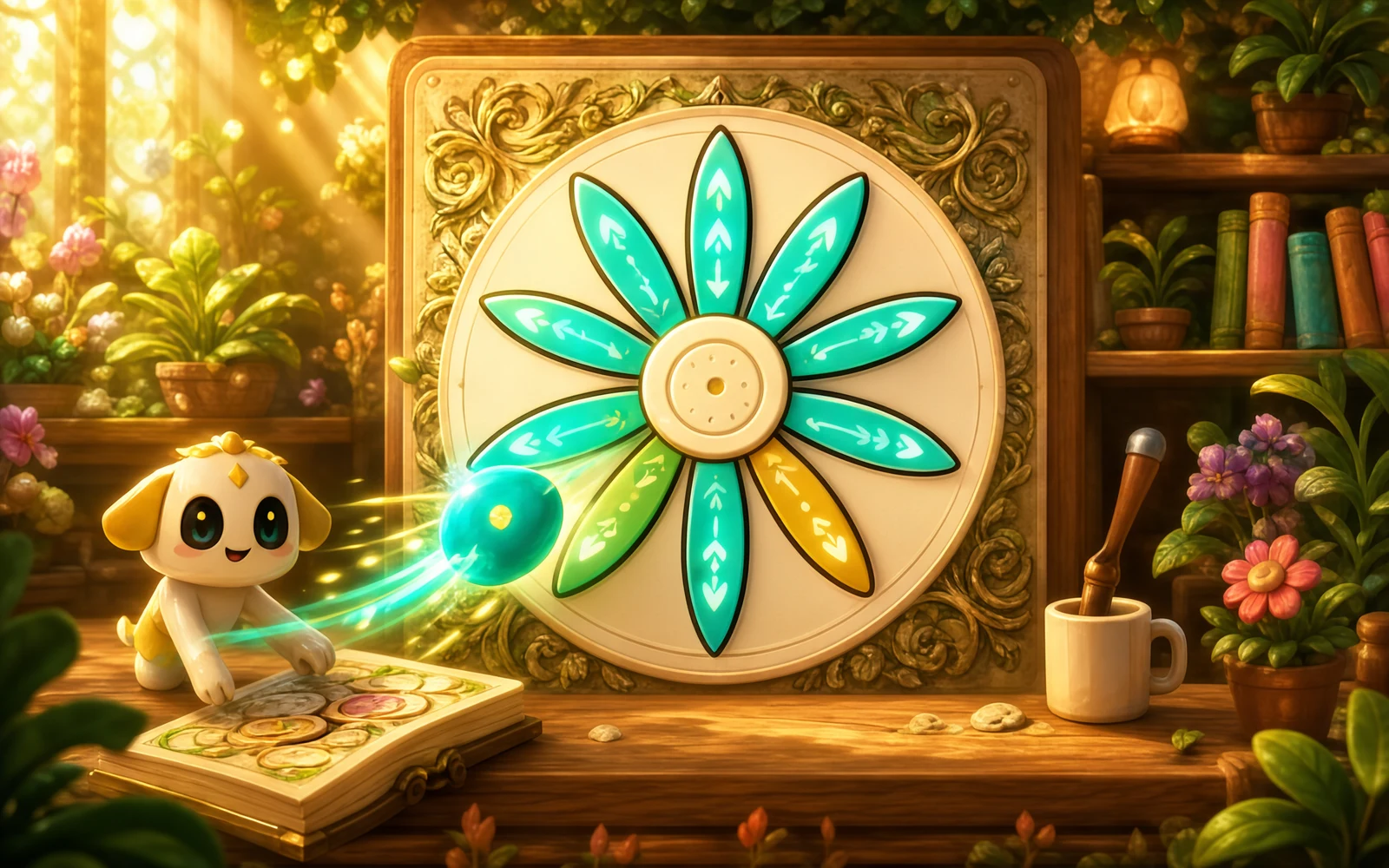
Pattern Painter is a calm coloring game built around mandalas. Choose a swatch from the six-color palette, then tap a petal or the center to fill it. There is no timer, score or failure: you repaint anything whenever you like. Finishing a mandala unlocks new designs and brush textures, so each page gives you something new to try.

Updated

Key facts

Genre
Casual
Players
1 (single player)
Session length
Under 5 min
Platform
Web browser
Devices
Desktop, Tablet, Mobile
Price
Free
Sign-up
Not required

Preview

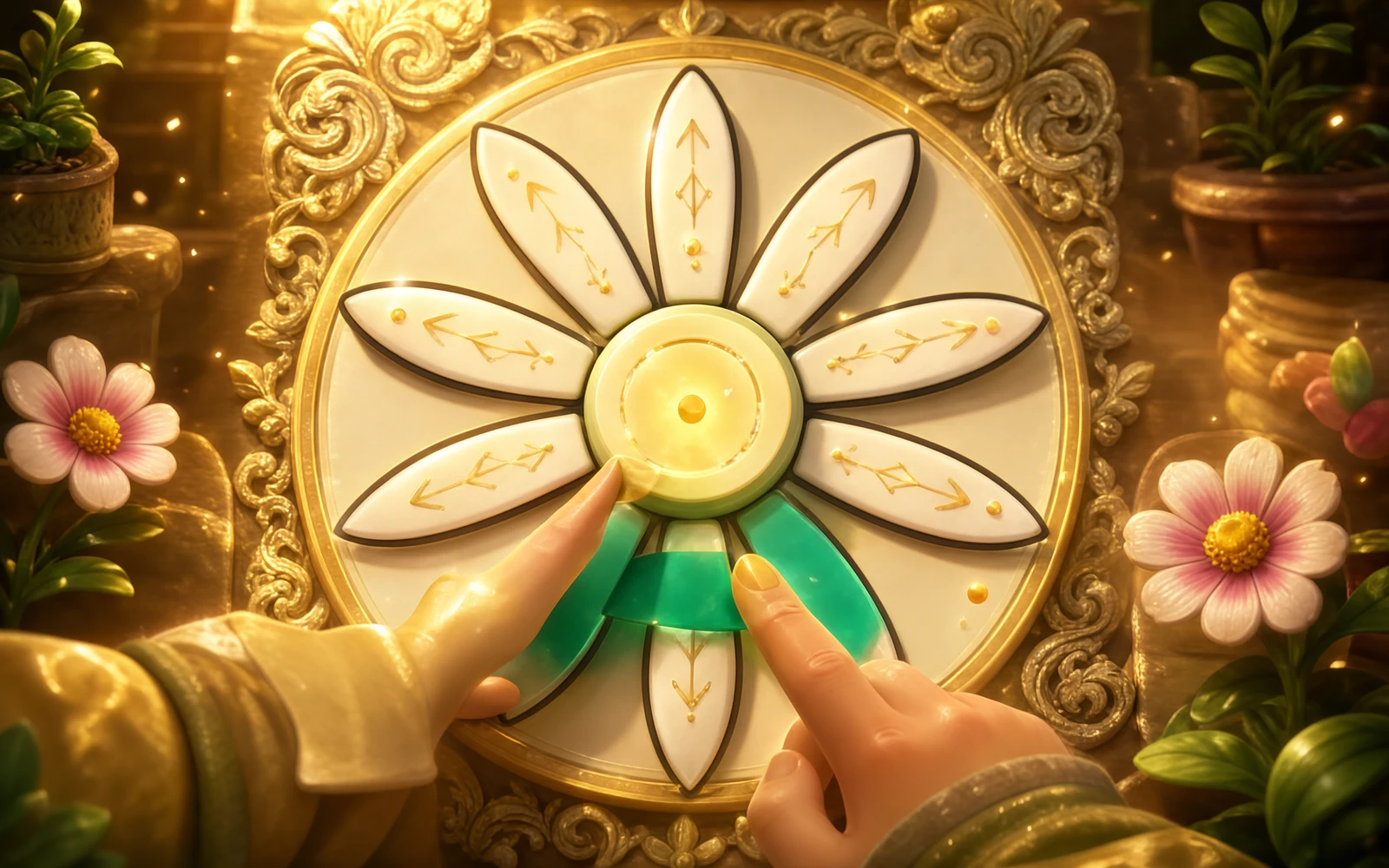
Pattern Painter - Screenshot 1Screenshot 1
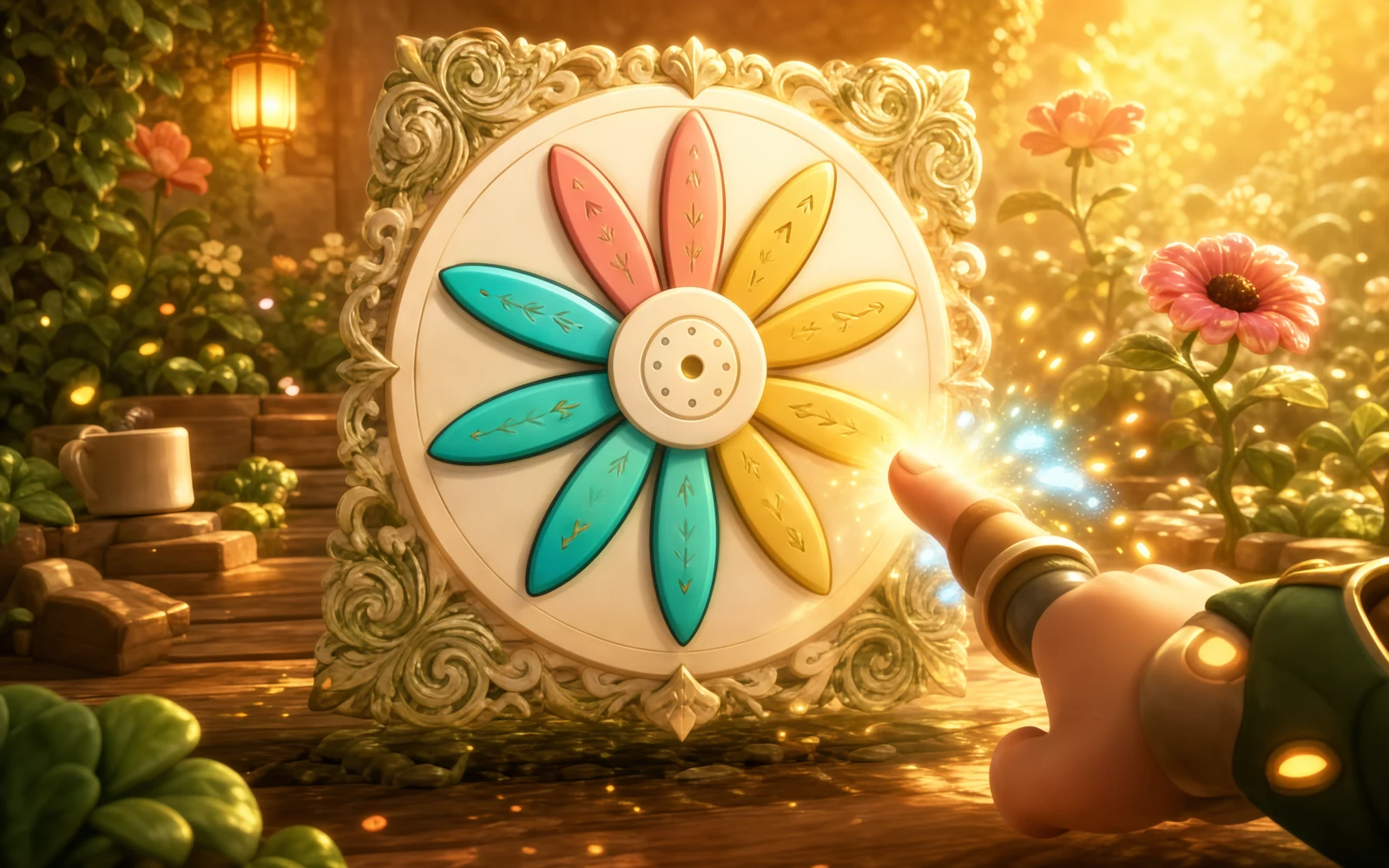
Pattern Painter - Screenshot 2Screenshot 2
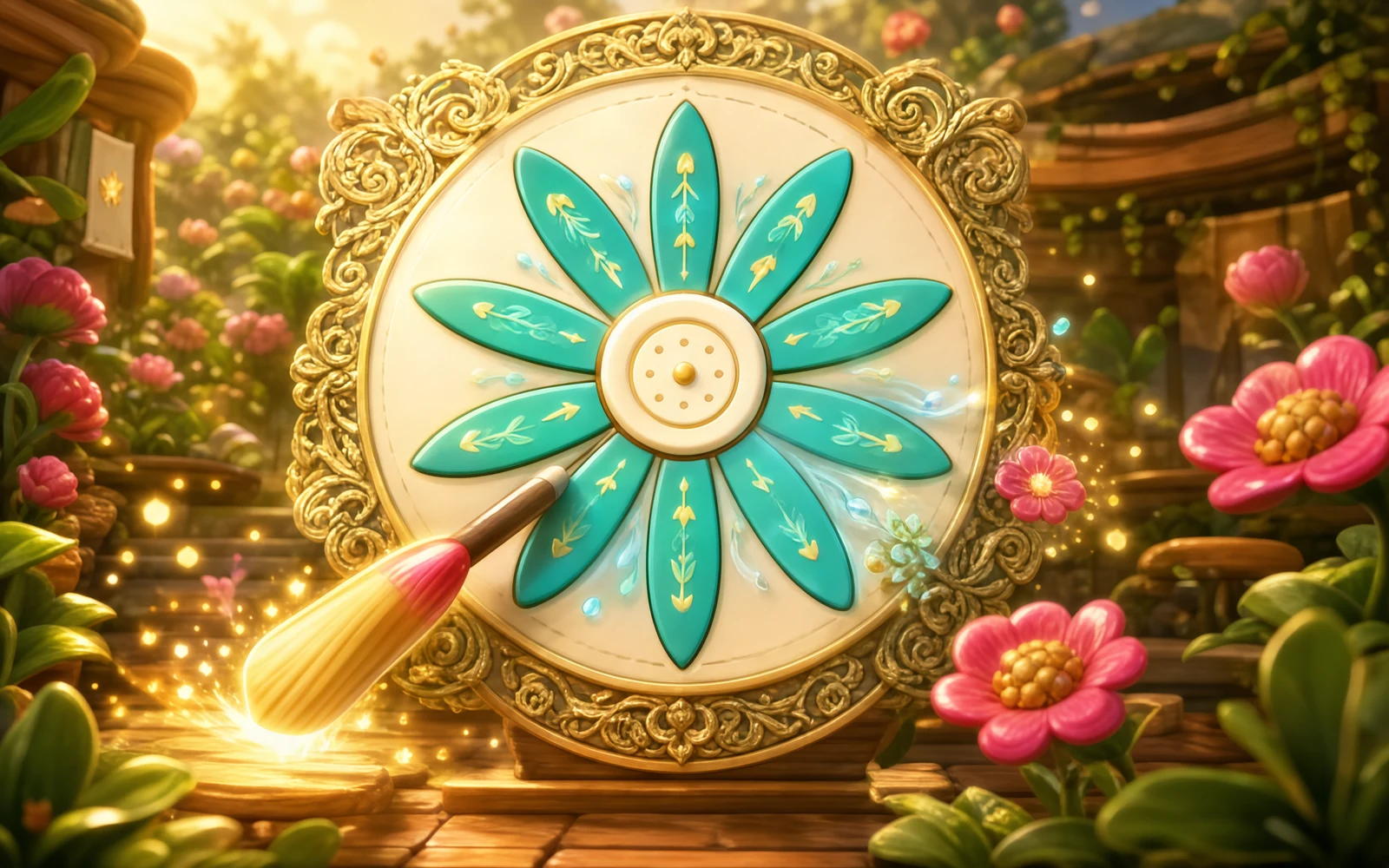
Pattern Painter - Screenshot 3Screenshot 3
Pattern Painter - Screenshot 4Screenshot 4

Tags

Browse more games with the same tags

Publisher

CyberPixel Labs
@cyberpixel_labs

Modern 3D and 2D pixel art fusion games engineered for instant fun.

10Games
0Followers
5.5KPlays

This game is owned, managed and distributed by its creator. ZuZi.dev hosts and moderates it but does not edit it.

View profile

How to color a mandala

  1. Pick one of the six palette colors.
  2. Tap or click a petal, or the center, to fill it. Tapping a region again repaints it.
  3. Paint every petal and the center to complete the design and hear a chime.
  4. Open the design shelf to move to another mandala once it is unlocked.
  5. Use Undo, Redo or Reset page to change your mind.

Controls

Tap or click a swatch
Choose a color
Keys 1 to 6
Choose the matching palette color
Tap or click a petal or the center
Paint that region
Ctrl or Cmd plus Z
Undo the last paint
Ctrl or Cmd plus Y, or Ctrl or Cmd plus Shift plus Z
Redo
Reset page button
Clear the current mandala

Designs and brushes

  • Three mandalas: Lotus Bloom with 8 petals, Sunwheel with 10 and Moonflower with 12. Each has a colorable center.
  • Sunwheel opens after you complete one design, and Moonflower after two.
  • Four brush textures: Velvet from the start, Pollen Dot after painting six petals in the same color, Silk Hatch after one completed design and Gilt Edge after three.
  • The six palette colors are Teal, Rose, Cobalt, Saffron, Lavender and Jade.
  • Your finished designs and unlocked brushes are saved in your browser.

Tips

  • To unlock Pollen Dot early, paint six petals in the same color in one mandala.
  • Try one color for the center and alternating colors on the petals; it reads clearly against the paper.
  • Switch brushes between rings of petals to see how each texture changes the same color.
  • Nothing is final: tap a region again with a different color or use Undo.

What to play next

Pajama Stylist — This game is a calm dress-up studio.

Bead Atelier — This game is a relaxed jewelry-making toy with no timer and no way to lose.

Jeep Shine — This game is a relaxed cleaning toy.

Pattern Painter FAQ

Is there a goal or timer?

No. You paint at your own pace. Completing a design, which means every petal and the center, unlocks further designs and brushes.

How do I unlock new brushes?

Pollen Dot needs six petals in the same color, Silk Hatch needs one completed mandala and Gilt Edge needs three.

How do I unlock Sunwheel and Moonflower?

Complete one mandala to open Sunwheel and two to open Moonflower.

Can I undo a mistake?

Yes. Use the Undo and Redo buttons, or press Ctrl or Cmd plus Z. You can also paint over any region.

Does the game save my work?

Yes. Completed designs, unlocked brushes and your artwork are saved in the browser on your device.

Report a problem with this game

Pattern Painter

What's wrong?
0/1000