Skip to content
Bead Atelier
Casual

Bead Atelier

Published byDragonfly Games181 playsQuick play
Free · Runs in your browser · No sign-up
Quick answer

What is Bead Atelier?

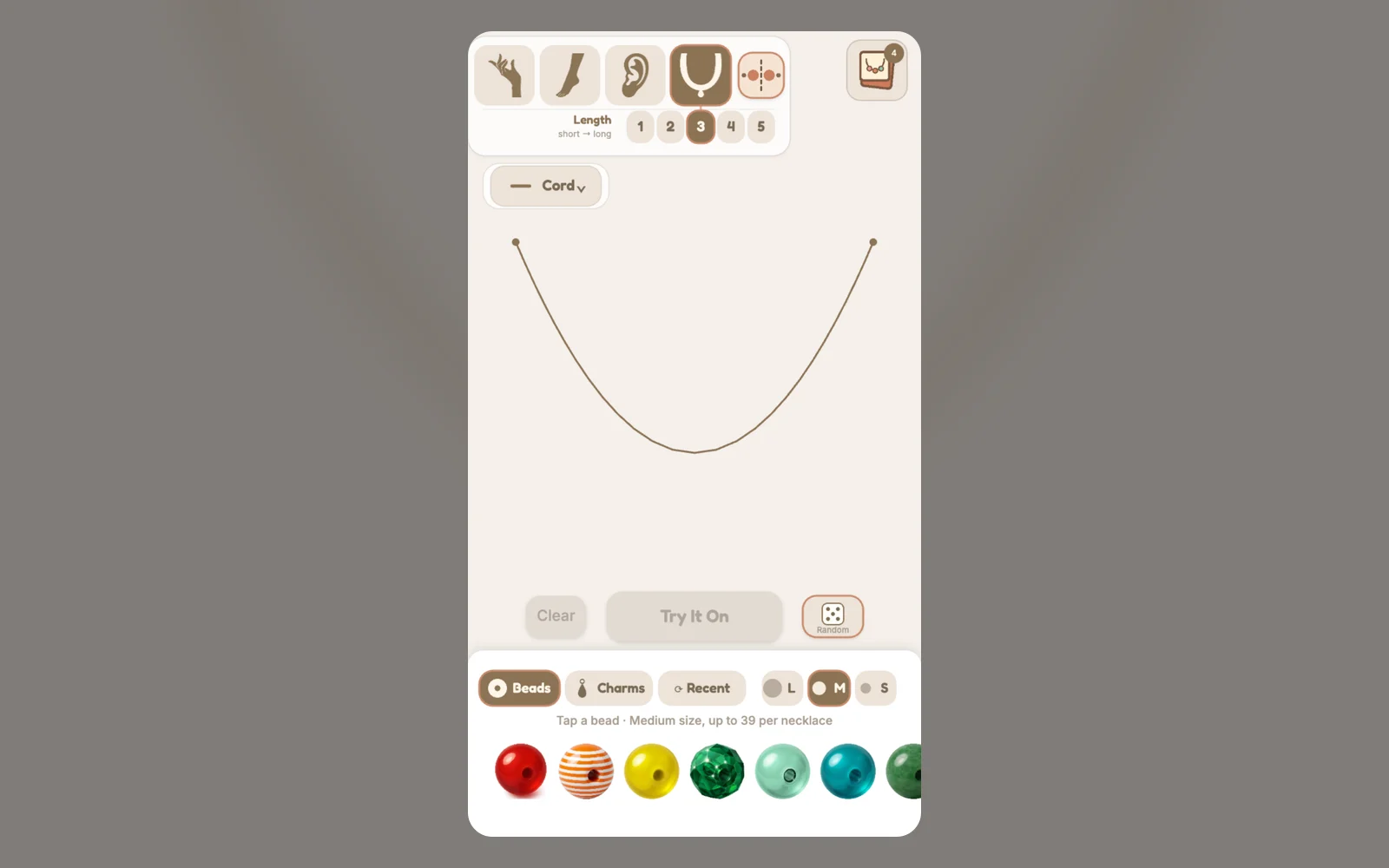
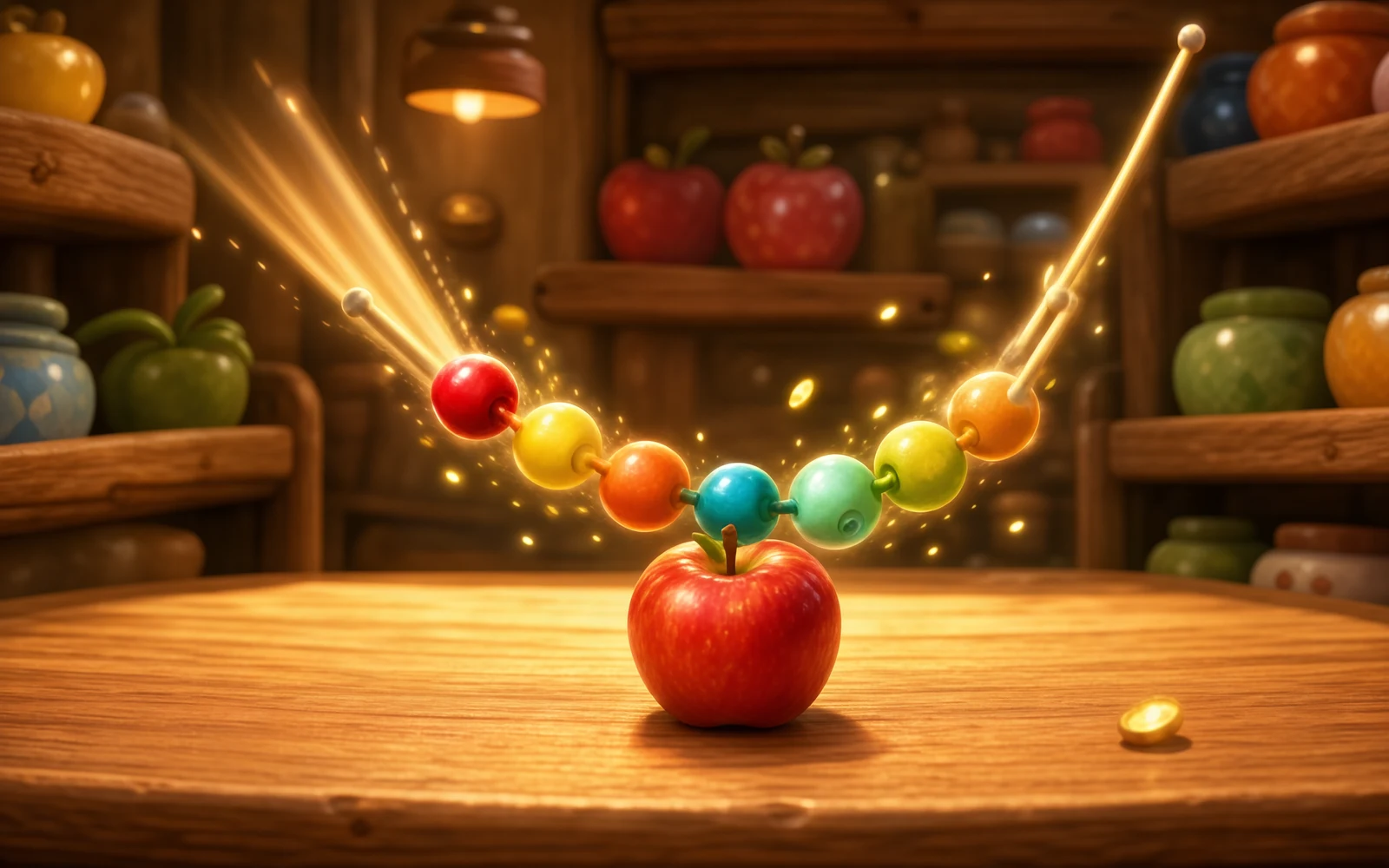
Bead Atelier is a relaxed jewelry-making toy with no timer and no way to lose. Pick a piece to make, tap beads or charms from the tray to string them onto the cord, then try the finished design on a hand, foot, ear or neck model. You can spin the piece to admire it and save it to My Collection.

Updated

Key facts

Genre
Casual
Players
1 (single player)
Session length
Under 5 min
Platform
Web browser
Devices
Desktop, Tablet, Mobile
Price
Free
Sign-up
Not required

Preview

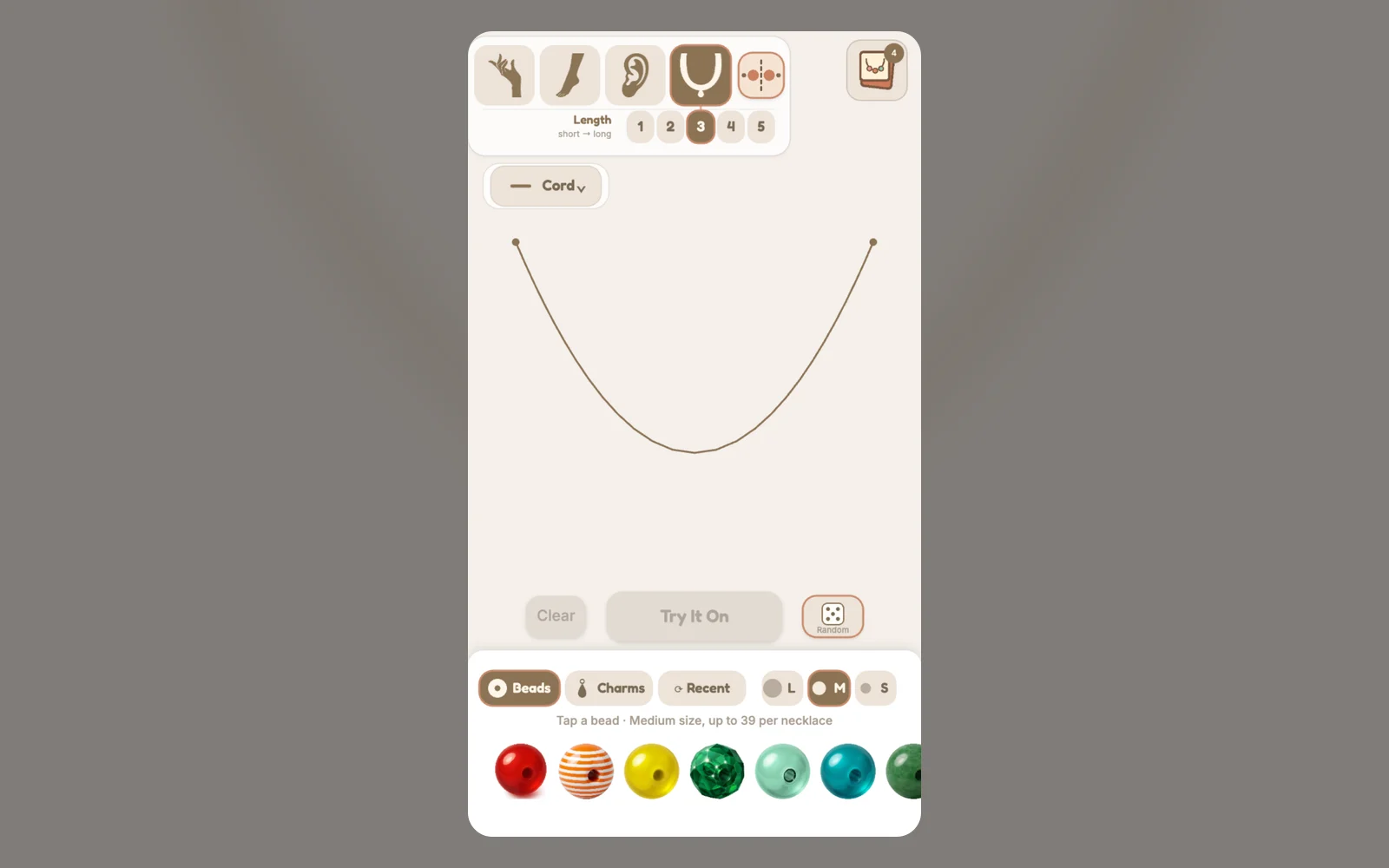
Bead Atelier - Screenshot 1Screenshot 1
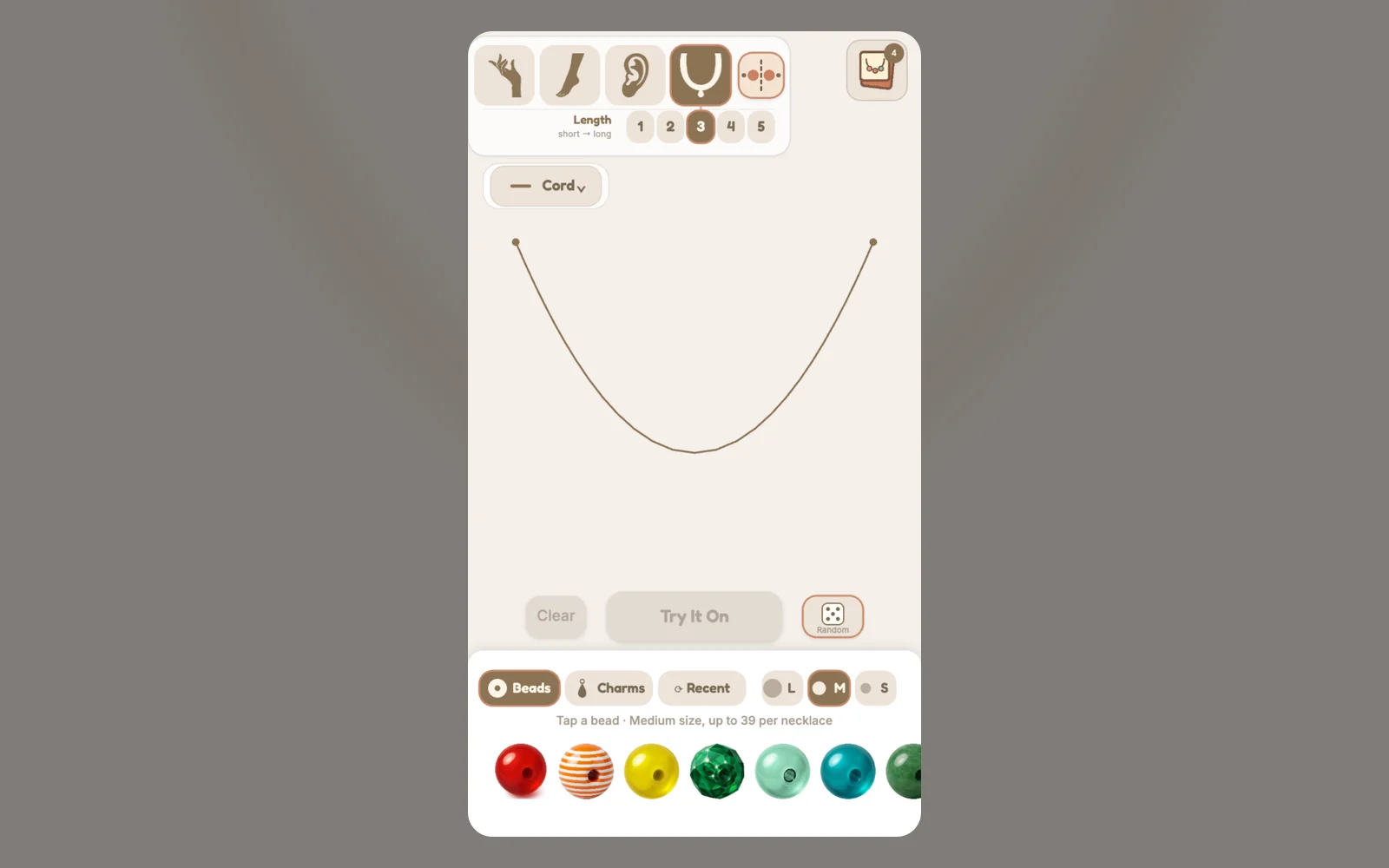
Bead Atelier - Screenshot 2Screenshot 2
Bead Atelier - Screenshot 3Screenshot 3
Bead Atelier - Screenshot 4Screenshot 4

Tags

Browse more games with the same tags

Publisher

Dragonfly Games
@dragonfly_games

Tiny creatures, gigantic worlds. Micro-adventures and cozy nature simulators.

13Games
0Followers
6.2KPlays

This game is owned, managed and distributed by its creator. ZuZi.dev hosts and moderates it but does not edit it.
View profile

How to make a piece

  1. Choose what to make at the top: Bracelet, Anklet, Earring or Necklace.
  2. Tap a bead in the tray to send it onto the cord. Switch the tray between Beads, Charms and Recent to find other materials.
  3. Pick a bead size (Large, Medium or Small); the tray hint shows how many of that size fit on the cord.
  4. When the cord is full or you are happy with the pattern, press Try It On to see the piece worn on a model.
  5. Press Save to add the design to My Collection, or Take It Off to go back to making.

Controls

Tap or click a bead or charm
String it onto the cord
Drag the tray sideways
Scroll through the materials
Tap the piece at either end of the cord
Take it off again
Drag while the piece is worn
Spin the bracelet or anklet, turn the necklace, or swing an earring
Random, Clear, Mirror, Spread / Together
Build a random design, empty the cord, add pieces to both sides at once, or pack the beads together or space them around the loop
Hide UI
Show only the jewelry for a clean view; tap anywhere to bring the controls back

What you can customize

  • More than 40 beads in glass, stone, pearl, metal, wood, ceramic and gem finishes, plus tube, disc and gem-set shapes.
  • Dangling charms such as feathers, stars, hearts, butterflies and larger jeweled pendants that swing as you spin the piece.
  • The cord itself: two colors, an optional braid and three thickness levels.
  • Several models and poses for each piece, and adjustable earring pin length and necklace length.
  • A My Collection gallery that keeps up to 60 saved designs on this device.

Tips

  • Mirror stacking is on by default for bracelets, anklets and necklaces, so the first bead lands in the middle and each tap adds a matching piece to both sides. Turn it off to build from one end.
  • Earrings take a single charm, and it has to be the first piece you add so it hangs at the bottom of the pin.
  • Smaller beads let you fit more on the cord, which helps when you want a detailed pattern.
  • If you shorten the cord or pin, pieces that no longer fit slide off, so adjust the length before you finish a design.
  • Save before you press Clear: saving a design empties the cord for the next one.

What to play next

Pattern Painter — This game is a calm coloring game built around mandalas.

Pajama Stylist — This game is a calm dress-up studio.

Bead Atelier FAQ

Can I lose or fail in Bead Atelier?

No. There is no timer, score or fail state. The only limit is how many pieces fit on the cord.

What can I make?

Bracelets, anklets, earrings and necklaces. Each has its own cord length and its own models to try the piece on.

Why can't I add another bead?

The cord is full at the selected size. Choose a smaller size, remove a piece from either end, or press Try It On to finish the design.

How do I remove a bead I already placed?

Tap a piece at either end of the cord. Pieces in the middle stay put, and on an earring only the top piece comes off.

Where are my saved designs?

Saved designs appear in My Collection and are stored in this browser on your device, up to 60 at a time.

Report a problem with this game

Bead Atelier

What's wrong?
0/1000