Skip to content
Counter Fire
Action

Counter Fire

Published byNeon Pulse Studios218 playsQuick play
Free · Runs in your browser · No sign-up
Quick answer

What is Counter Fire?

Counter Fire is a first-person shooter with a gun view, crosshair and health and ammo display. On touch screens, use the movement control and swipe to adjust your view; the screen provides fire, aim and reload controls. On desktop, move with WASD, aim with the mouse and fire with the left button. The game includes opposing soldiers, weapons and match results, with objectives that vary by mode.

Updated

Key facts

Genre
Action
Players
1 (single player)
Session length
Under 5 min
Platform
Web browser
Devices
Desktop, Tablet, Mobile
Price
Free
Sign-up
Not required

Preview

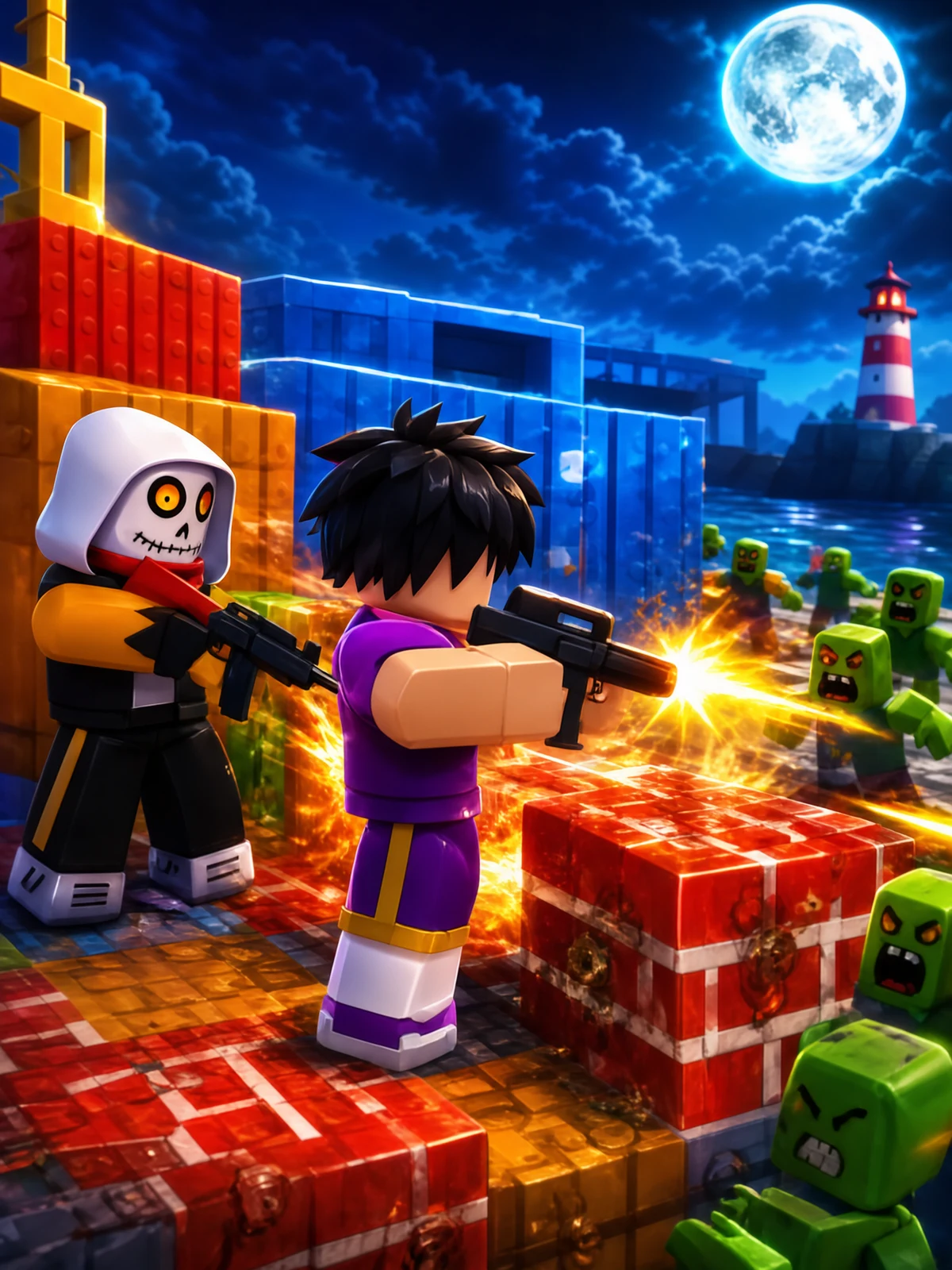
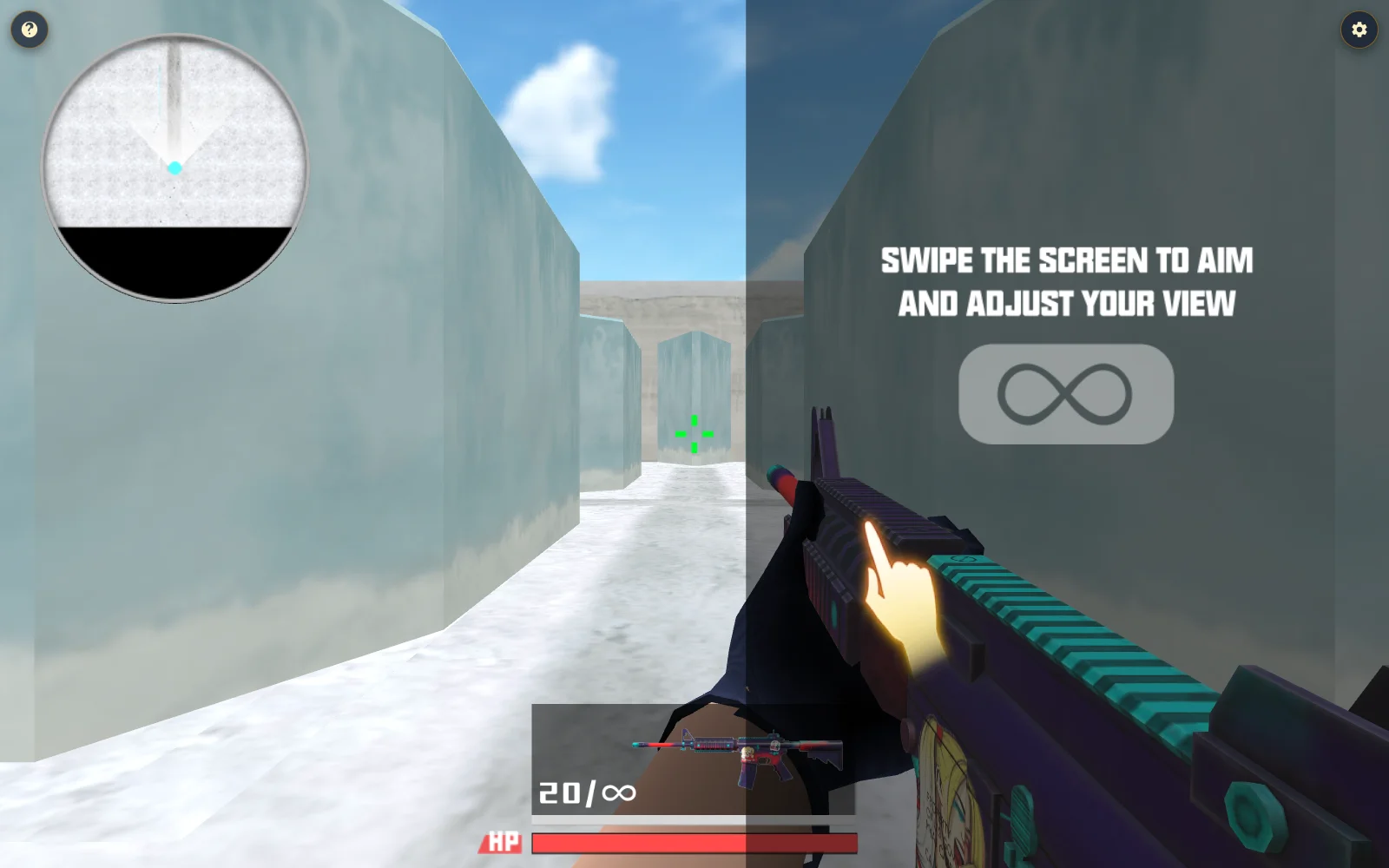
Counter Fire - Screenshot 1Screenshot 1
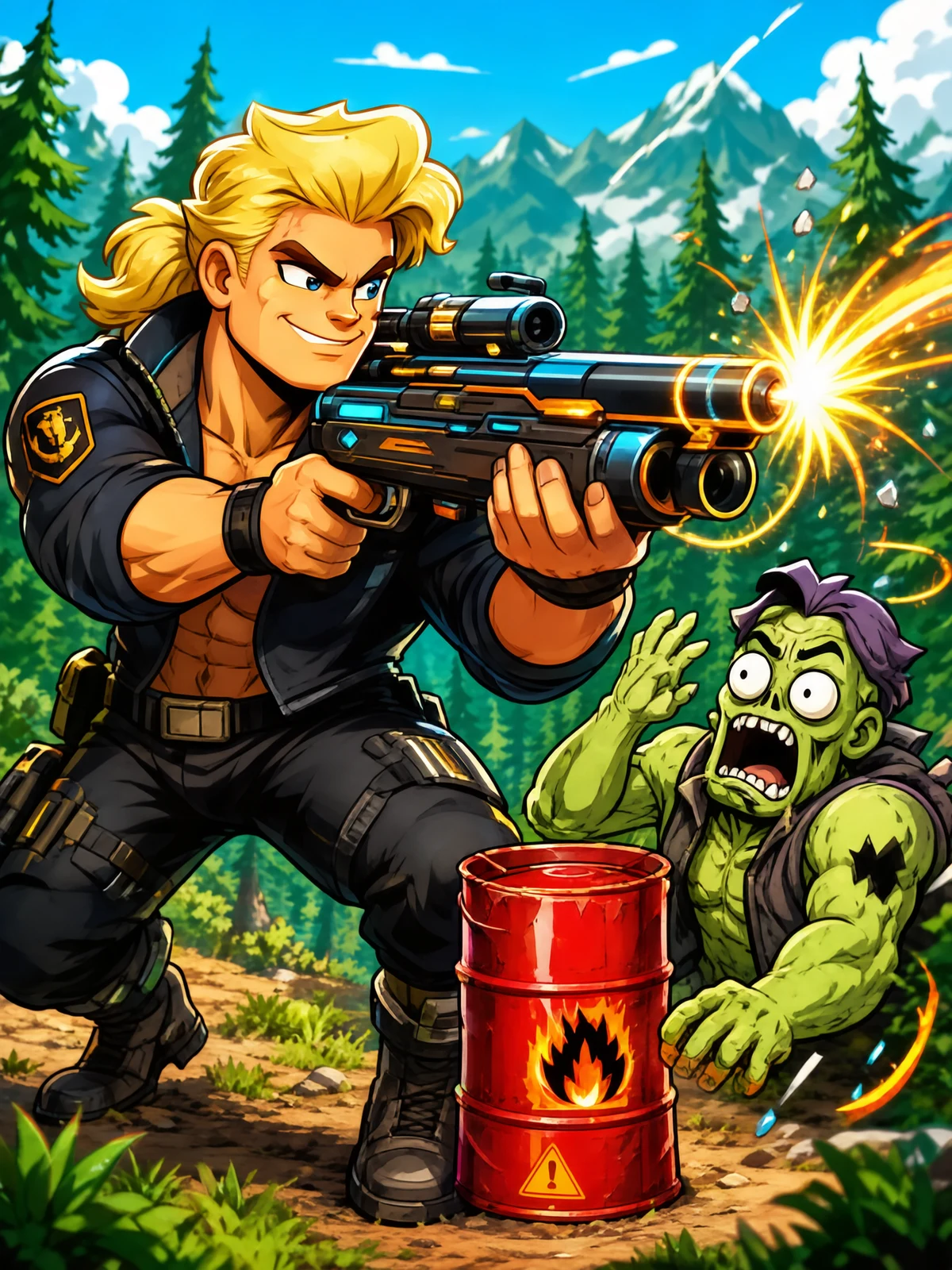
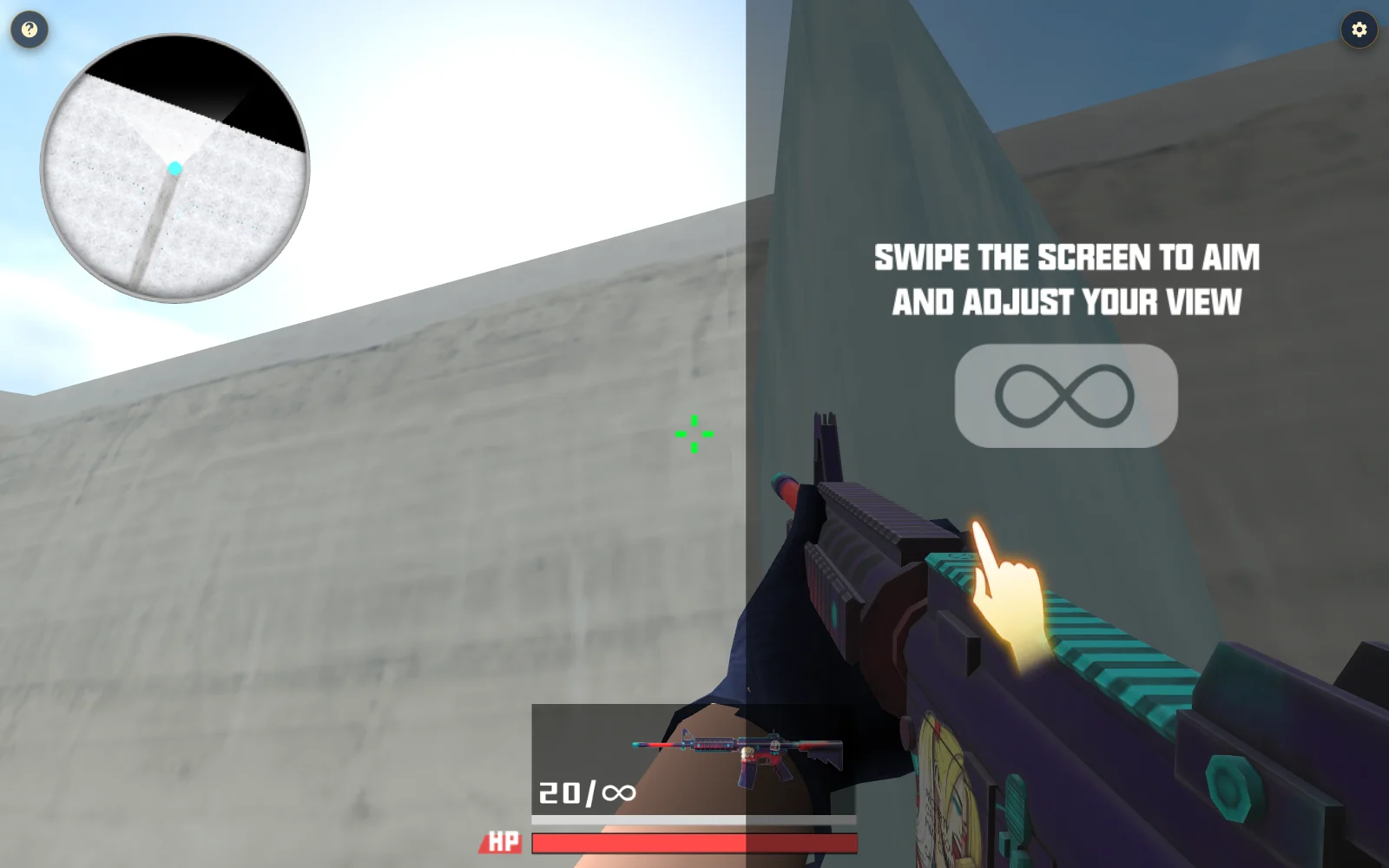
Counter Fire - Screenshot 2Screenshot 2
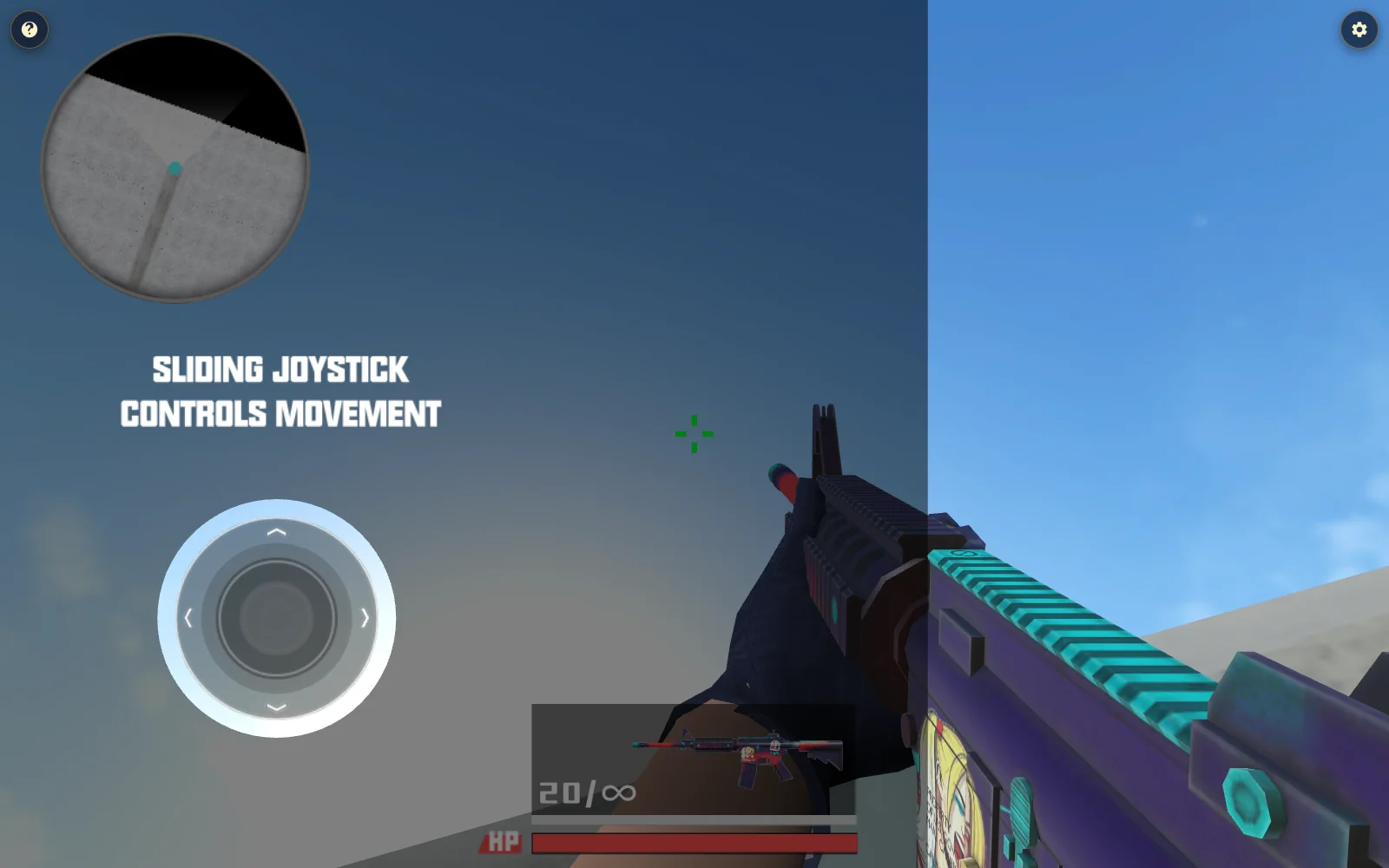
Counter Fire - Screenshot 3Screenshot 3
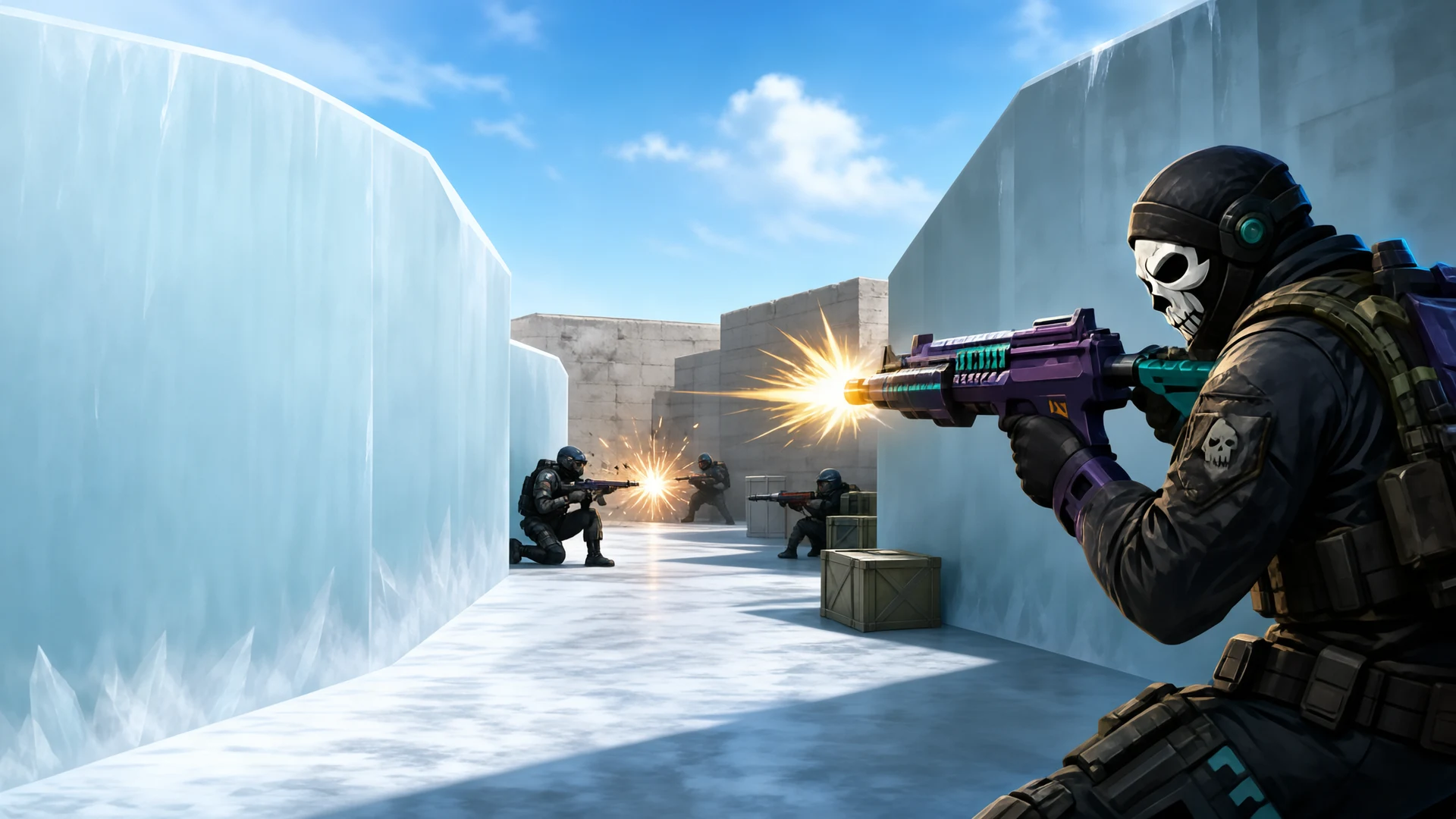
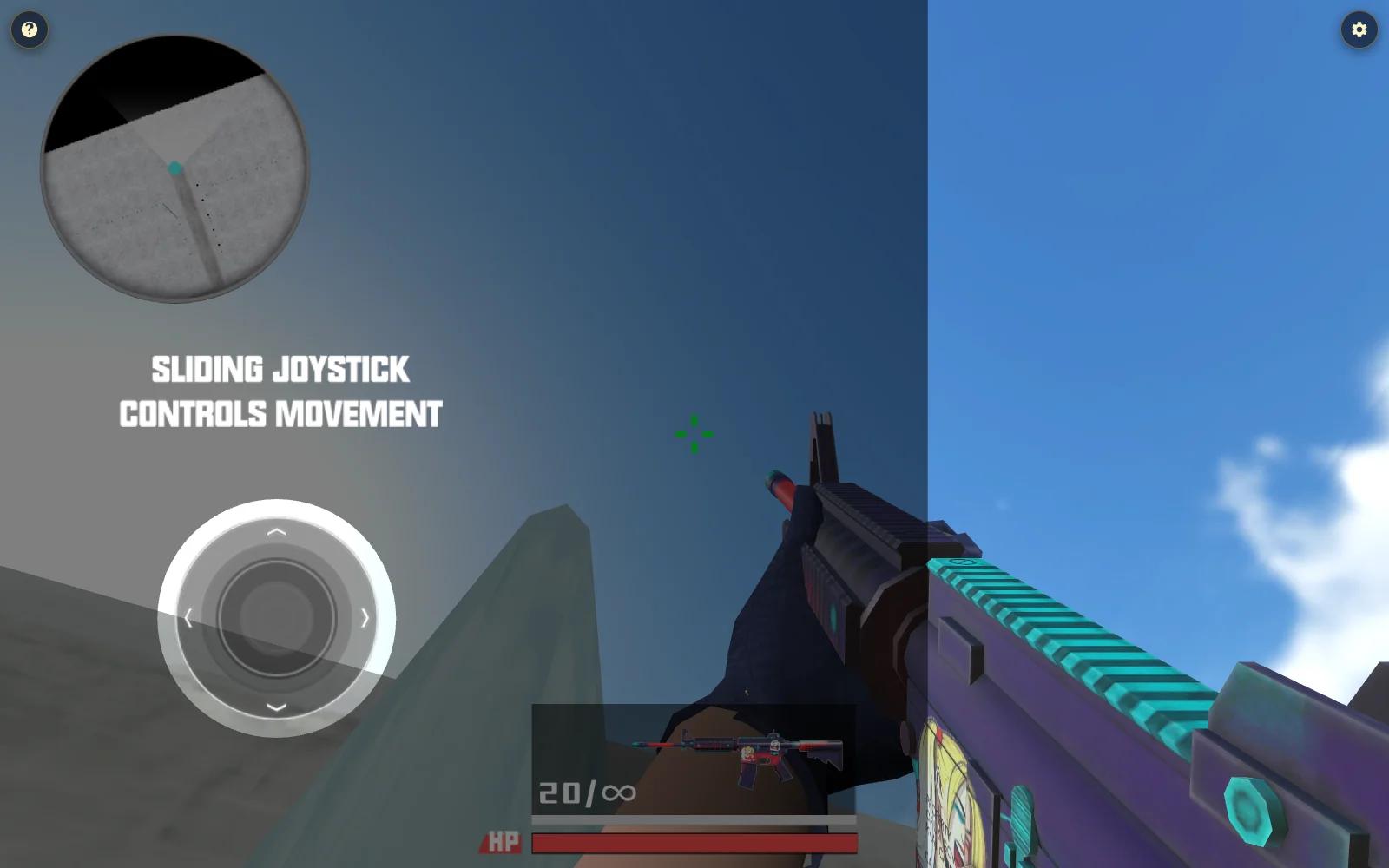
Counter Fire - Screenshot 4Screenshot 4

Publisher

Neon Pulse StudiosVerified creator
@neon_pulse

Synthwave aesthetics, rhythm precision, and blisteringly fast action.

13Games
0Followers
6.1KPlays

This game is owned, managed and distributed by its creator. ZuZi.dev hosts and moderates it but does not edit it.
View profile

More by Neon Pulse Studios

View all (13)

Getting into a match

  1. Follow the opening aiming guide, then move through the map while turning the view toward opponents. The crosshair shows where you are aiming.
  2. Watch the health and ammunition displays. Fire when a target is in view; reload when the current magazine is low rather than running dry in front of an opponent.
  3. Use available movement and aiming controls to change position. The game also exposes an auto-fire option, so check its current state instead of assuming every shot is automatic.
  4. After a round, review the result and available weapon or reward screens before starting another match. The exact win condition depends on the chosen mode.

Controls

Touch joystick and screen swipe
Move and turn the view
On-screen Fire, Aim and Reload
Shoot, aim or reload on touch
WASD and mouse movement
Move and aim on desktop
Left mouse button; R
Fire; reload
E; Space; C
Change weapon; jump; crouch
P
Open game options

Read the HUD

  • Check ammo before engaging across a long corridor; a reload leaves a gap in your fire.
  • Move your view deliberately while using cover or a wall to break line of sight. Health and the team display help you judge whether to push forward.
  • Weapons and upgrades exist, but inspect the in-game screen for their current cost or availability; these can depend on progress.

Counter Fire FAQ

Is Counter Fire first-person or top-down?

The playable view is first-person, with a crosshair and visible weapon.

Does it fire automatically?

The game provides manual fire controls and an auto-fire option. Check the toggle in the current match.

How do I aim on a phone?

Swipe the aiming area to turn the camera; use the on-screen movement and action controls.

What ends a match?

The game has modes and round results. Follow the active mode’s score and timer display rather than assuming a fixed wave count.

Can I change weapons?

The game includes weapon selection and upgrade screens; on desktop E changes the equipped weapon during play.

Report a problem with this game

Counter Fire

What's wrong?
0/1000