About Counter Fire
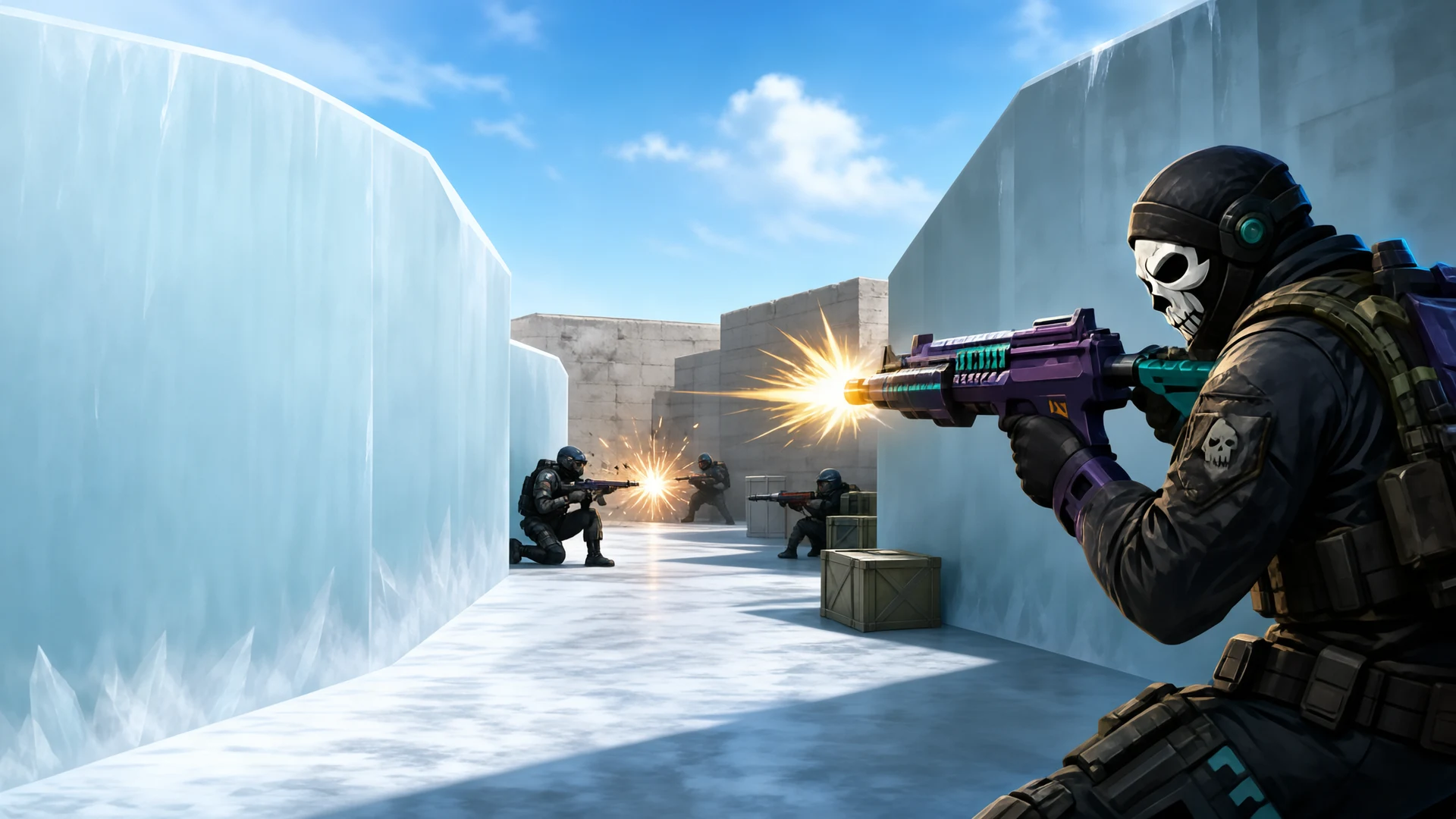
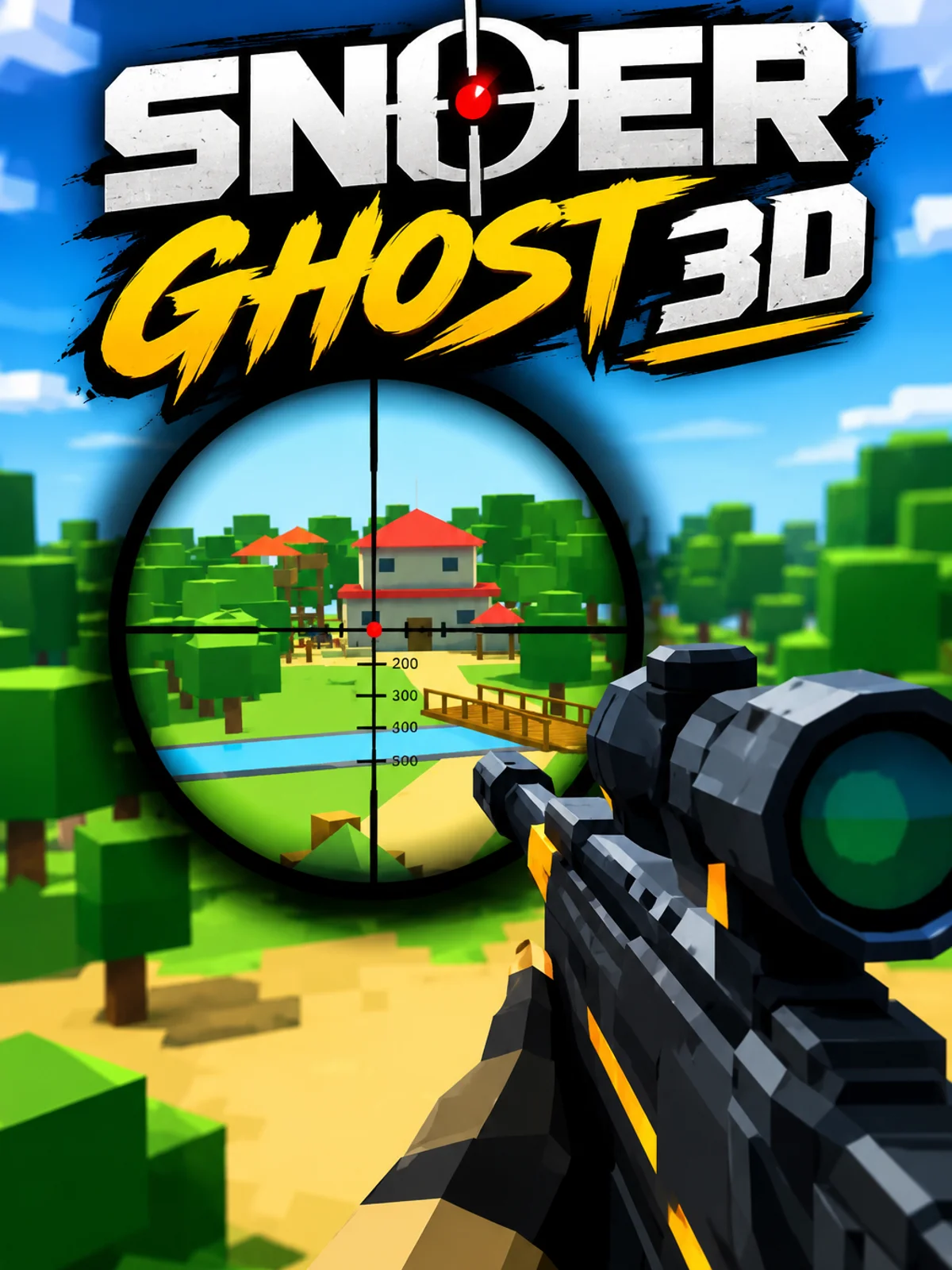
Counter Fire is a first-person shooter with a gun view, crosshair and health and ammo display. On touch screens, use the movement control and swipe to adjust your view; the screen provides fire, aim and reload controls. On desktop, move with WASD, aim with the mouse and fire with the left button. The game includes opposing soldiers, weapons and match results, with objectives that vary by mode.
categoryActionplay_circle218 plays
Game details, tips & FAQarrow_forwardHow to play
Follow the opening aiming guide, then move through the map while turning the view toward opponents. The crosshair shows where you are aiming. Watch the health and ammunition displays. Fire when a target is in view; reload when the current magazine is low rather than running dry in front of an opponent. Use available movement and aiming controls to change position. The game also exposes an auto-fire option, so check its current state instead of assuming every shot is automatic. After a round, review the result and available weapon or reward screens before starting another match. The exact win condition depends on the chosen mode.
Touch joystick and screen swipeMove and turn the viewOn-screen Fire, Aim and ReloadShoot, aim or reload on touchWASD and mouse movementMove and aim on desktopLeft mouse button; RFire; reloadE; Space; CChange weapon; jump; crouchPOpen game options