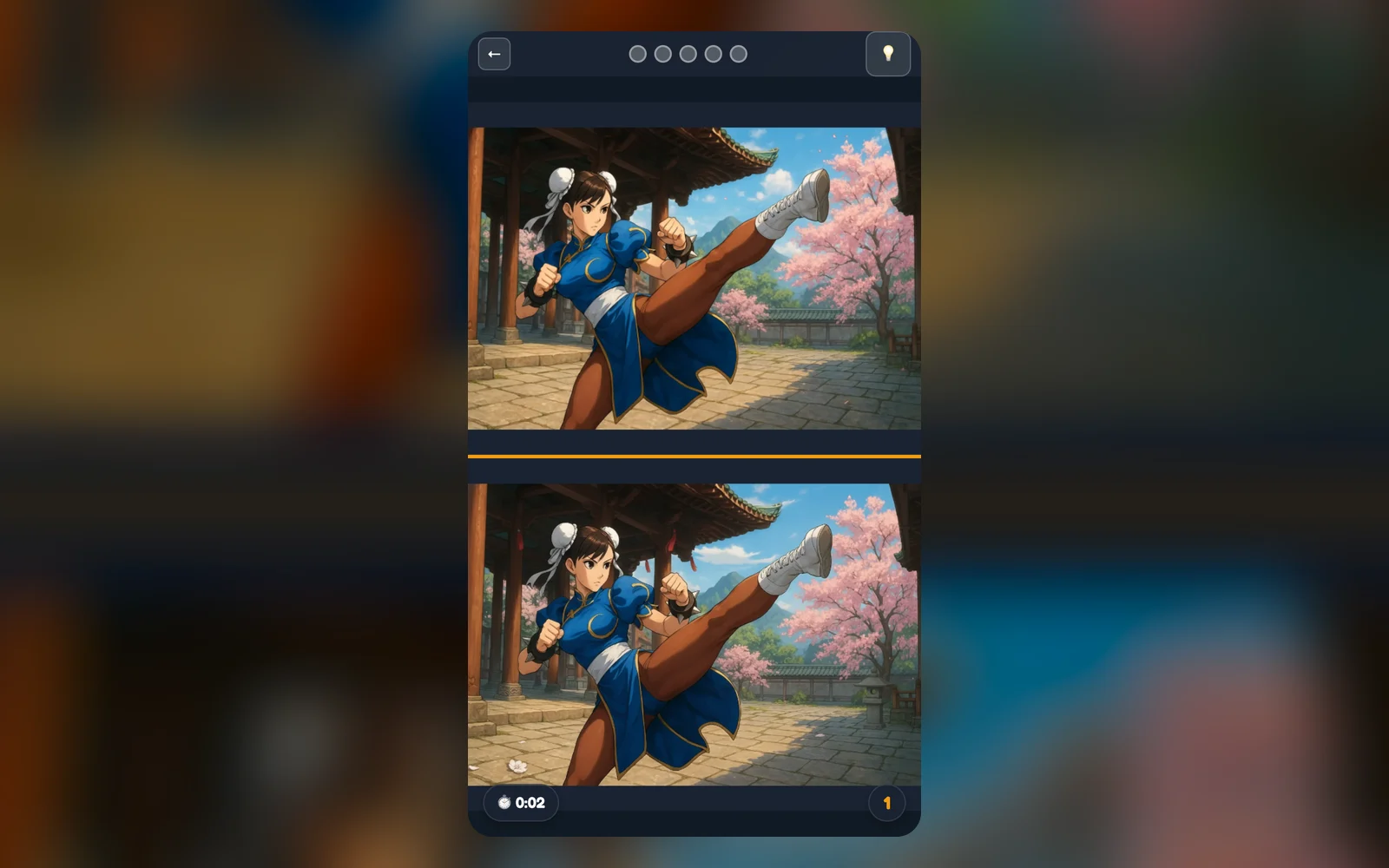
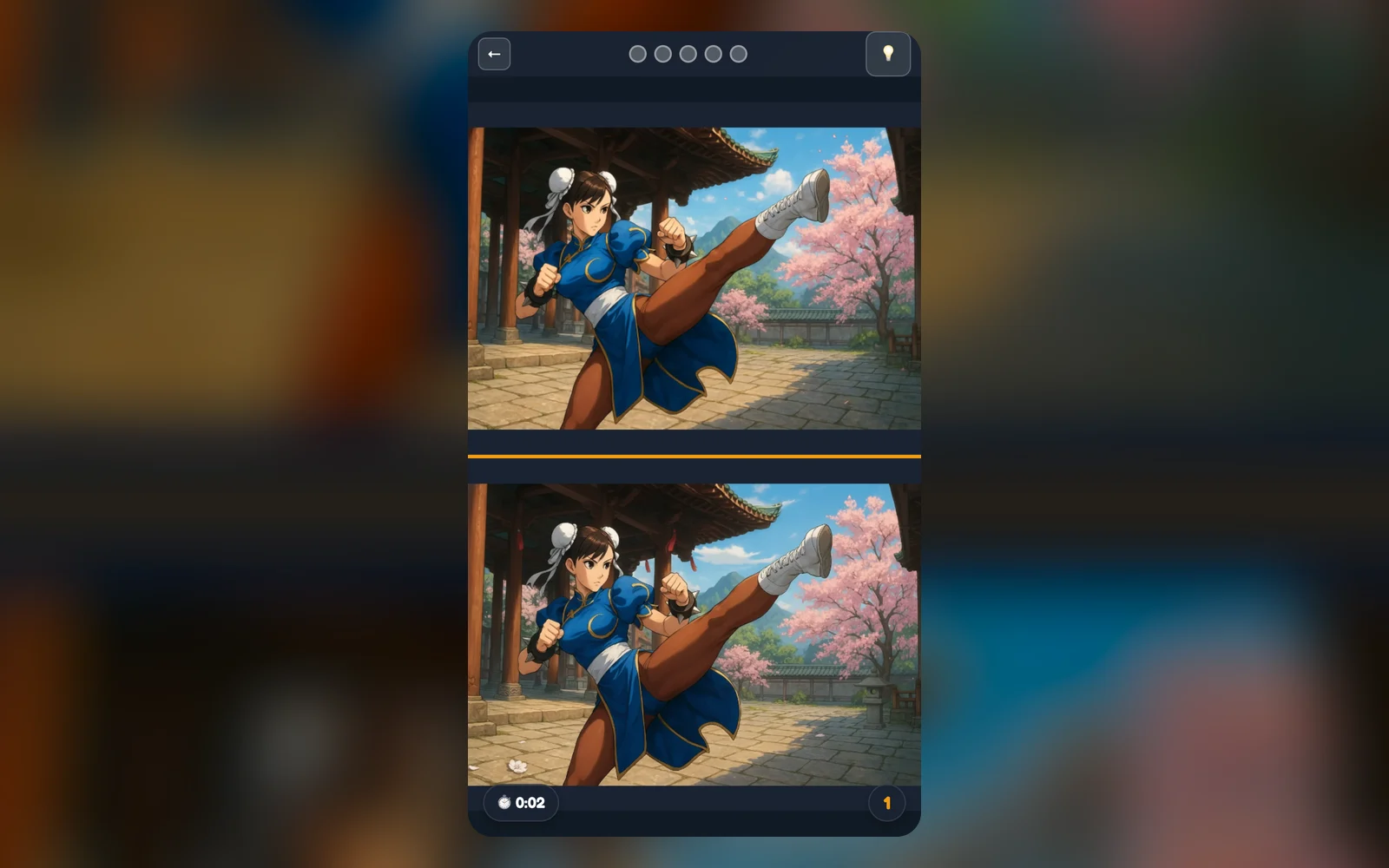
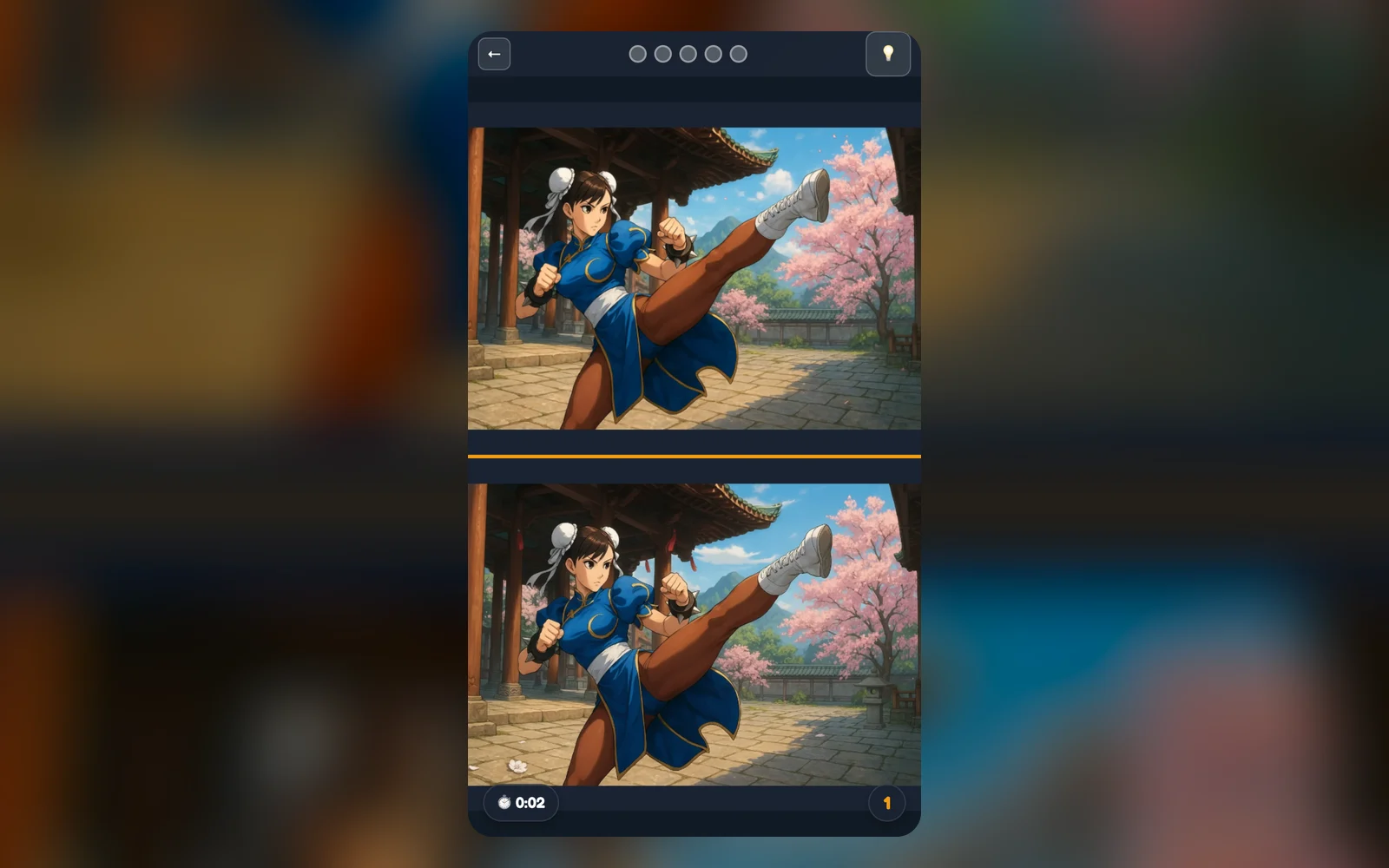
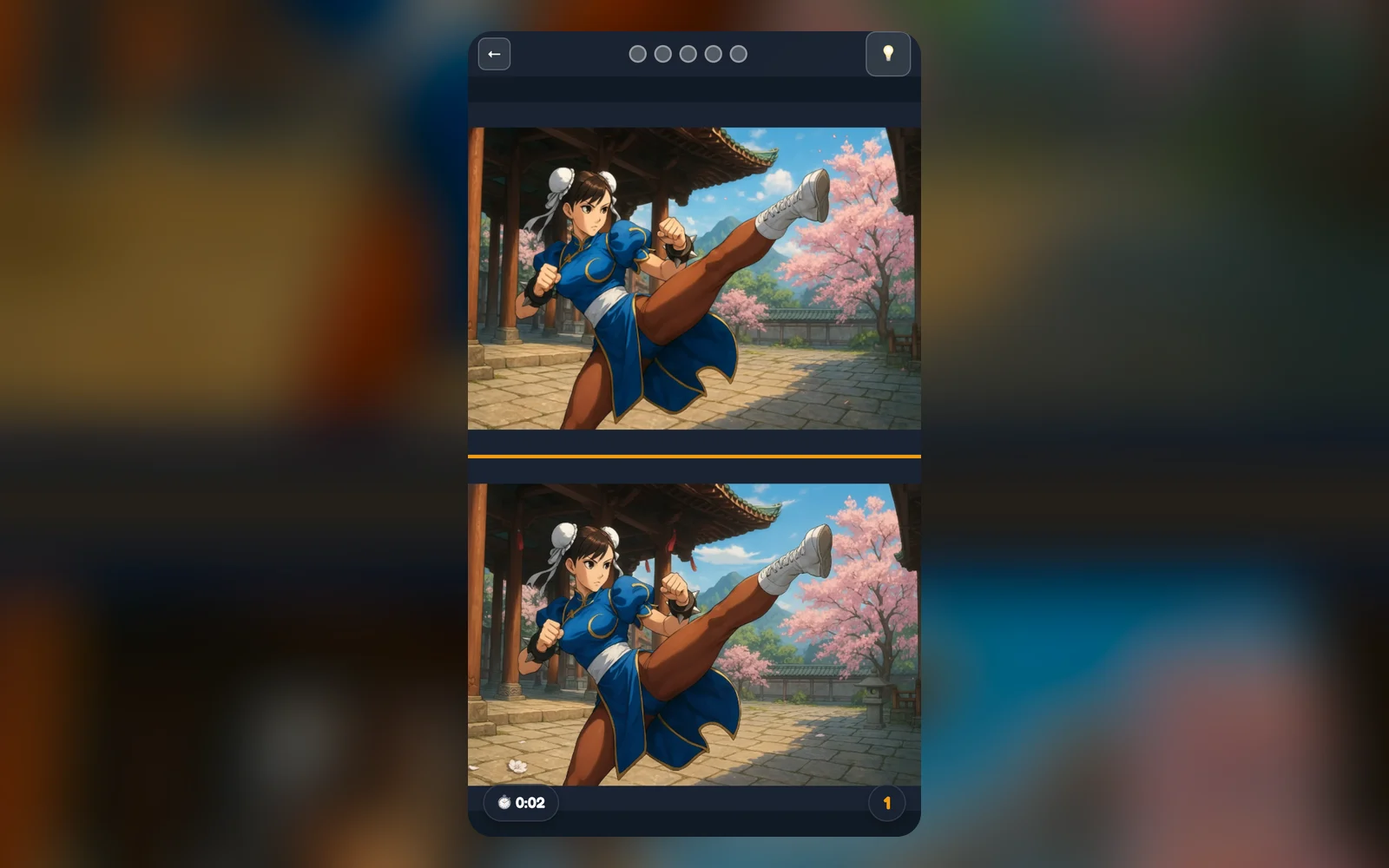
Spot The Difference For Chunli shows two versions of the same illustrated scene, one above the other. Tap the places where they differ. Each level has its own number of differences, shown on the level button, and finishing a level unlocks a piece of a final picture plus the next level. There are 16 levels in all, and a hint button can point to a difference you have not found yet.
Pick an unlocked level on the level screen. Level 1 is open at the start, and each level opens after you finish the previous one.
Compare the top and bottom pictures and tap a spot where they differ. A correct tap marks the difference on both images.
A wrong tap plays a gentle sound and shows a marker but does not end the level.
Find every difference to complete the level, unlock a puzzle piece and move on; the next level can start automatically after a short countdown.
Controls
Tap or click on a picture
Mark a difference
Hint button
Briefly highlight an unfound difference, then wait for the cooldown
Back or Back to Menu
Return to the level select screen
Next Level or Retry
Move on after a win, or try again after a loss
What is inside
16 levels in different illustrated settings, with differences that range from small to larger shapes.
A final picture that is revealed piece by piece as you finish levels; open View Puzzle Progress to see it.
A timer that counts as you play. A time limit and a penalty for wrong taps exist as options and are off by default.
A hint with a cooldown, 15 seconds by default.
Sound and music you can switch off in settings.
Spot them faster
Scan one region at a time, such as the background, then the clothing, then small props.
Compare outlines and colours rather than reading detail; many differences are an object that is missing, changed in colour or shifted.
Save the hint for the end, when only one or two differences are left.
If a tap misses, check the marker position: it helps you see which area you have already tried.
What to play next
Puppy Peekaboo — This game is a hidden-object game about finding puppies in a busy picture.
help
Spot The Difference For Chunli FAQ
How many differences are in each level?
expand_more
It changes by level. The number appears on each level button, and the counter during play shows how many you have found.
Is there a time limit?
expand_more
The game tracks your time, but a hard time limit is an optional setting that is off by default. When it is on and time runs out, you see a Time's Up screen.
Do wrong taps cost me anything?
expand_more
By default no. A time penalty for wrong taps is an optional setting that is off by default.
What are the puzzle pieces?
expand_more
Completing a level unlocks one piece of a final picture. Open View Puzzle Progress to see which pieces you have.
Is my progress saved?
expand_more
Completed levels are saved in your browser on this device. Clearing site data resets them.