Skip to content
Zen Roads
Simulation

Zen Roads

Published byEchoWave Entertainment328 playsQuick play
Free · Runs in your browser · No sign-up
Quick answer

What is Zen Roads?

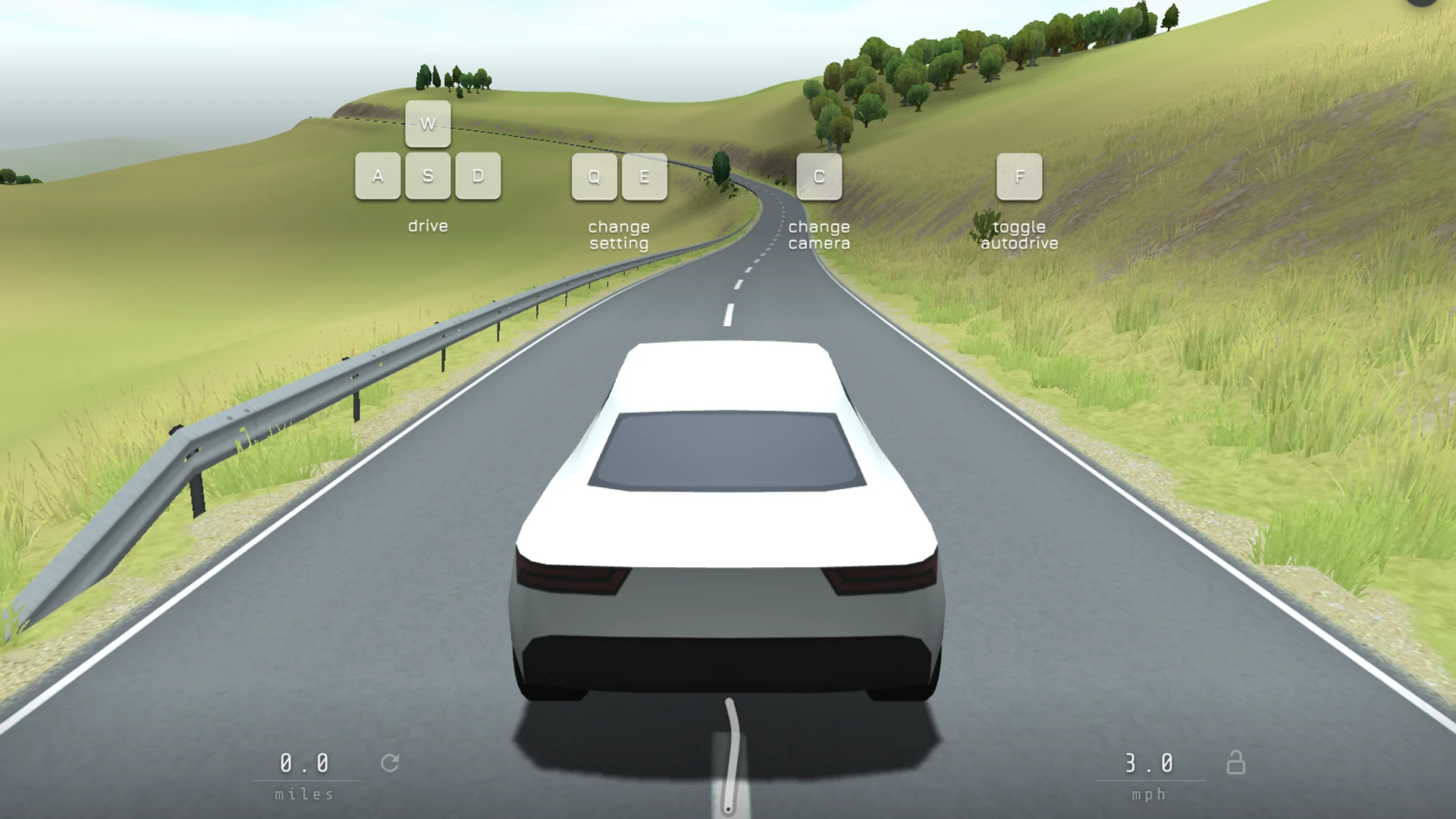
Zen Roads is an open-ended driving experience built around the road itself. Begin, take the wheel of a car and follow the winding route through hilly scenery. The screen shows your speed and distance, but does not present a finish line or opponent to catch. You can concentrate on the turns, switch camera view or let autodrive handle the road when you would rather watch the landscape.

Updated

Key facts

Genre
Simulation
Players
1 (single player)
Session length
Under 5 min
Platform
Web browser
Devices
Desktop, Tablet, Mobile
Price
Free
Sign-up
Not required

Preview

Zen Roads - Screenshot 1Screenshot 1
Zen Roads - Screenshot 2Screenshot 2
Zen Roads - Screenshot 3Screenshot 3
Zen Roads - Screenshot 4Screenshot 4

Publisher

EchoWave Entertainment
@echowave_entertainment

Audio-reactive mechanics, subterranean mysteries, and sonar puzzles.

10Games
0Followers
4.8KPlays

This game is owned, managed and distributed by its creator. ZuZi.dev hosts and moderates it but does not edit it.

View profile

More by EchoWave Entertainment

View all (10)

Start driving

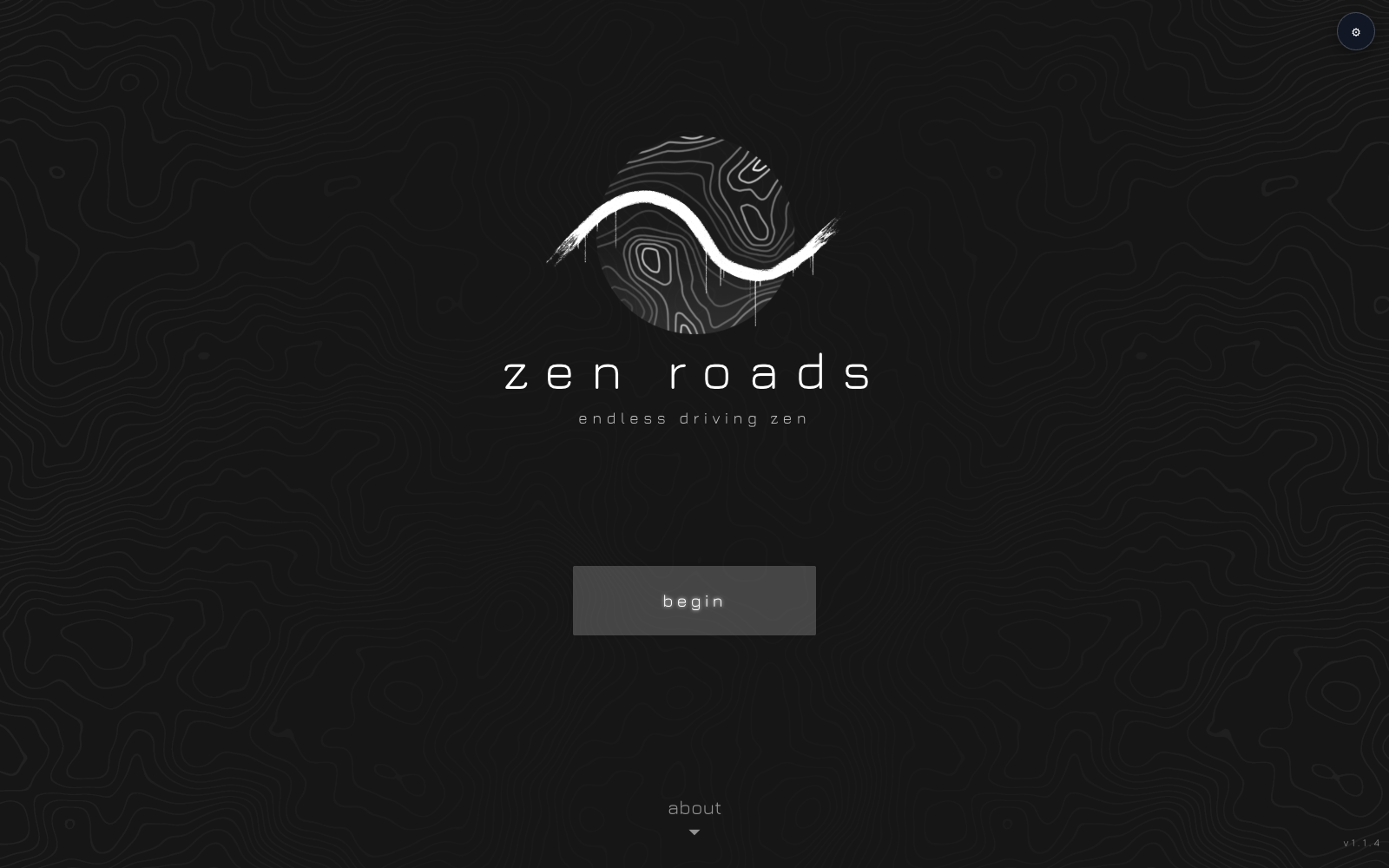
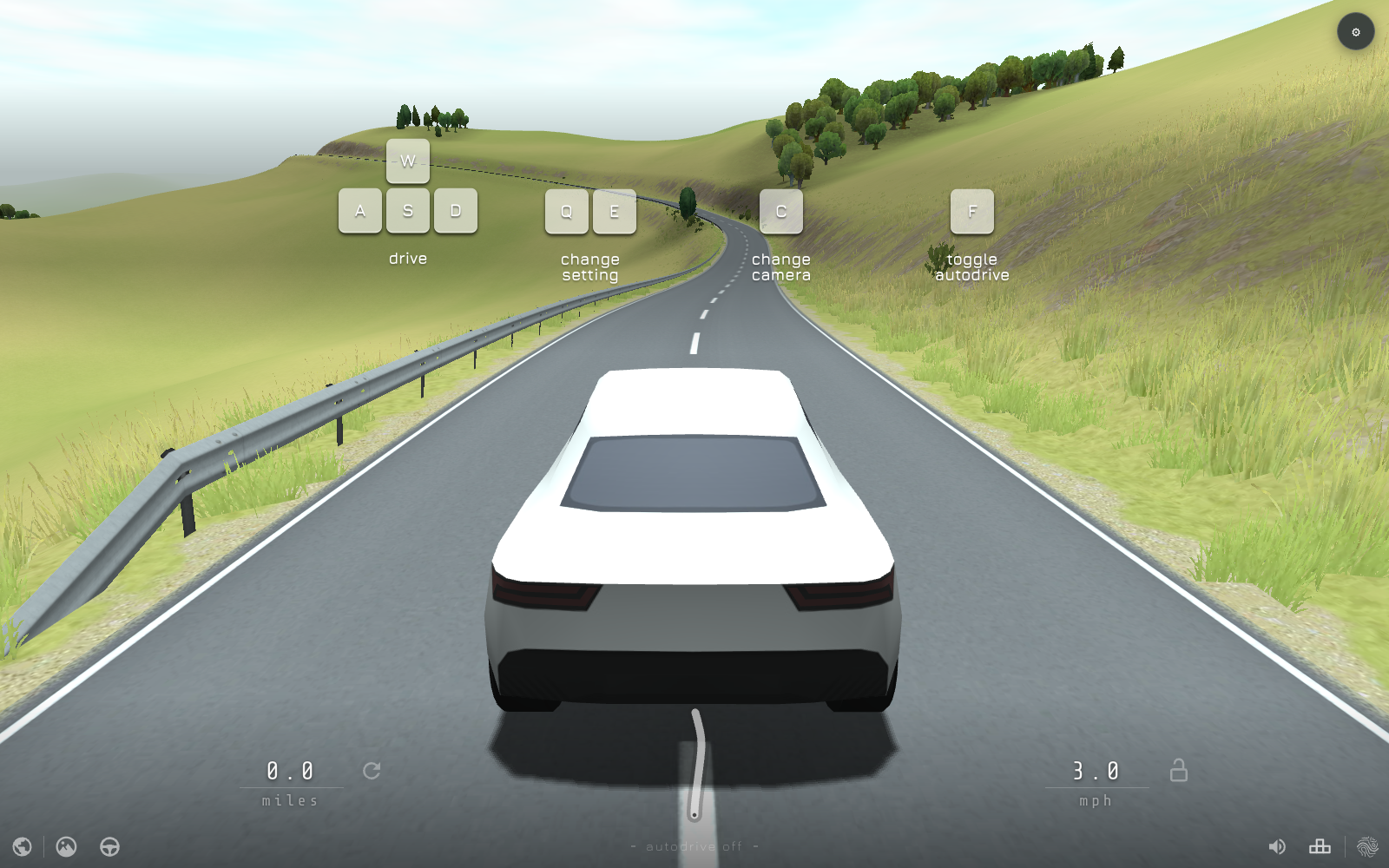
  1. Select Begin on the opening screen. The on-screen guide shows W for acceleration, A and D for steering, and S for slowing or reversing.
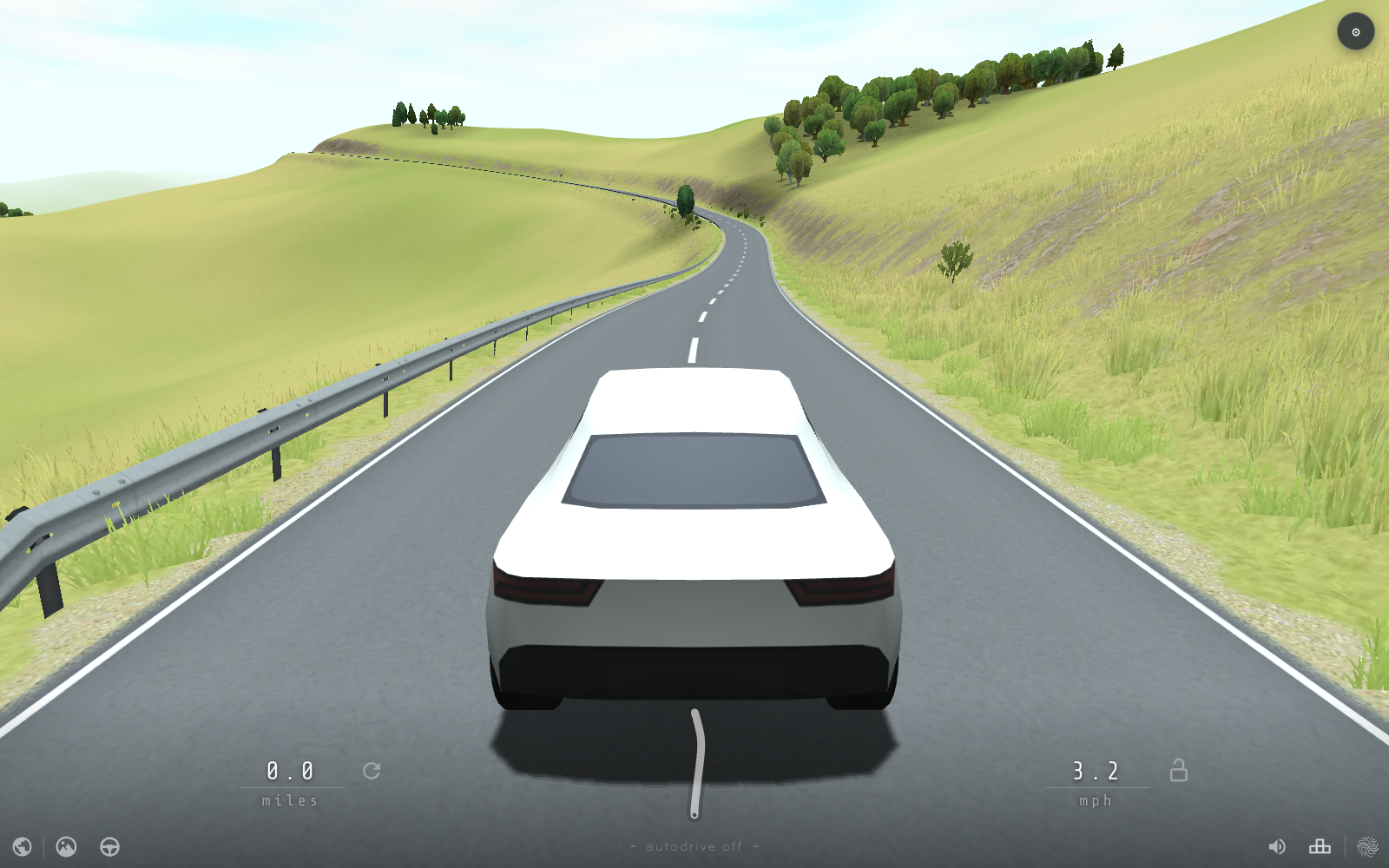
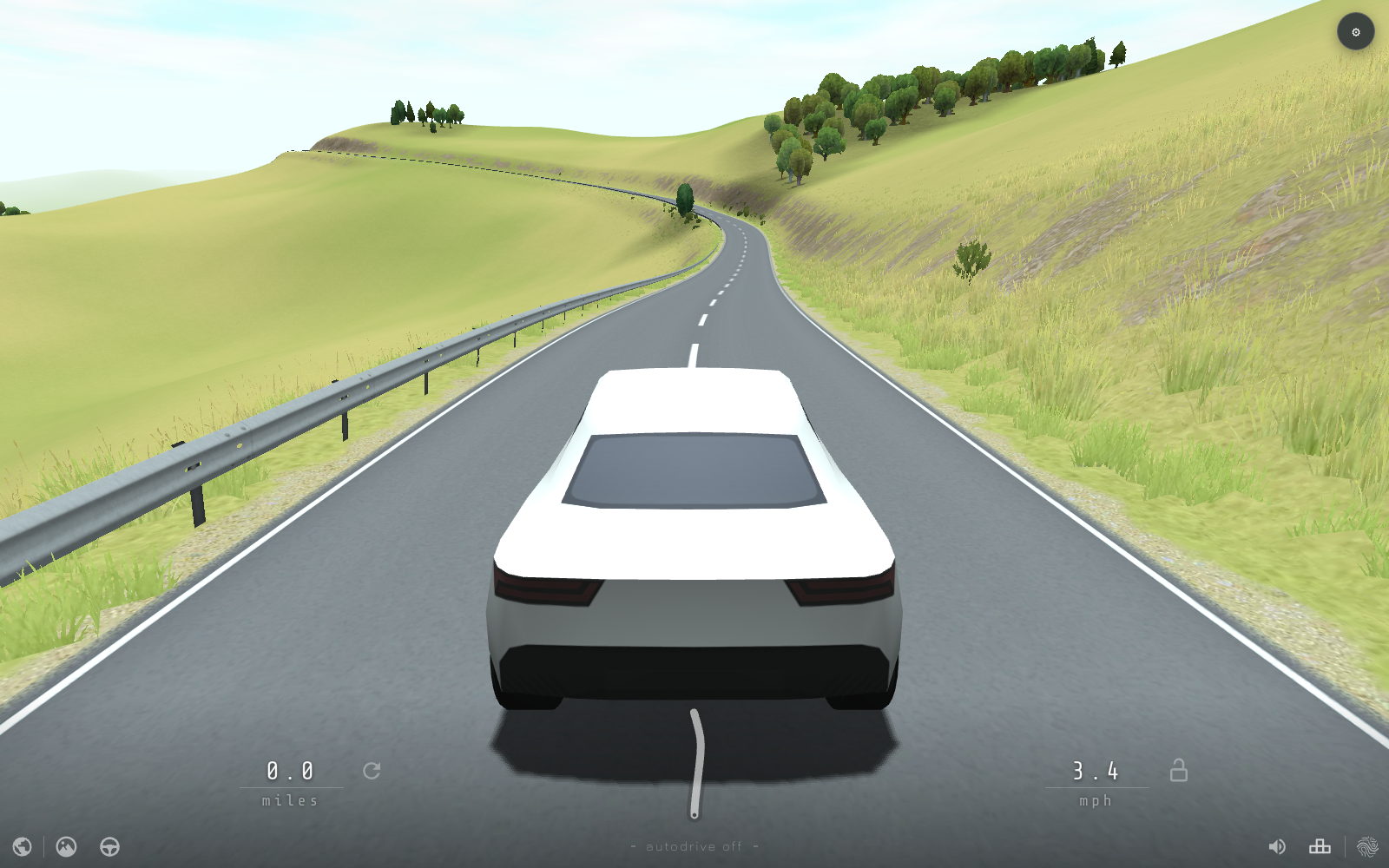
  2. Follow the bends ahead instead of treating the road as a straight sprint. Speed and distance appear along the bottom of the driving screen.
  3. Press C to change camera view. Q and E change the current setting shown by the game; use the on-screen gear to inspect available settings.
  4. Press F to toggle autodrive when you want the vehicle to follow the route. Take control again when you want to steer yourself.

Make the drive comfortable

  • Ease off before a tight bend; steering early is more useful than correcting after reaching the verge.
  • Try another camera if a corner is hard to judge. The road shape can be easier to read from a wider view.
  • Autodrive is useful for watching scenery. The game shows whether it is on or off at the bottom of the screen.

Zen Roads FAQ

Is there a finish line in Zen Roads?

No finish line or race objective is presented in the playable driving view. Drive for as long as you wish and watch your distance increase.

What are the basic keyboard controls?

W accelerates, S slows or reverses, and A/D steer. The opening guide also shows C for camera, F for autodrive and Q/E for settings.

How do I turn on autodrive?

Press F. The status at the bottom of the driving screen tells you when autodrive is active.

Can I change the camera?

Yes. Press C to cycle the driving camera while the route is in view.

Report a problem with this game

Zen Roads

What's wrong?
0/1000