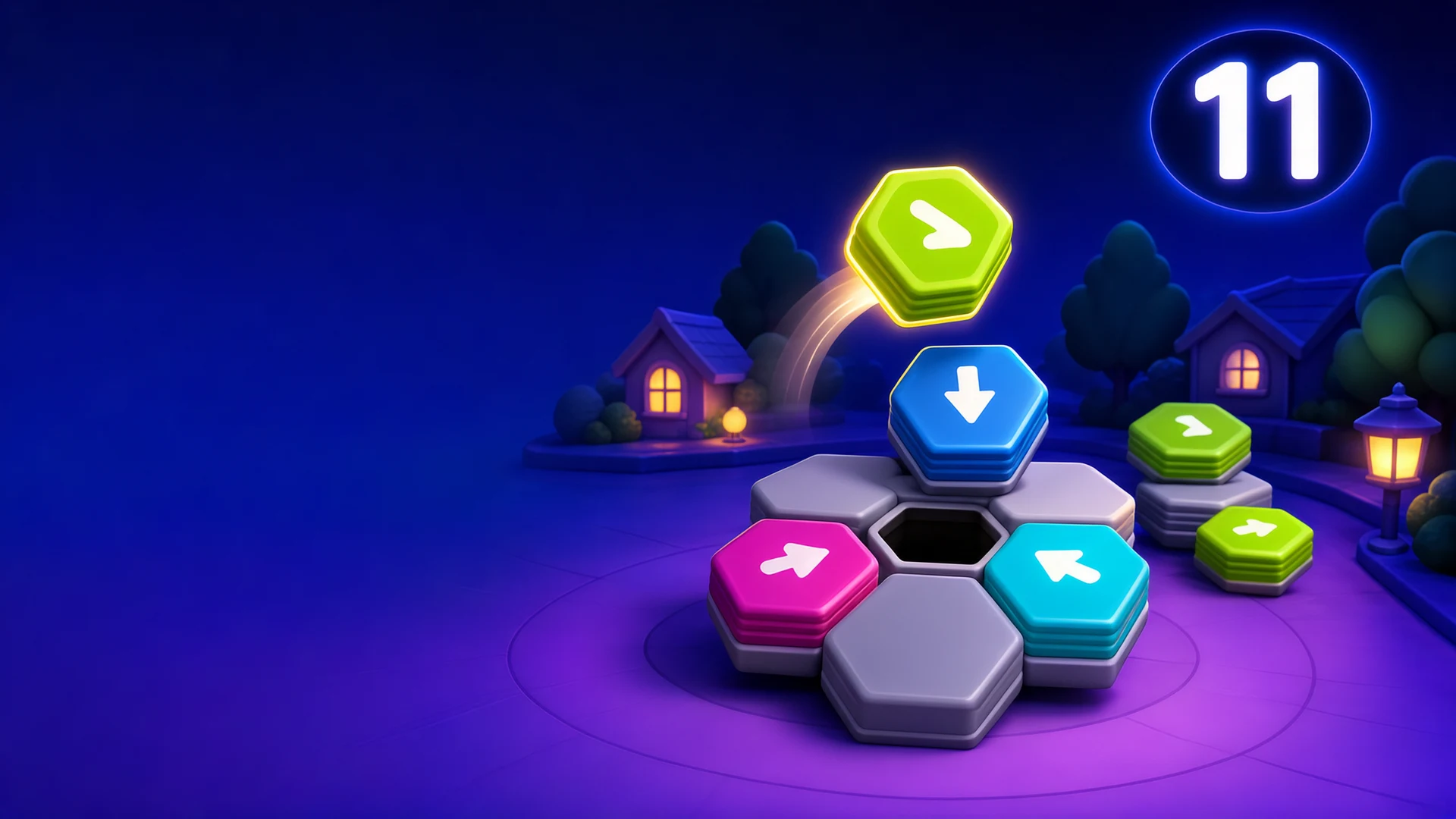
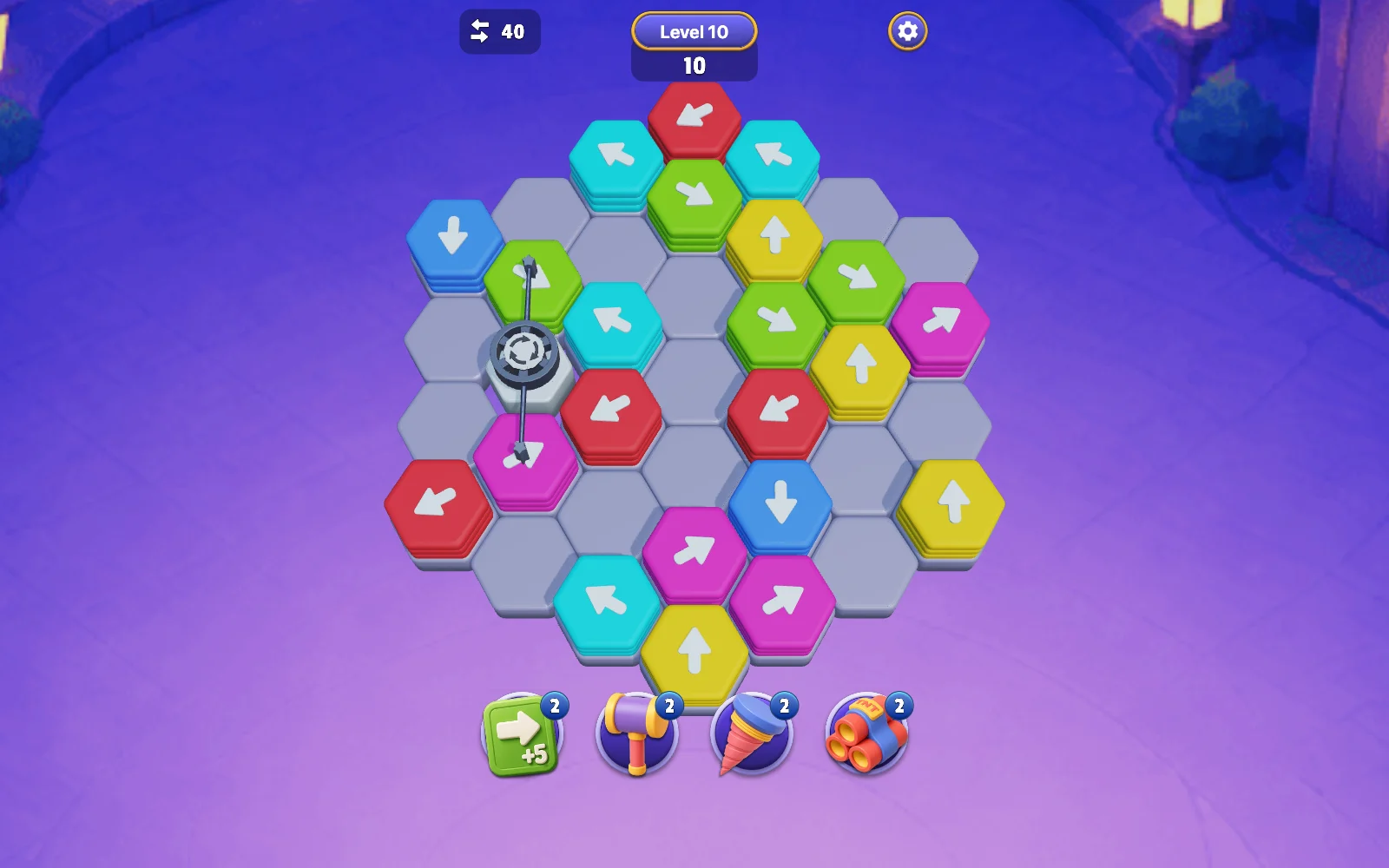
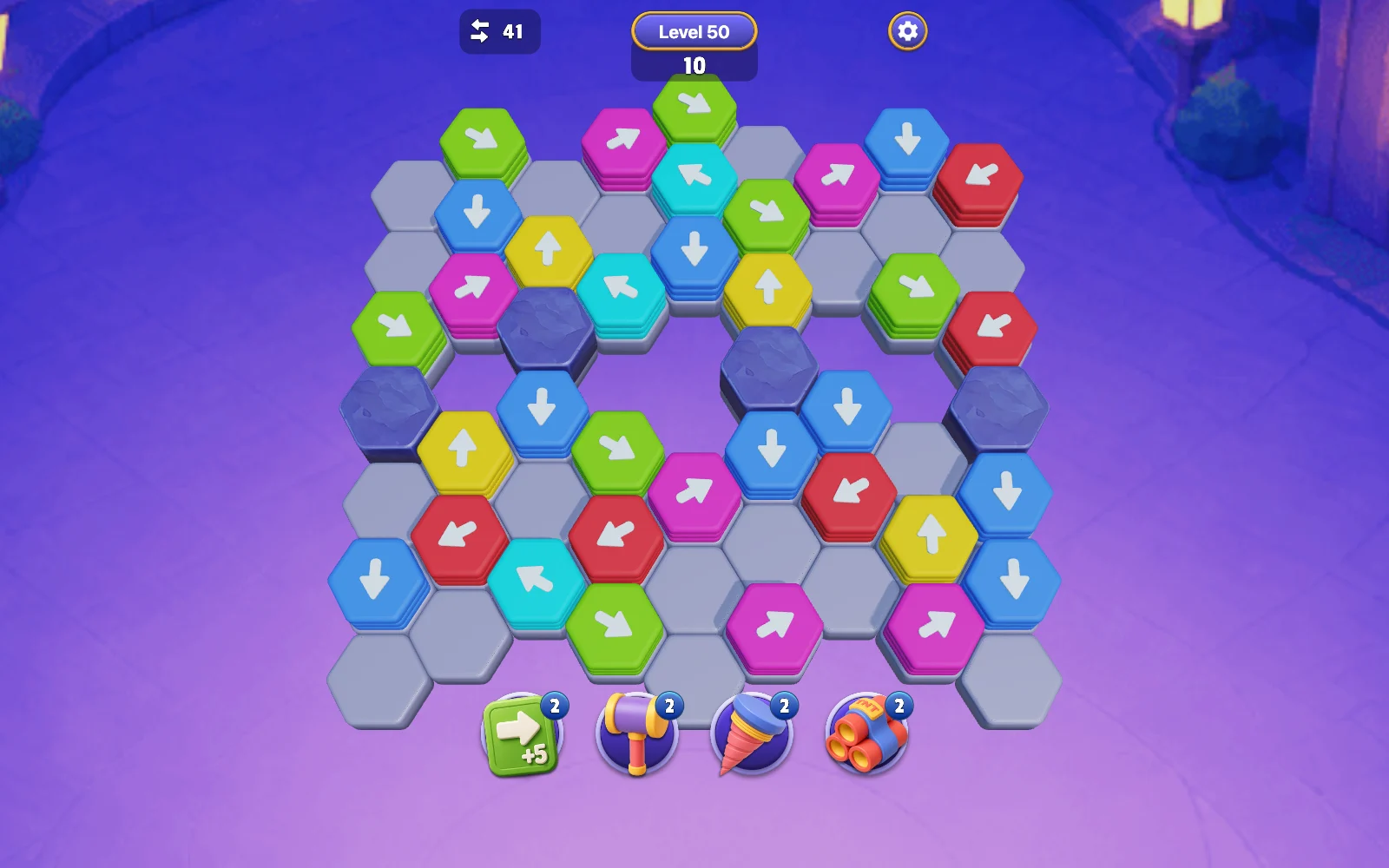
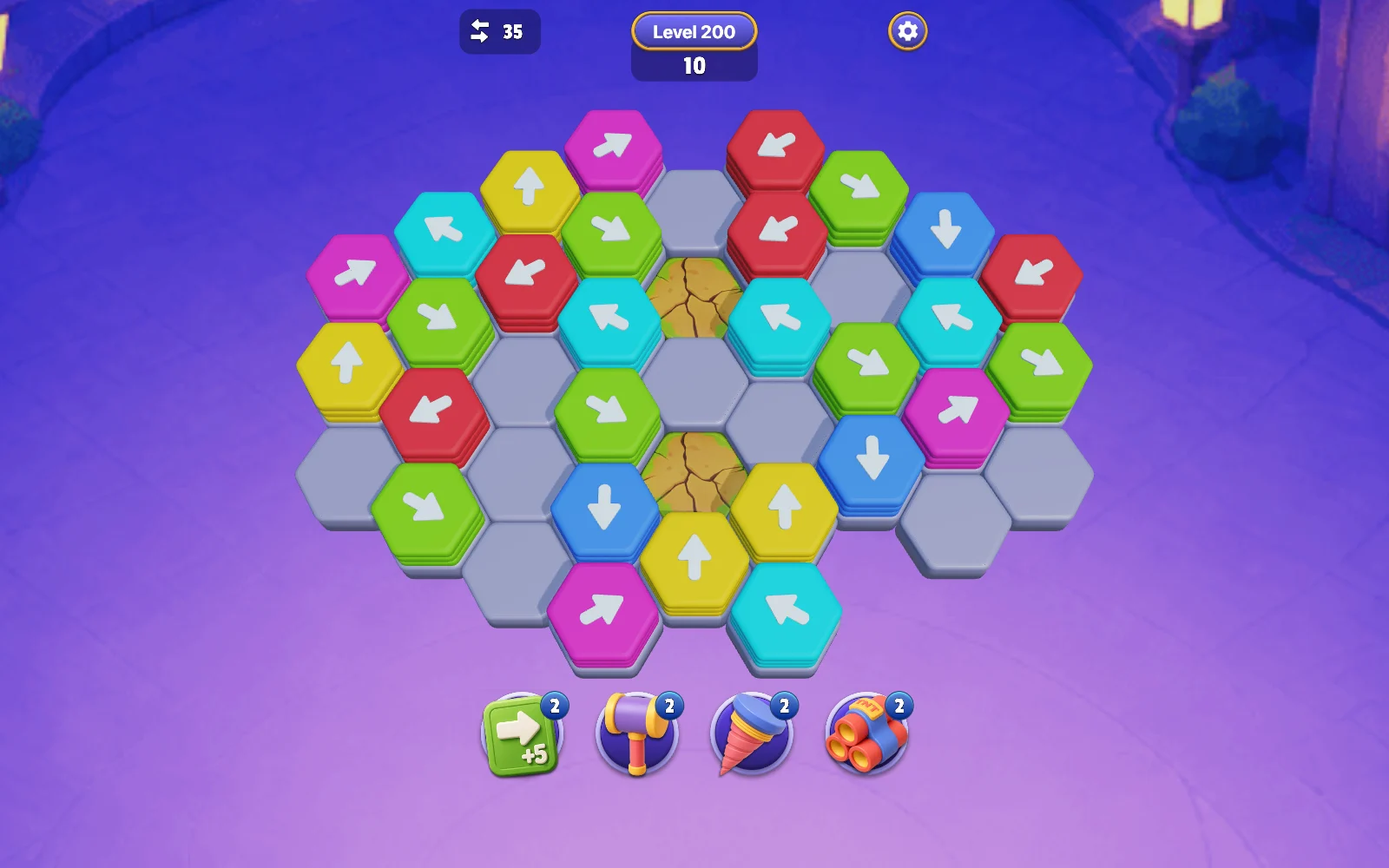
Moonpath Blocks is a 3D arrow puzzle built from stacked hexagonal blocks. Tap the top block of a stack to send it along its arrow. A clear route removes blocks from the board; a blocked attempt uses a move without opening the path. Clear every block before the move counter reaches zero, and look ahead to the arrows exposed by each layer.
Choose the level button on the home screen. Follow the opening hand guide to learn which top block can move.
Inspect the arrow and the whole lane in front of it. Tap or click the block once; its movement follows the arrow automatically.
Work through the stacks without wasting moves on blocked routes. A removed layer may expose an arrow pointing somewhere else.
Clear the board, then choose Continue on the result screen. If moves run out, use an available revive or retry the level.
Plan for the next layer
Start with an arrow whose route to the edge is open. Removing it can free another stack.
Special tiles change the plan: rotating groups, redirecting floors and obstacles have their own illustrated guide. Read it before committing a move.
Keep tools for a specific obstruction. A hammer targets a block, a drill removes a floor tile and a bomb affects adjacent tiles.
help
Moonpath Blocks FAQ
Why did a tap fail to remove a block?
expand_more
A block follows its arrow rather than a route you draw. If that lane is obstructed, the attempt can consume a move while the block stays on the board. Check both the arrow and the next exposed layer.
What happens when I have no moves left?
expand_more
The game first offers a revive that adds five moves through the displayed coin option or a free claim. After that revive is used, the failure screen offers Retry or a free level skip. Retry sets up the current level again.
How do tools and free claims work?
expand_more
When a tool is empty, its panel offers one tool for the displayed coins or a free claim. The extra-moves tool adds five moves when used. Free claims in this version open no advertisement or purchase flow.
What is the difference between score, coins and stars?
expand_more
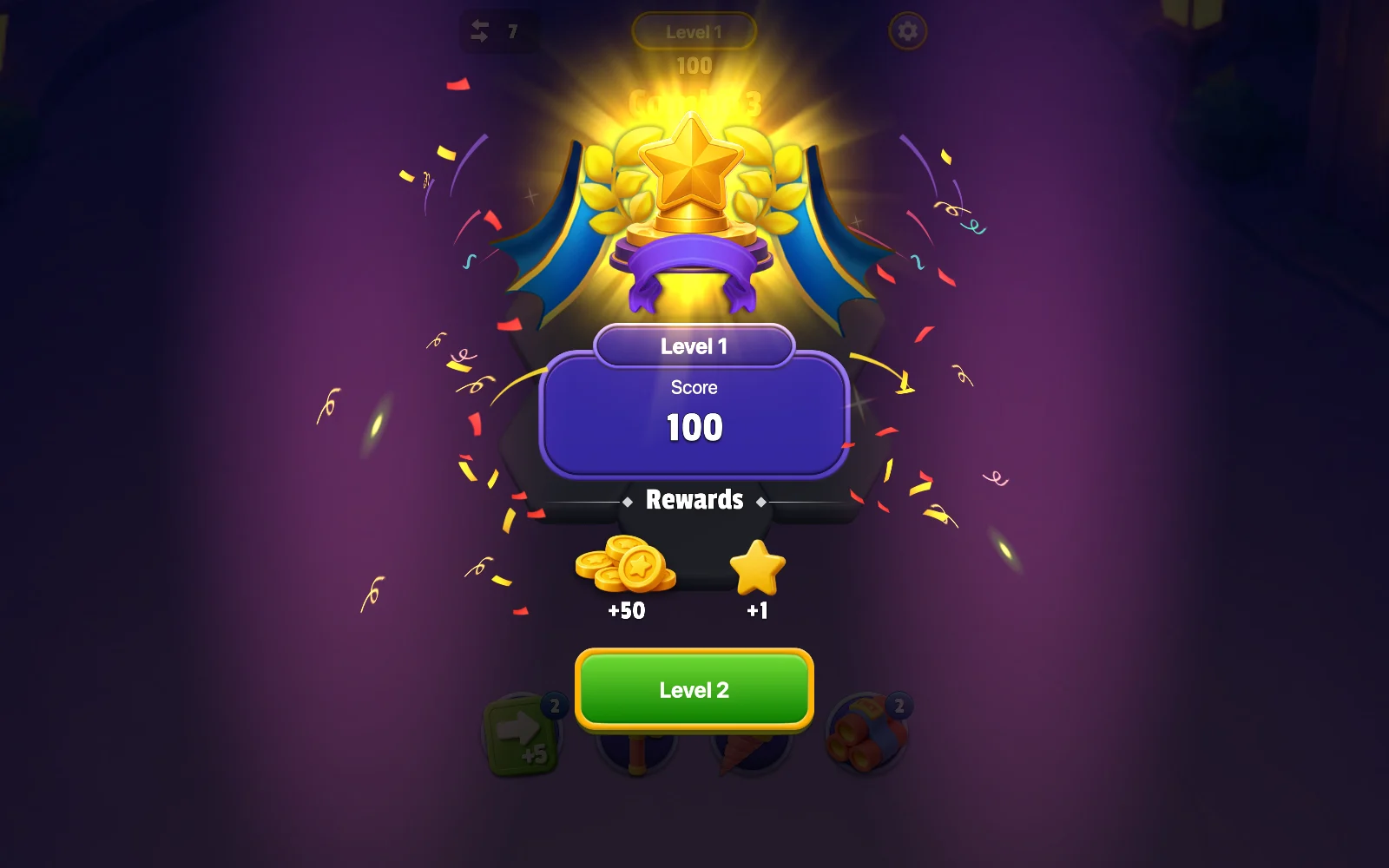
The level score comes from successful clears and consecutive-clear combos. Coins and stars are separate saved balances used by rewards, tools and collection progress; they are not the same as the current attempt’s score.
Will the game remember my place?
expand_more
Levels, coins, tools, collection progress, language and separate music/effects settings are saved in this browser. Settings Restart reloads those saved values. Clearing site data can remove the save.