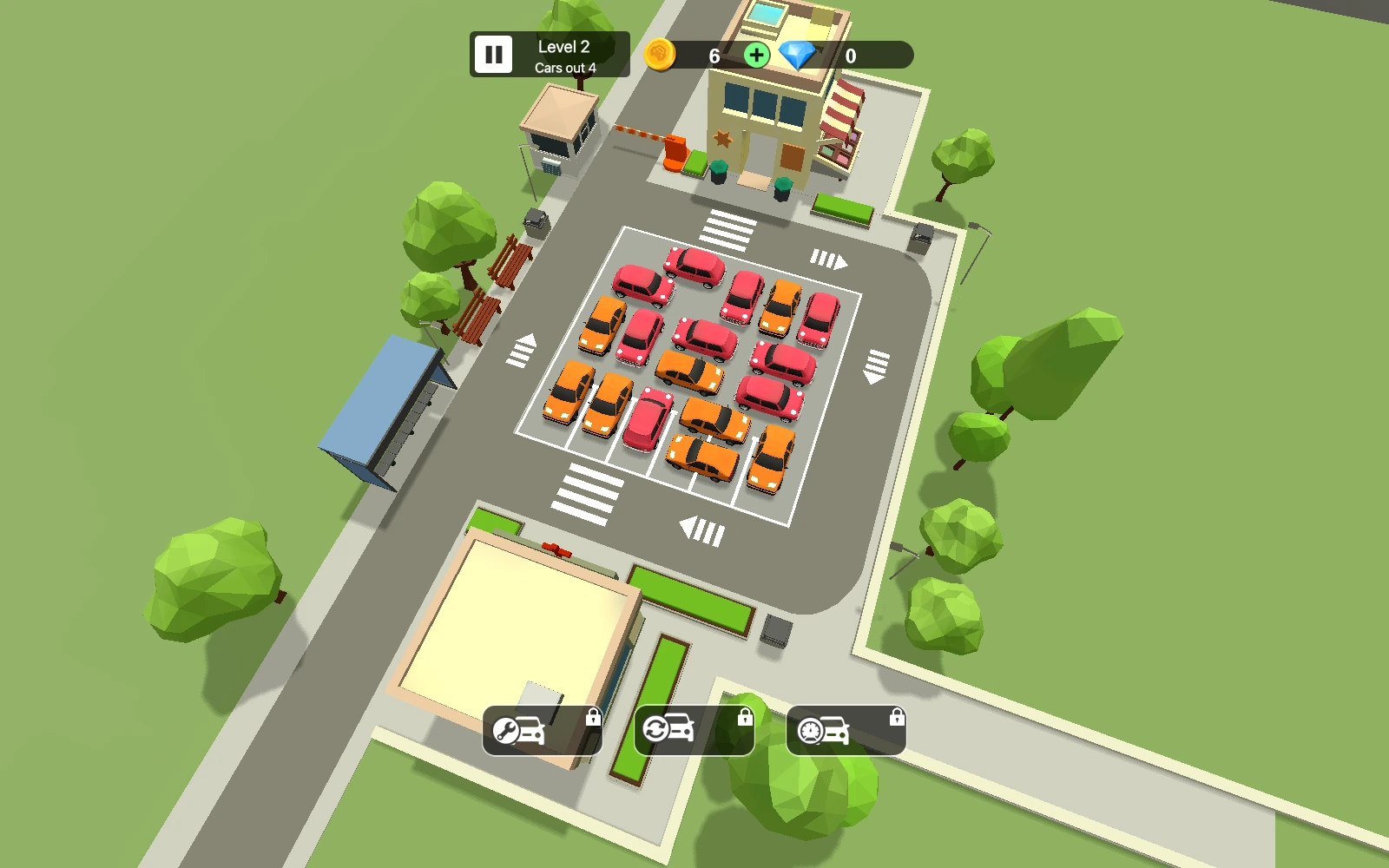
Laneleaf Exit is a parking puzzle in which every car leaves in the direction it faces. Your job is to clear the lot while collecting parking fees. An open route can close quickly when another car crosses it: vehicles travel at different speeds, and collisions reduce your coin balance. Inspect the whole lot, let a moving car pass and give pedestrians room before sending the next vehicle.
Follow the opening guide. Tap or click a car to send it forward; you do not steer it along a drawn route.
Check the space ahead and the crossing lanes. Drag the view to inspect a crowded area, and tap removable barriers when the guide introduces them.
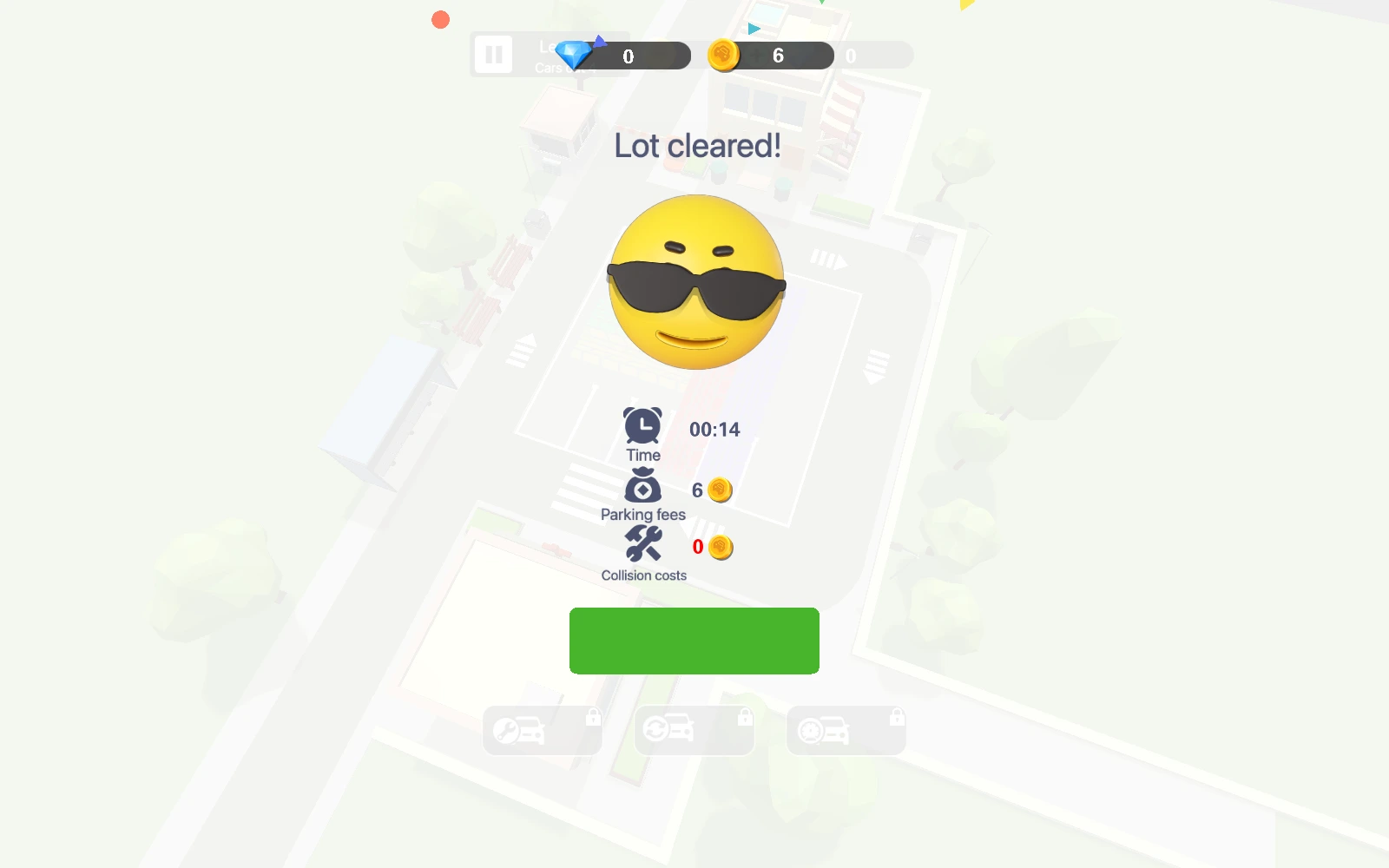
Collect the parking fees from cars that leave. Clear every car, then choose Continue to reach the next lot.
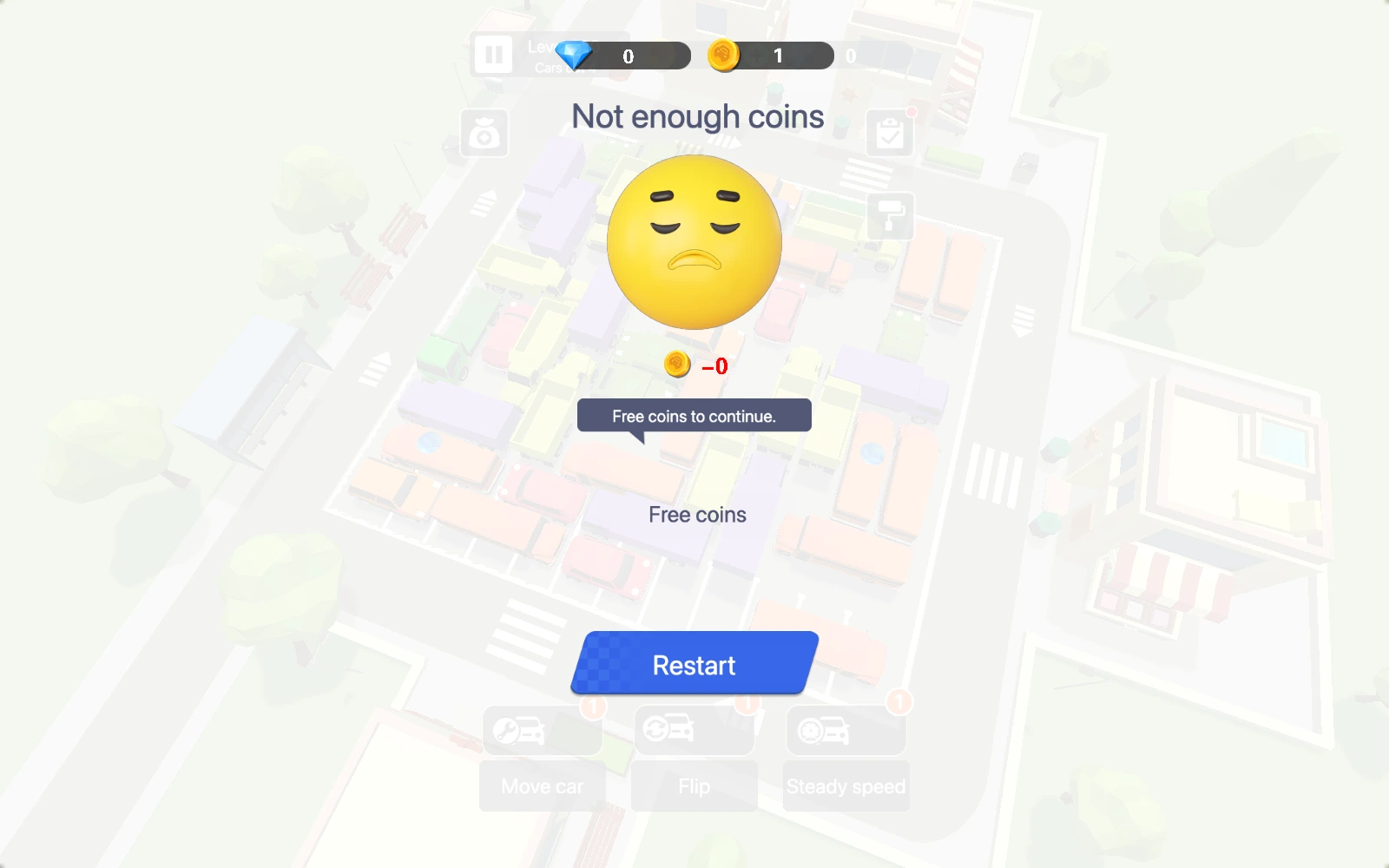
When collision costs leave too few coins, use the available free-coin claim to resume or choose Restart to rebuild your approach.
Leave room for cars that are already moving
Start with a car whose path to the edge is open. Its departure can expose a route for cars behind it.
A short gap is not always safe. Watch the speed of a crossing car and wait until it has passed.
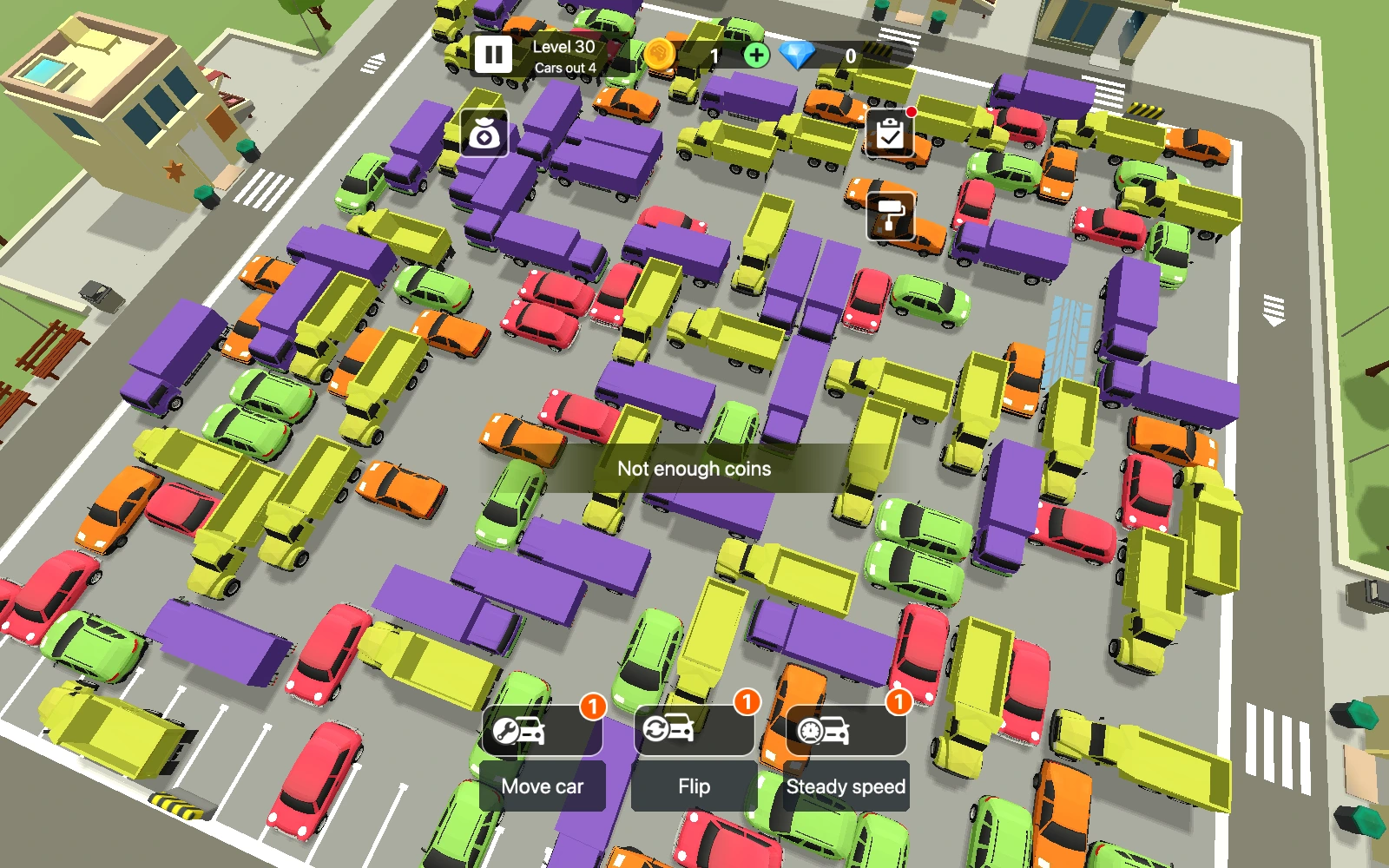
As tools unlock, read their effect before using one: reversing a car, moving one out and temporarily equalizing speeds solve different kinds of blockage.
help
Laneleaf Exit FAQ
What does my score measure?
expand_more
The score counts parking fees collected during the current attempt. Your coin wallet also changes through collision costs, free claims and refunds, so it can show a different number.
What do the failure-screen Restart and free-coin claim do?
expand_more
On the failure screen, a free claim adds the amount shown and resumes the current lot. Restart sets that lot up again and refunds 80% of recorded collision costs above ten coins, or the full amount for costs of ten or less. Restart in Settings instead reloads the game with your saved coin wallet.
What can I unlock or collect?
expand_more
Progress introduces new cars and tools. The shop contains car appearances and trails, with the price or unlock requirement shown on each option. Daily and weekly quests track actions such as moving cars, clearing levels and claiming free rewards.
Are progress and settings saved?
expand_more
Completed levels, coins and unlocks are stored in this browser. Settings provides nine languages and separate music and effects controls. Clearing site data can remove the local save.