Skip to content
Balance Beam
Puzzle

Balance Beam

Published byZuZi Labs445 playsQuick play
Free · Runs in your browser · No sign-up
Quick answer

What is Balance Beam?

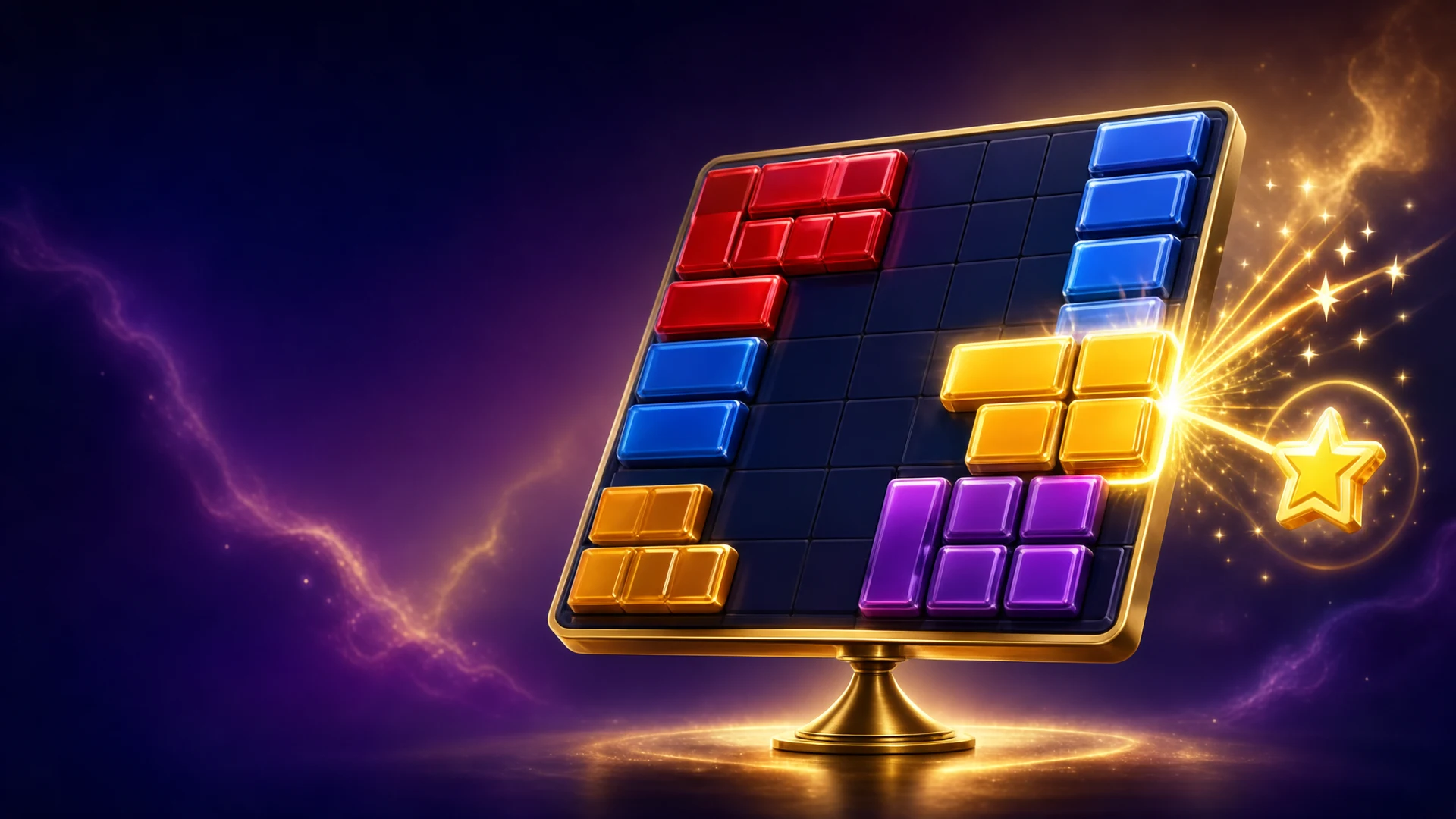
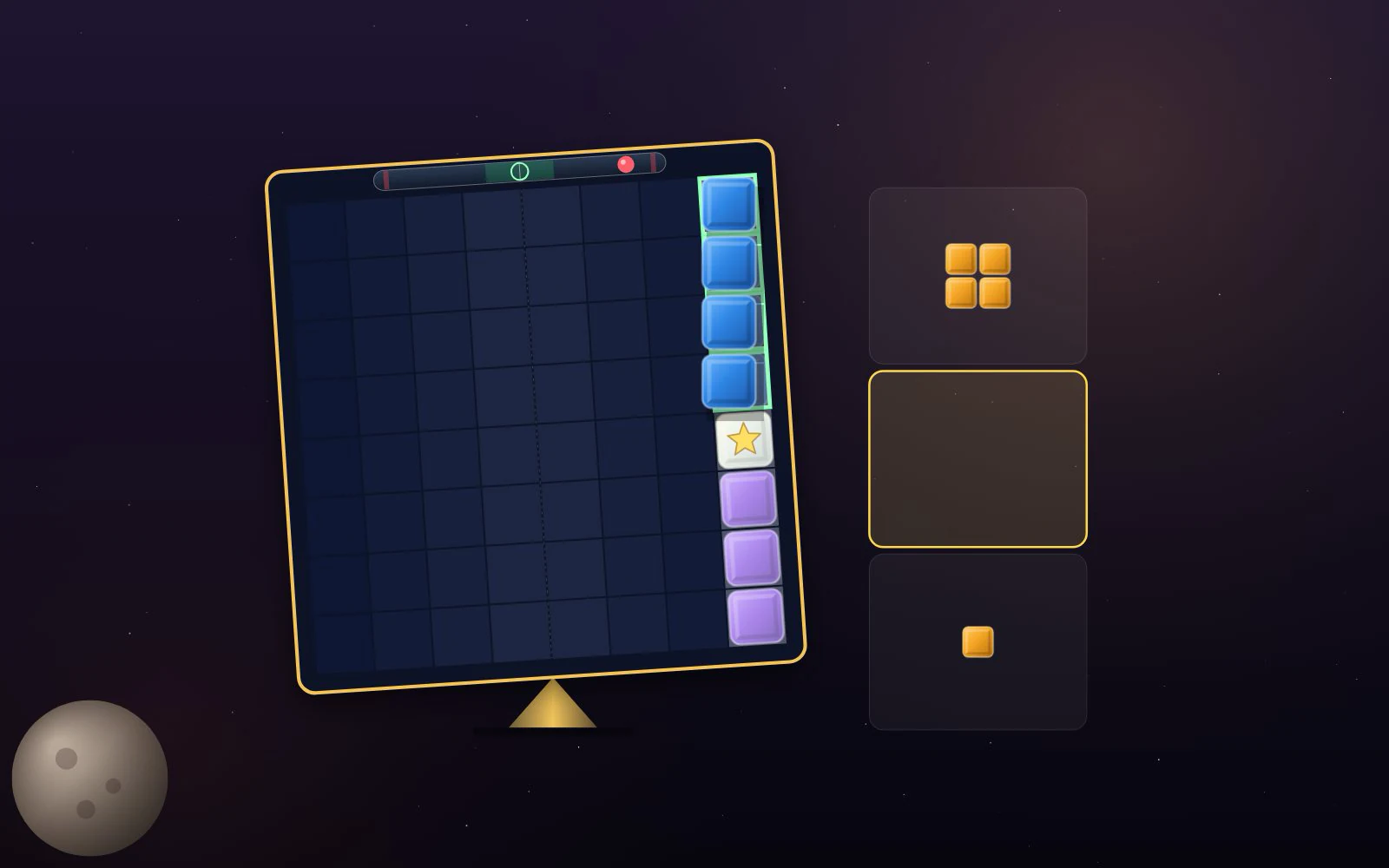
Balance Beam is a block-placement puzzle on an 8×8 board that rests on a pivot. You drag pieces from a tray of three onto the grid, and full rows and columns clear. The twist is balance: every filled square pushes the board toward its own side, and a move that would tip it past 16 is refused. In the 40 Journey levels you free charms sealed inside the grid; Classic and Daily modes are score chases that end when no piece can be placed.

Updated

Key facts

Genre
Puzzle
Players
1 (single player)
Session length
Under 5 min
Platform
Web browser
Devices
Desktop, Tablet, Mobile
Price
Free
Sign-up
Not required

Preview

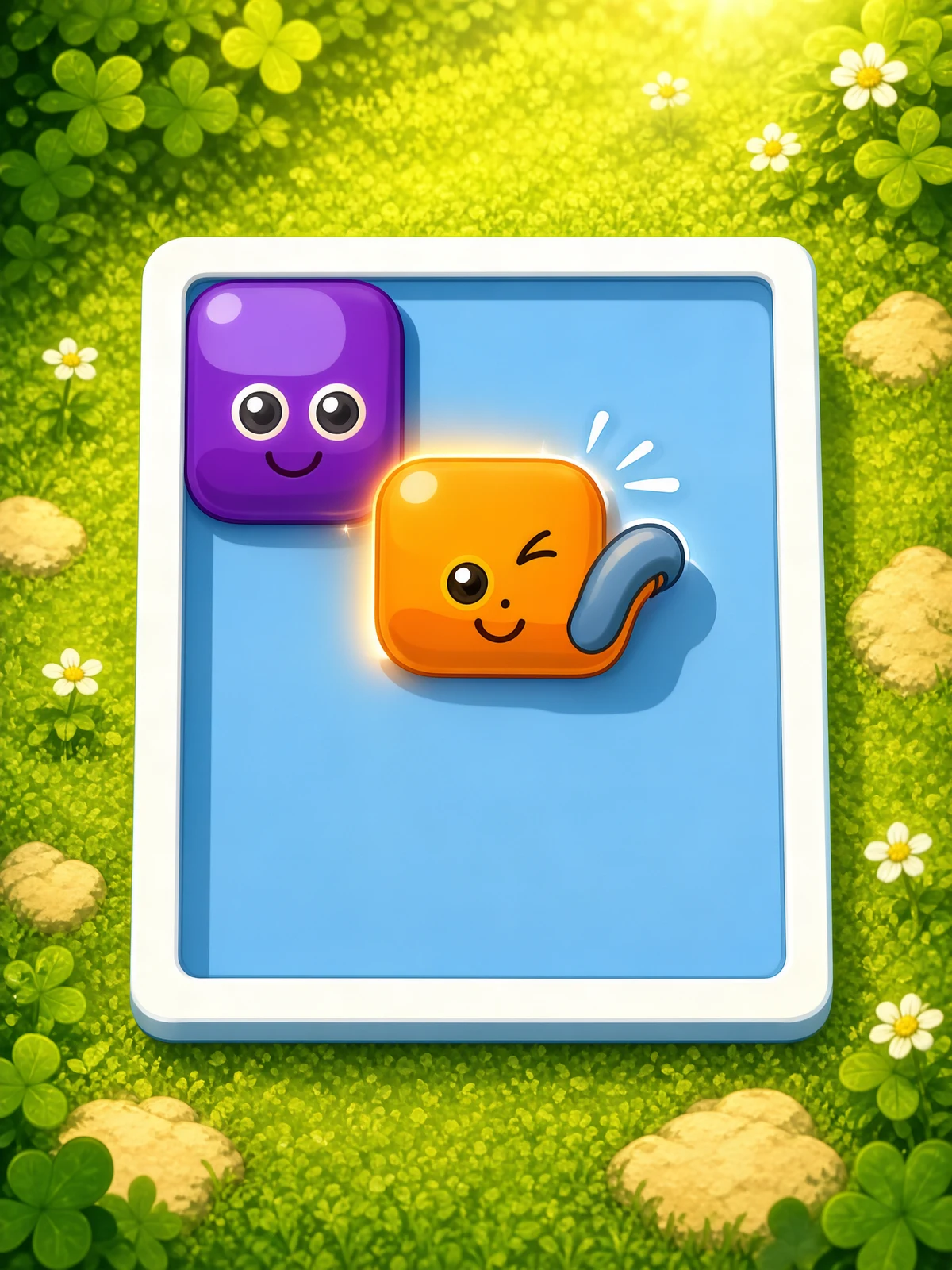
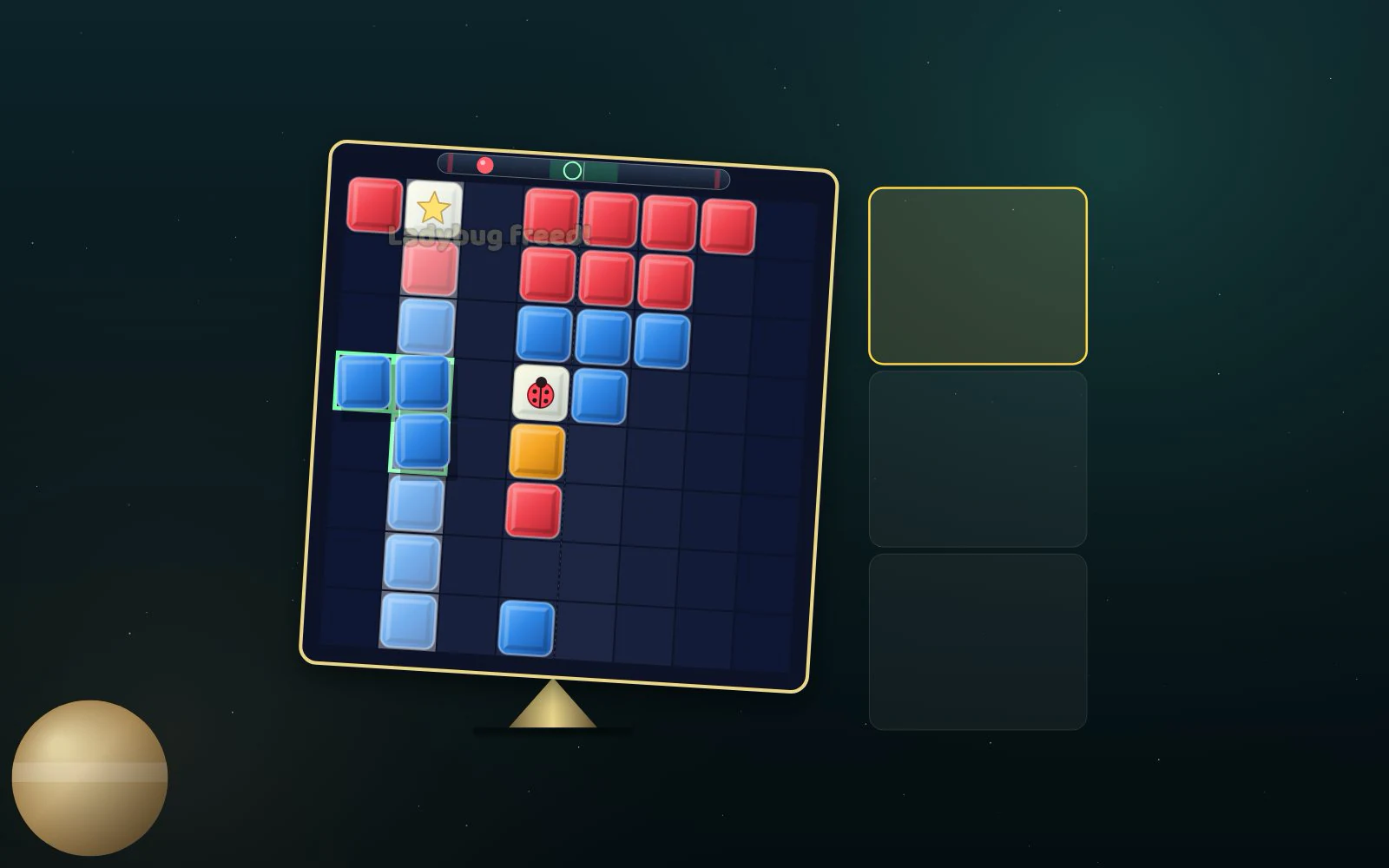
Balance Beam - Screenshot 1Screenshot 1
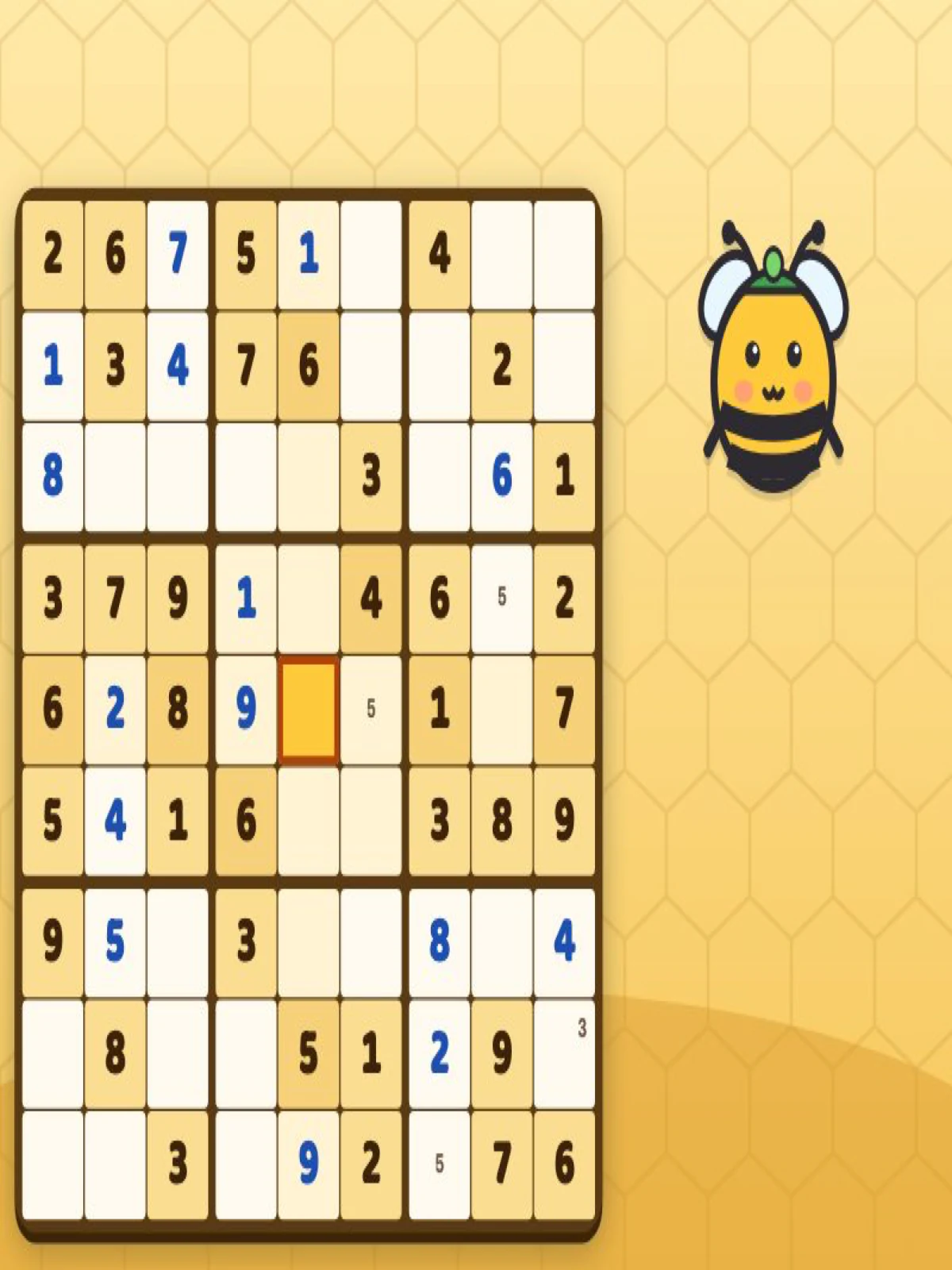
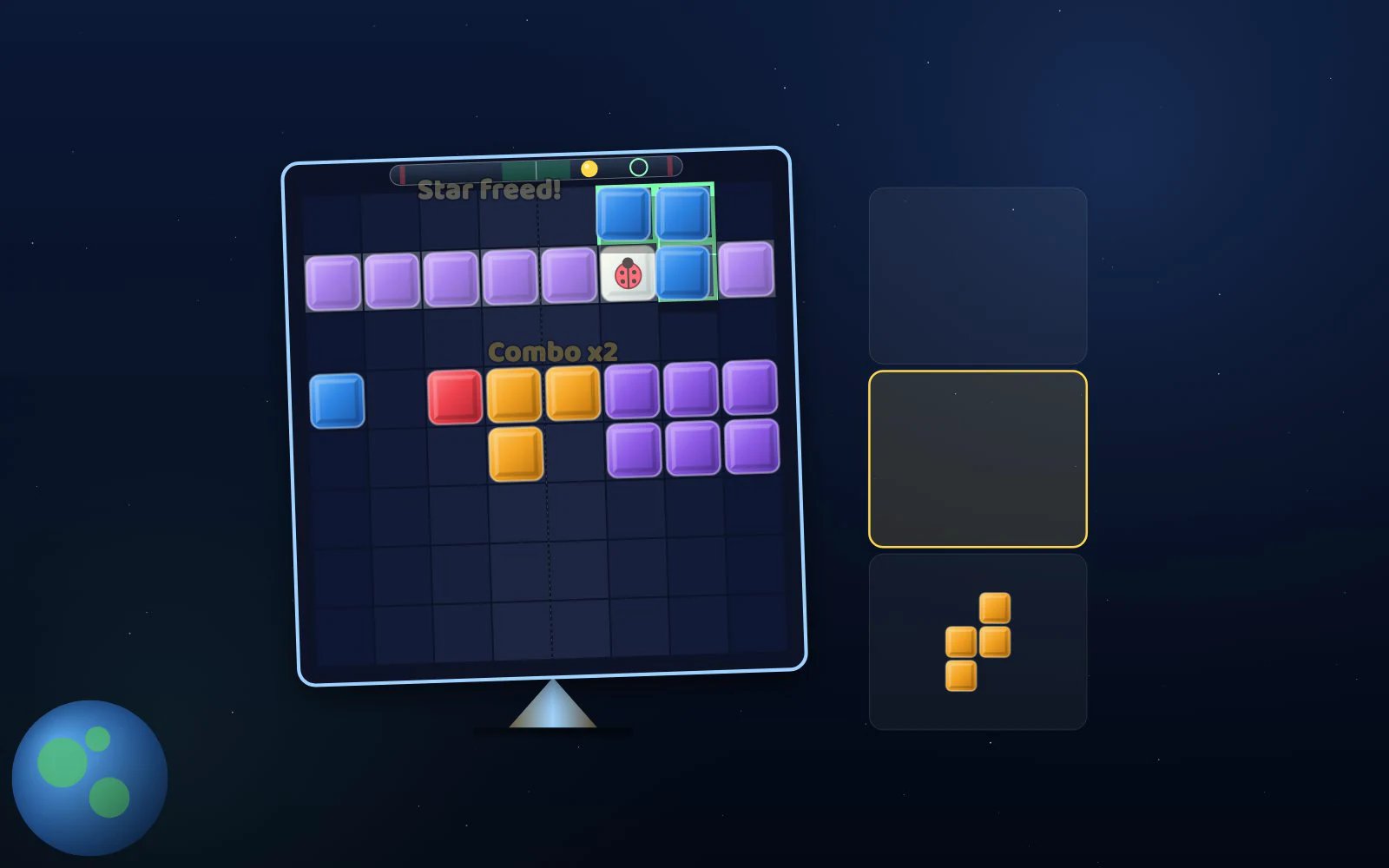
Balance Beam - Screenshot 2Screenshot 2
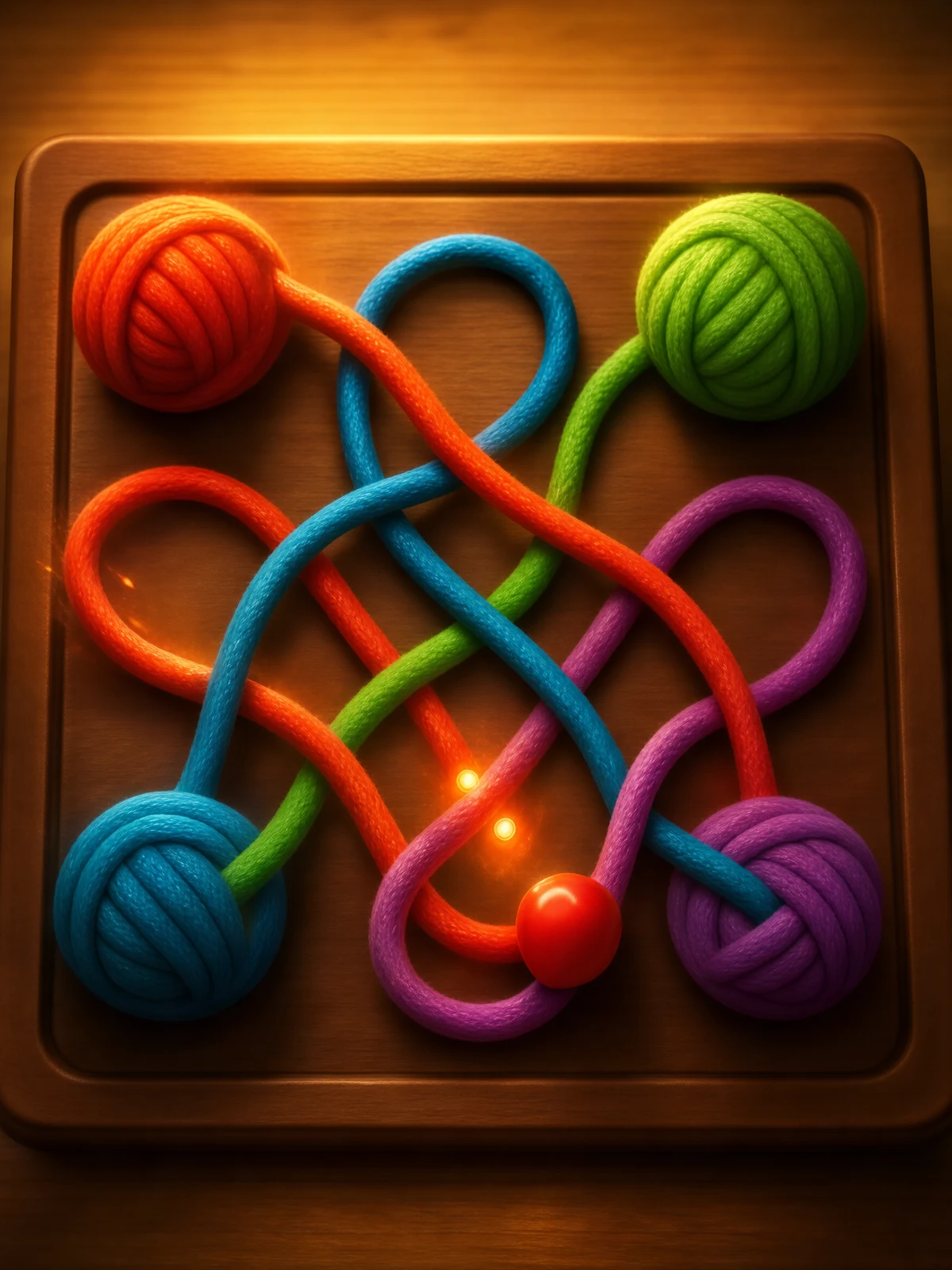
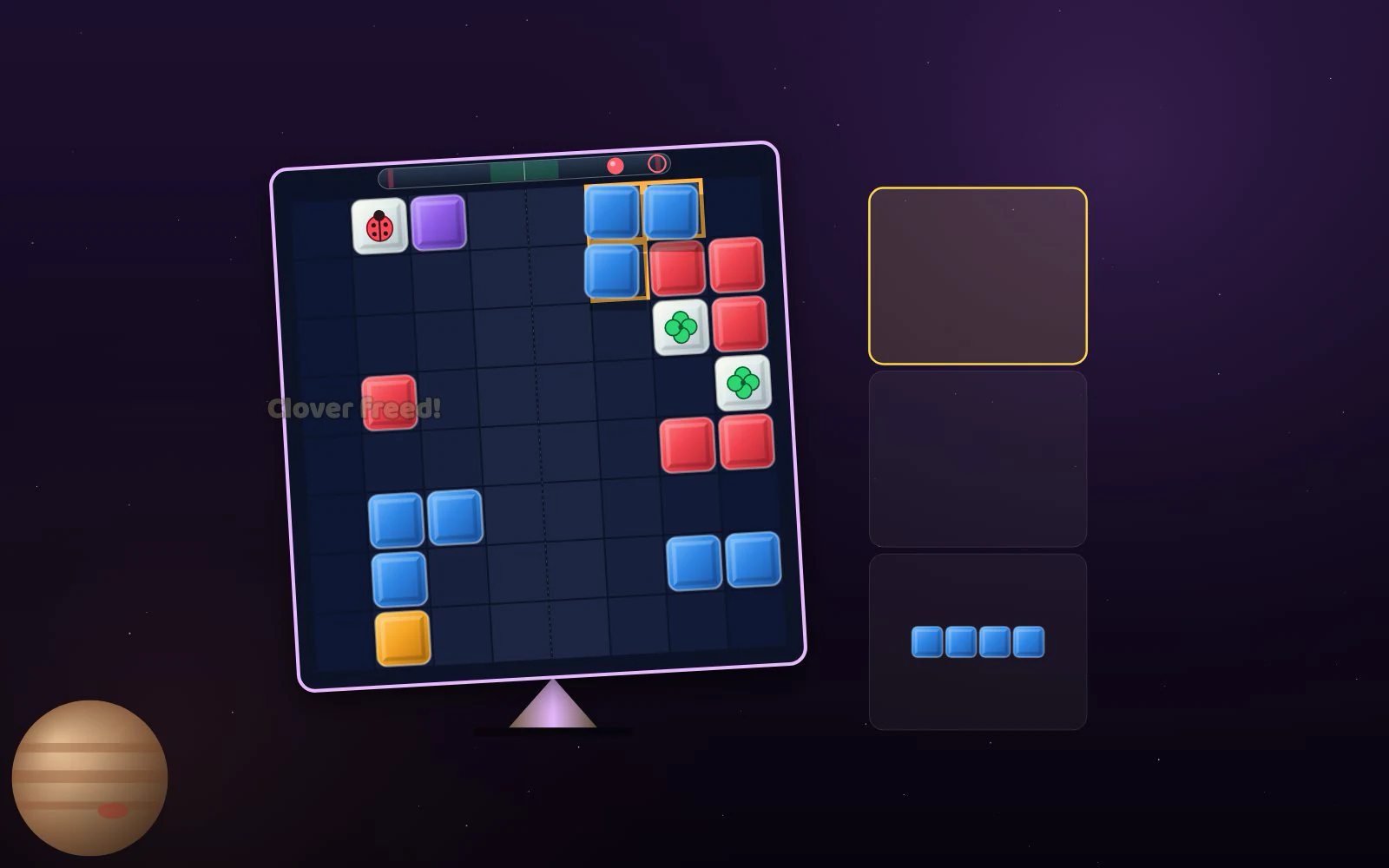
Balance Beam - Screenshot 3Screenshot 3
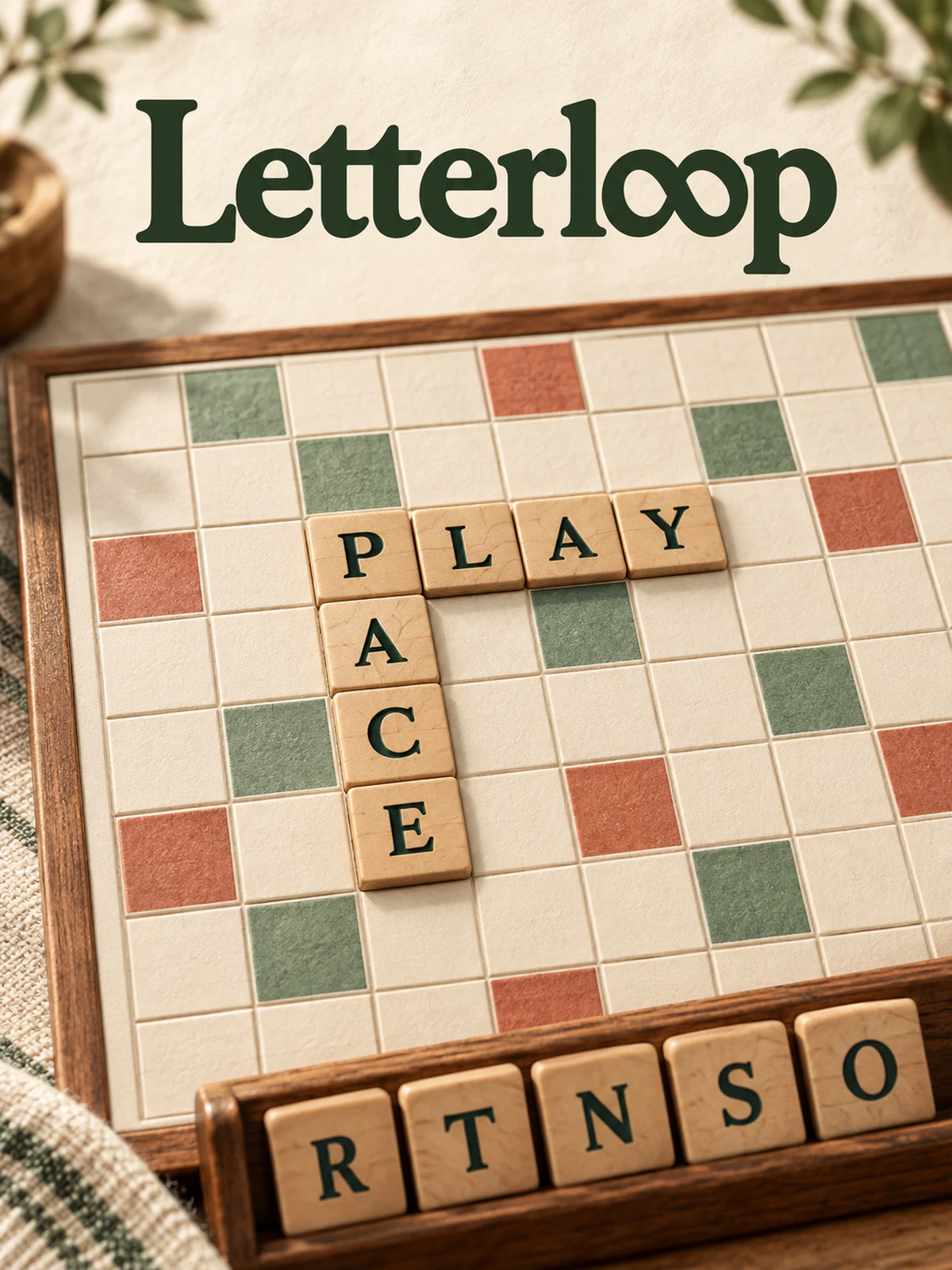
Balance Beam - Screenshot 4Screenshot 4

Publisher

ZuZi LabsVerified creator
@zuzi_labs

The ZuZi.dev team. First-party games that show what the platform can do.

70Games
0Followers
34.3KPlays

This game is owned, managed and distributed by its creator. ZuZi.dev hosts and moderates it but does not edit it.

View profile

More by ZuZi Labs

View all (70)

How to play

  1. Pick a piece from the tray of three and place it on the 8×8 grid. Pieces keep their shape and cannot be rotated.
  2. Fill a whole row or column to clear it. In Journey levels, clearing a line frees any charm sealed in it, and freeing every charm wins the level.
  3. Watch the tilt. Every filled square pushes the board toward its side, and more the farther it sits from the middle: the outer columns count 3.5 each, the two centre columns 0.5. A placement that would leave the tilt beyond 16 in either direction is refused. Tilt is measured after any lines clear.
  4. When you have used all three pieces, three new ones are dealt. In Journey levels the pieces always come in the same order, so you can plan ahead.
  5. The game ends when none of the three pieces can be placed, because there is no room or because every spot would tip the board.

Controls

Drag a piece from the tray onto the board
Place it where you release (on touch the piece floats above your finger)
Click or tap a piece, then a cell
Place the piece centred on that cell
1, 2, 3
Pick a piece from the tray
Arrow keys
Move the picked piece over the board
Enter or Space
Place the picked piece
Esc
Put the piece back
R
Restart
L
Open levels and modes

Tips

  • Spread weight to both sides early. Stacking one edge works only until the tilt reaches 16, unless that column clears.
  • A line clear that leaves the board nearly level (tilt within 0.5) doubles that clear's line score.
  • Back-to-back clears build a combo multiplier of up to 4x. It resets after three placements without a clear.
  • In Classic and Daily, once per game after 15 pieces you can use Second chance: the board is wiped but you keep your score and pieces.
  • In Journey, stars depend on how few pieces you use: 3 stars for par or fewer, 2 stars for up to par plus half of par (at least 2 extra).

Balance Beam FAQ

Why was my move refused?

Either the piece does not fit in that spot, or placing it would push the tilt beyond 16. The game shows which: a 'Too heavy' message includes the tilt the move would cause.

What are the game modes?

Journey has 40 levels in four worlds (Mercury, Venus, Earth, Jupiter). Classic starts with an empty board and new random pieces every run. Daily uses a piece sequence seeded from the calendar date, so everyone playing on the same date gets the same pieces.

Can I rotate pieces?

No. Pieces keep the orientation they are dealt in.

Is progress saved?

Yes. The game saves unlocked levels, stars, your best Classic score, your best Daily score for the day, and your sound, music and motion settings.

Report a problem with this game

Balance Beam

What's wrong?
0/1000