


Skip to content
Nitro Rush: Neon Highway
Racing

Nitro Rush: Neon Highway

Published byBlazeCraft Interactive565 playsQuick play
Free · Runs in your browser · No sign-up
Quick answer

What is Nitro Rush: Neon Highway?

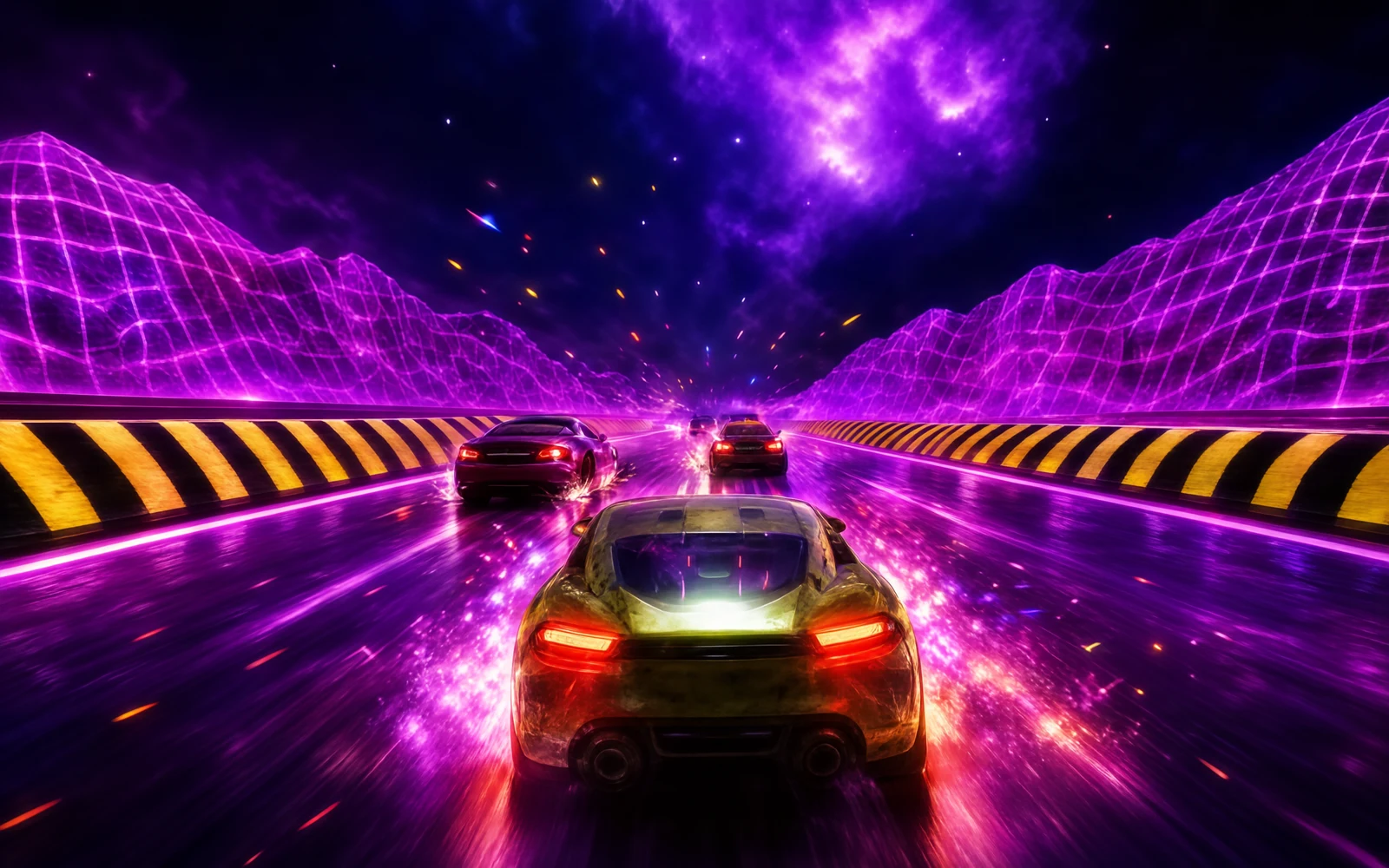
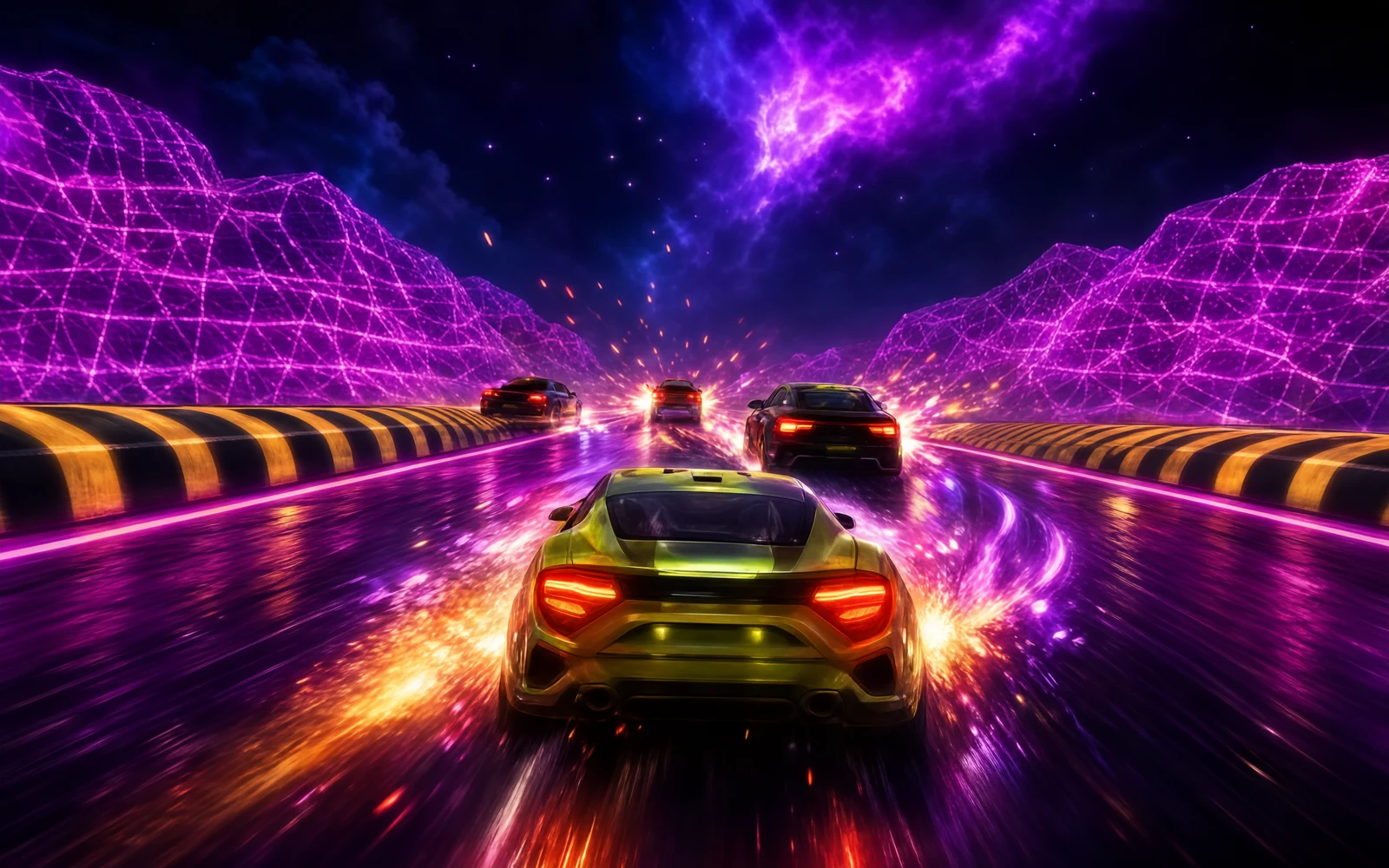
Nitro Rush: Neon Highway is a 3D arcade racer on a glowing neon road. You steer by dragging left and right, or with the arrow keys or A and D, weaving past other cars and barriers. Stars collected during a run become upgrade currency for your car. Each run is scored by distance in metres, and your best distance is saved and ranked on the Highway Legends leaderboard.

Updated

Key facts

Genre
Racing
Players
1 (single player)
Session length
Under 5 min
Platform
Web browser
Devices
Desktop, Tablet, Mobile
Price
Free
Sign-up
Not required

Preview

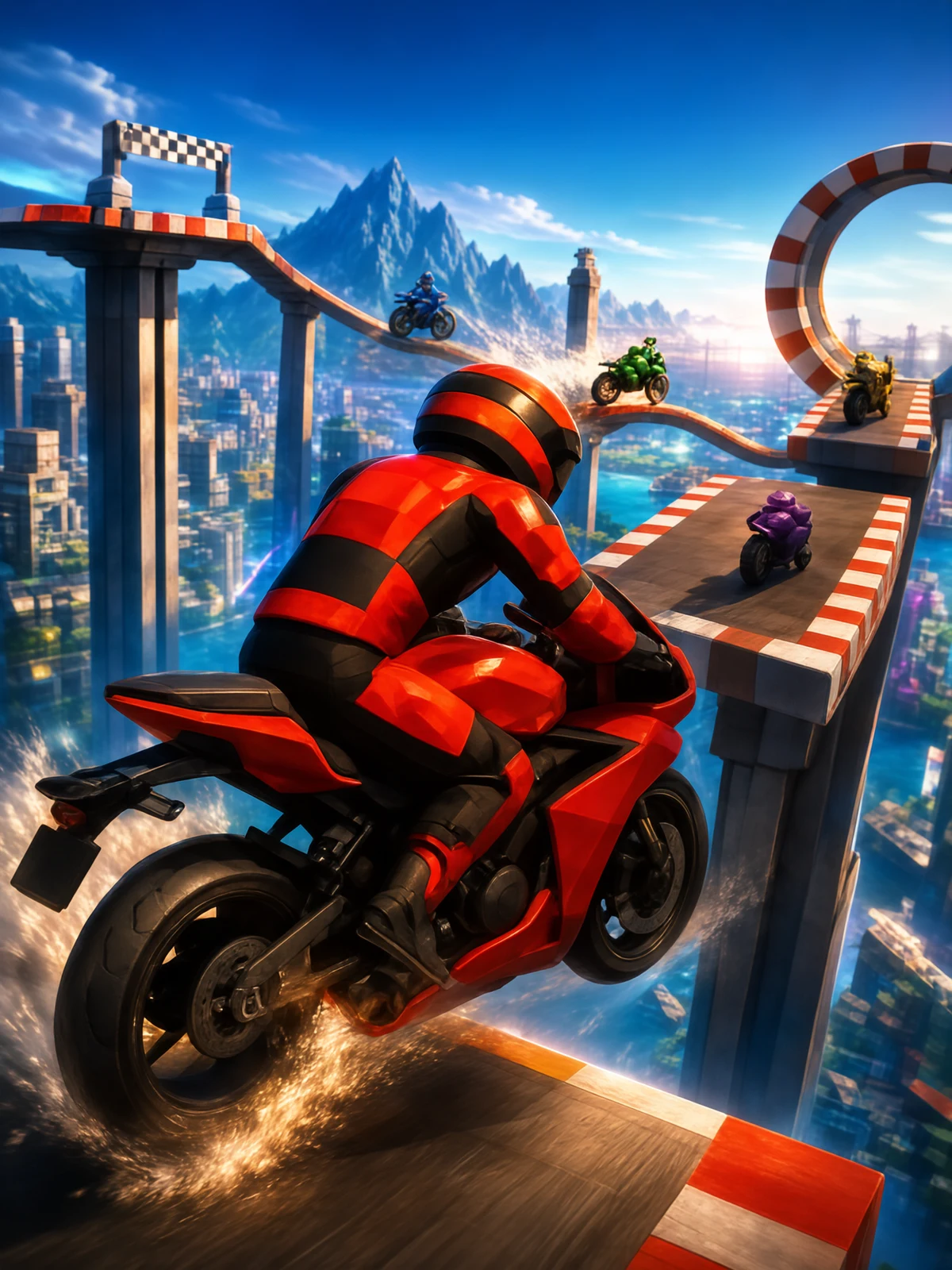
Nitro Rush: Neon Highway - Screenshot 1Screenshot 1
Nitro Rush: Neon Highway - Screenshot 2Screenshot 2
Nitro Rush: Neon Highway - Screenshot 3Screenshot 3
Nitro Rush: Neon Highway - Screenshot 4Screenshot 4

Tags

Browse more games with the same tags

Publisher

BlazeCraft Interactive
@blazecraft_interactive

Crafting survival, fiery mining expeditions, and village builders.

10Games
0Followers
4.2KPlays

This game is owned, managed and distributed by its creator. ZuZi.dev hosts and moderates it but does not edit it.
View profile

More by BlazeCraft Interactive

View all (10)

A distance chase on a neon road

There is no lap or finish line to reach. Every run is about how far you can travel before it ends, and the number that counts is the distance in metres, rounded down. Along the way you collect stars, which you spend on upgrades for your car between runs. A star counter and a speedometer are shown on screen while you drive, and the results panel after each run shows your distance, the stars you earned and whether you set a new record.

Controls

Drag left or right on the screen
Steer
Left / Right Arrow or A / D
Steer on keyboard
Space or Enter
Press Race! on the start screen
Tap the car and upgrade button at the bottom of the start screen
Open the garage to upgrade your car
Trophy and gear buttons at the top
Open the leaderboard or the Pit stop settings

Making a run

  1. Wait for the loading screen, tap Start engine, then press Race! (or Space or Enter) when the start screen appears.
  2. Steer left and right to stay on the road and slip between other cars and barriers.
  3. Steer through stars as you go. They build up a counter that you use for upgrades.
  4. When the run ends, the results panel shows your distance and stars. Press Drive again to go back to the start screen.
  5. Before racing again, open the garage from the bottom of the start screen to spend stars on car upgrades.

What is in the game

  • A 3D neon highway with other cars, barriers and a speedometer.
  • Stars to collect and a garage where they buy upgrades for your car.
  • A best-distance record that is saved, with a New distance record message when you beat it.
  • Highway Legends, a leaderboard ranked by the longest single run in metres. Spending stars on upgrades never lowers your ranking, and only completed runs count.
  • Pit stop settings for sound, music and language, with English, Chinese, Japanese, Spanish, French and Portuguese built in.

Tips

  • Look ahead, not at your car. Small early steering corrections keep you clear of traffic better than late swerves.
  • Collect stars when it is safe. Distance is what ranks you, so a star is not worth a collision.
  • Spend stars in the garage between runs; the game reminds you to collect stars to upgrade your car.
  • Open the settings to switch language or mute music and sound; the game pauses while the menu is open.

What to play next

Lambo vs Super Cars — This game is a 3D racing game in which you drive a Lamborghini along a long road course against five AI sports cars and an orange Supercar Rival.

Speed Rush — This game is an arcade racer with an overhead view, AI opponents and a nitro boost to manage.

Nitro Rush: Neon Highway FAQ

How is my score calculated?

By the distance you travel in a single run, in metres, rounded down. A longer run wins, and only finished runs count toward the leaderboard.

What are the stars for?

You collect stars while driving and use them to upgrade your car in the garage. Spending them does not reduce your leaderboard score.

How do I steer on a computer?

Use the Left and Right arrow keys or A and D. You can also drag with the mouse.

Which languages does the game support?

English, Chinese, Japanese, Spanish, French and Portuguese, with an Auto option that follows your browser language.

Does the game pause when I open settings?

Yes. Opening the Pit stop menu or the leaderboard pauses the game, and it resumes when you press Continue.

Report a problem with this game

Nitro Rush: Neon Highway

What's wrong?
0/1000