Skip to content
Apex GP
Racing

Apex GP

Published byWildfire Play125 playsQuick play
Free · Runs in your browser · No sign-up
Quick answer

What is Apex GP?

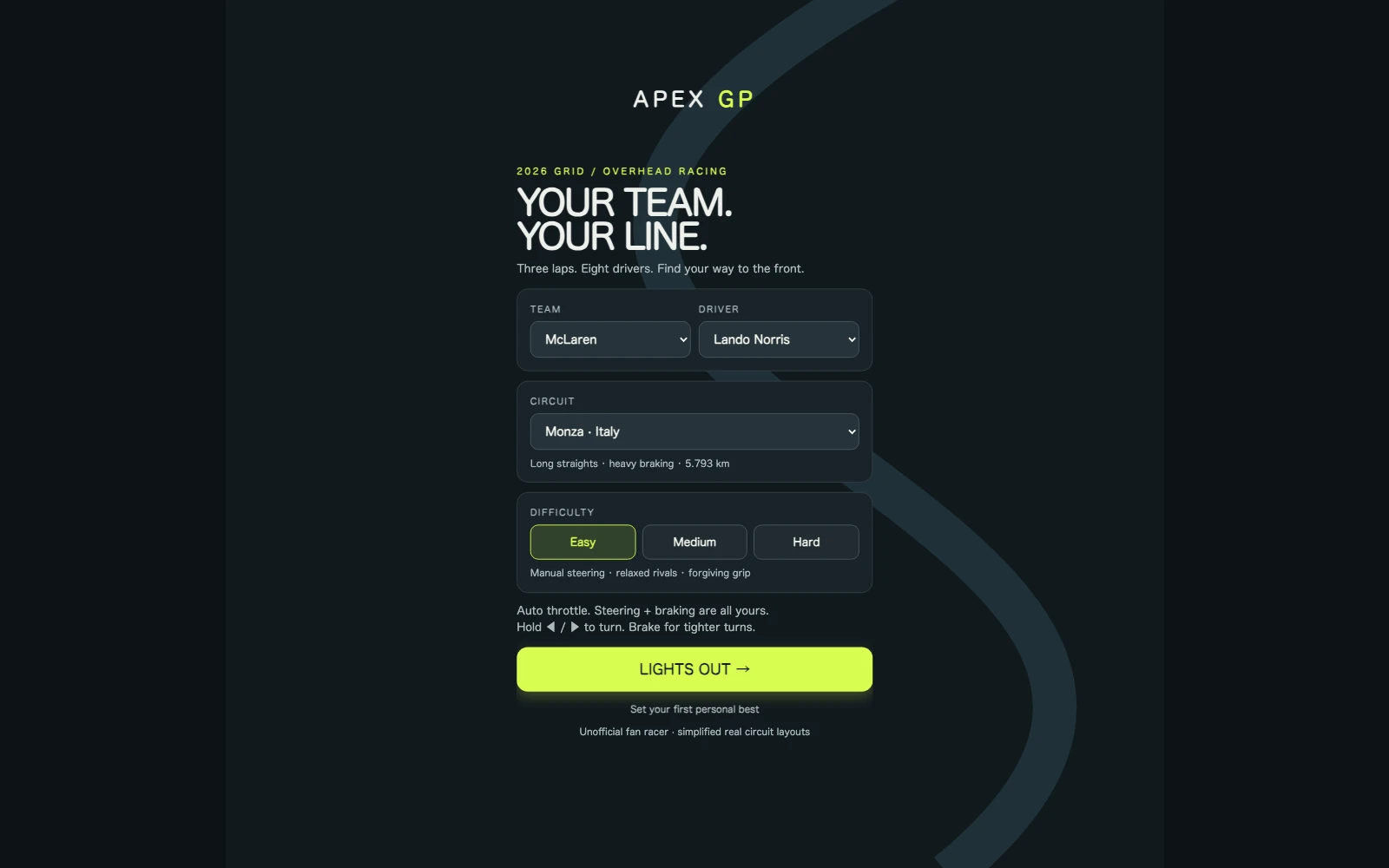
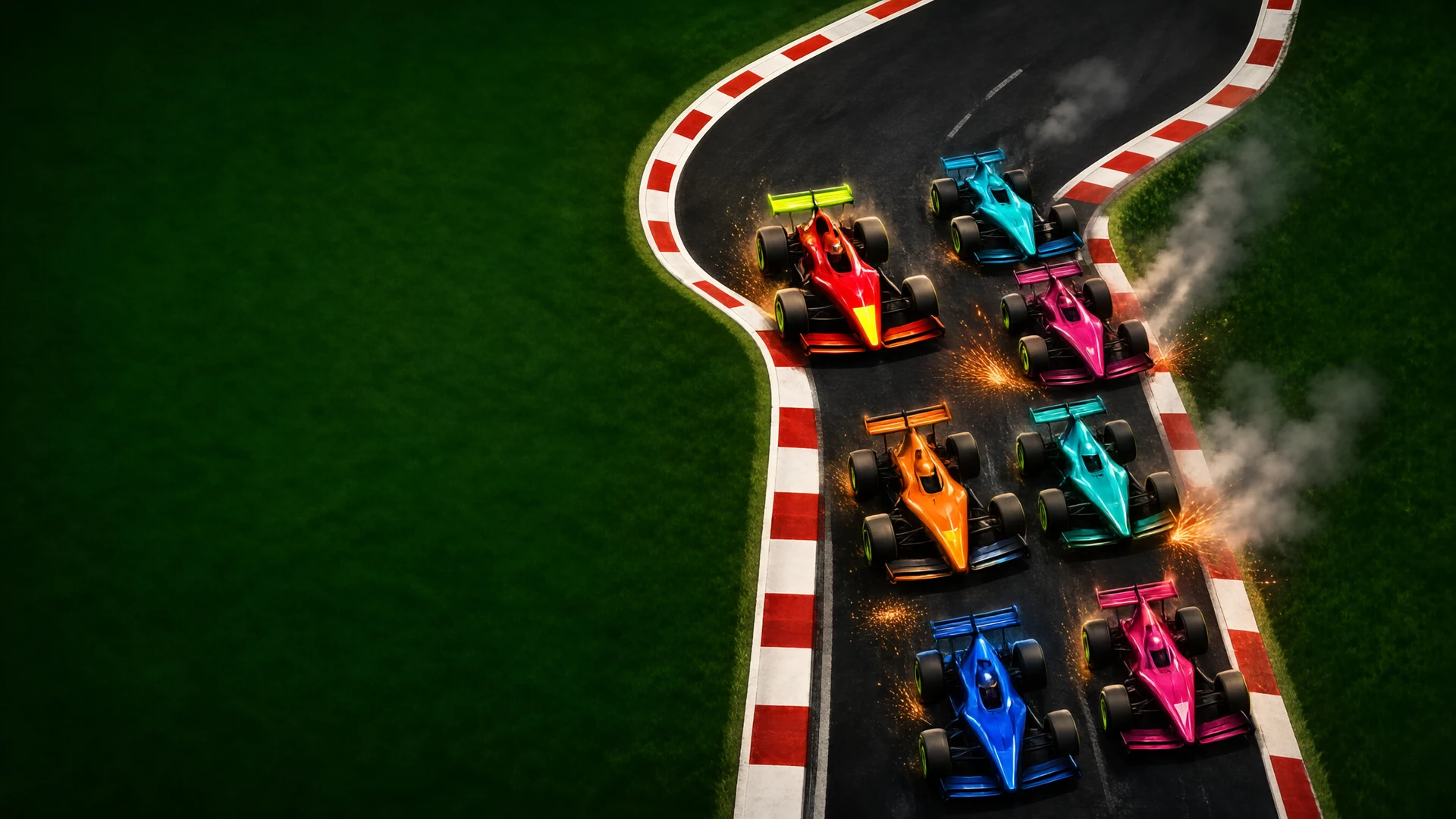
You steer a top-down single-seater around a circuit for three laps against seven computer-controlled cars. The car accelerates on its own, so the skill is braking early, taking corners cleanly and avoiding contact. You pick the circuit, difficulty and team livery first, and your best time for each circuit and difficulty is saved.

Updated

Key facts

Genre
Racing
Players
1 (single player)
Session length
Under 5 min
Platform
Web browser
Devices
Desktop, Tablet, Mobile
Price
Free
Sign-up
Not required

Preview

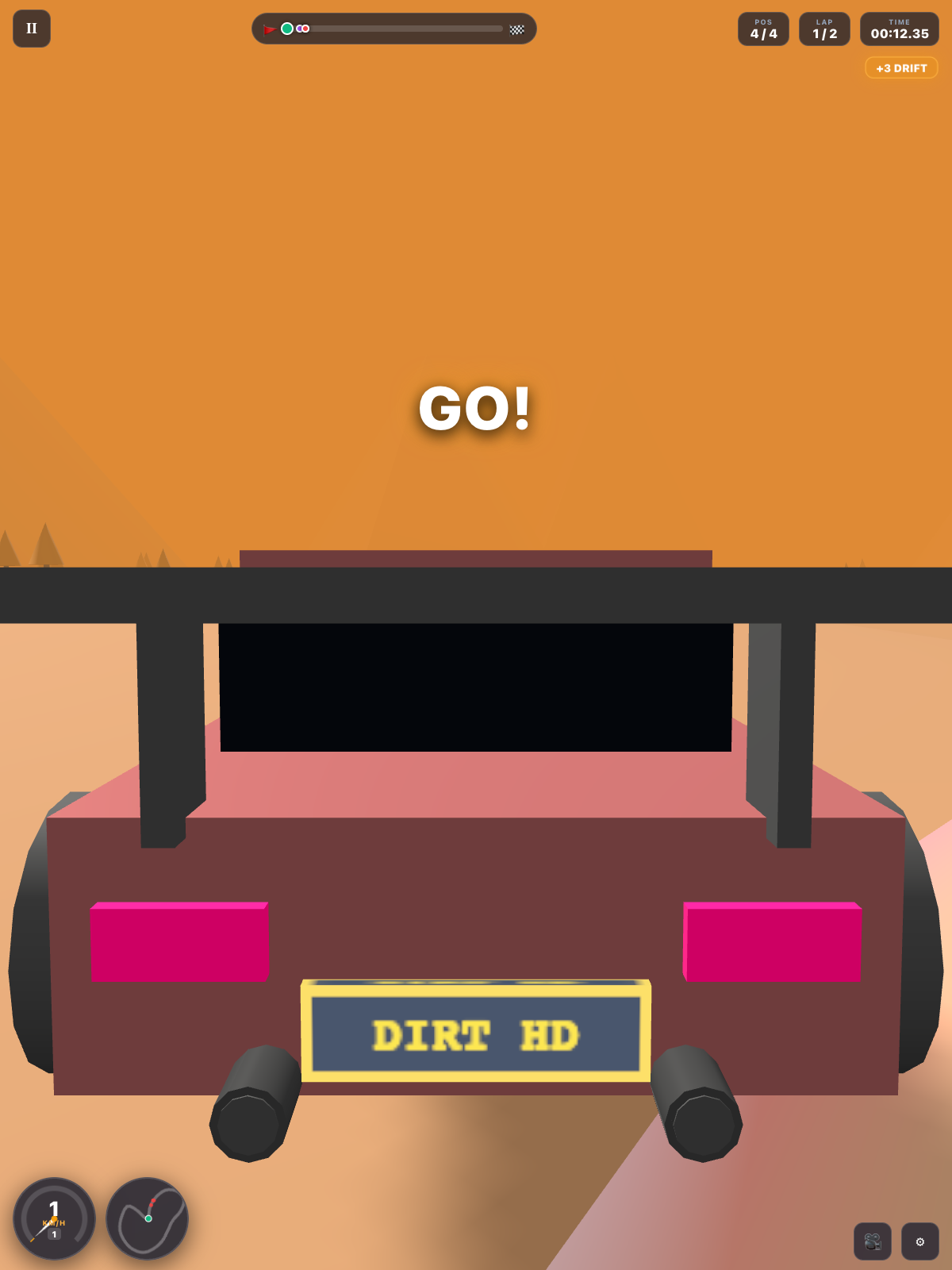
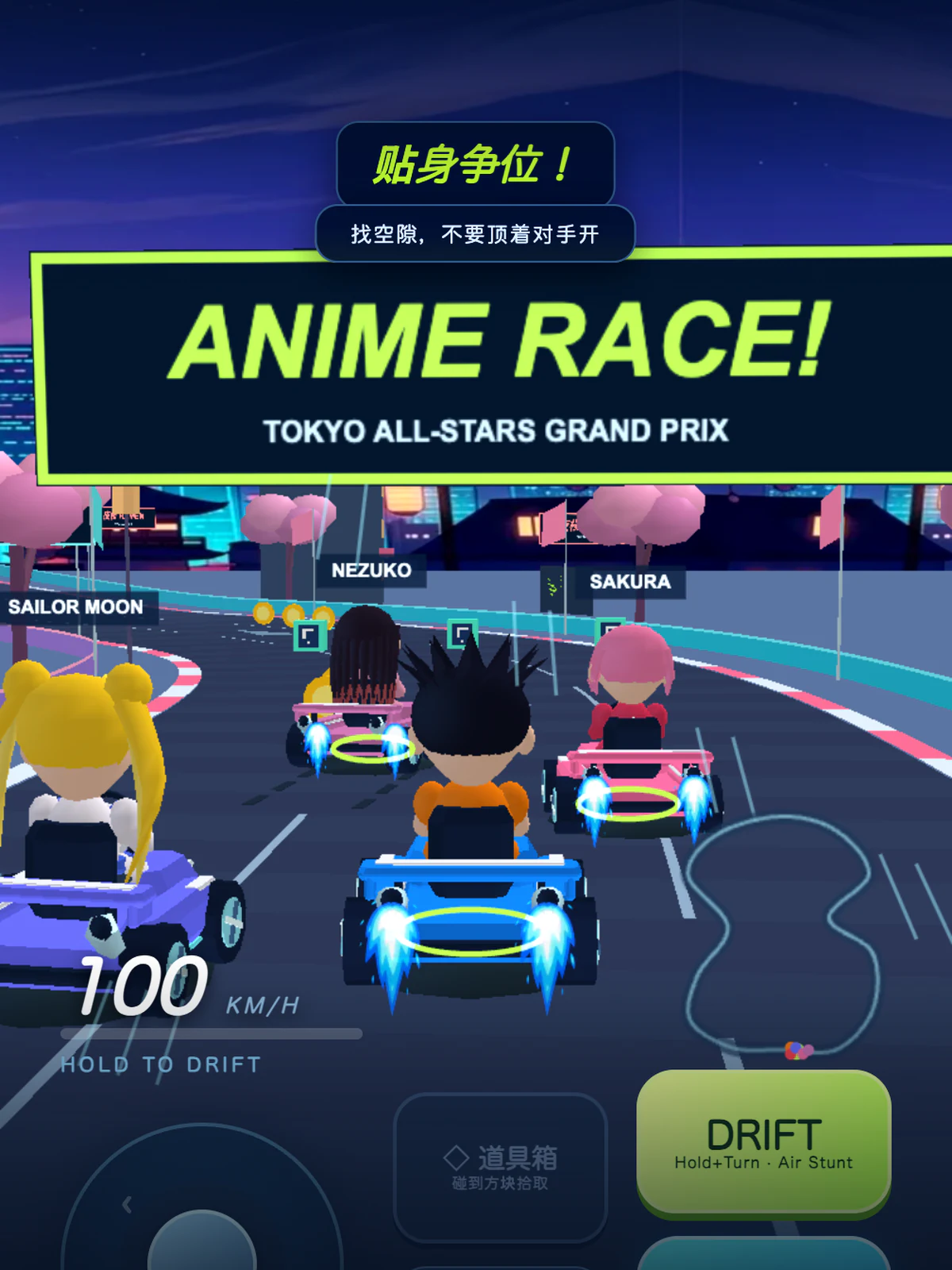
Apex GP - Screenshot 1Screenshot 1
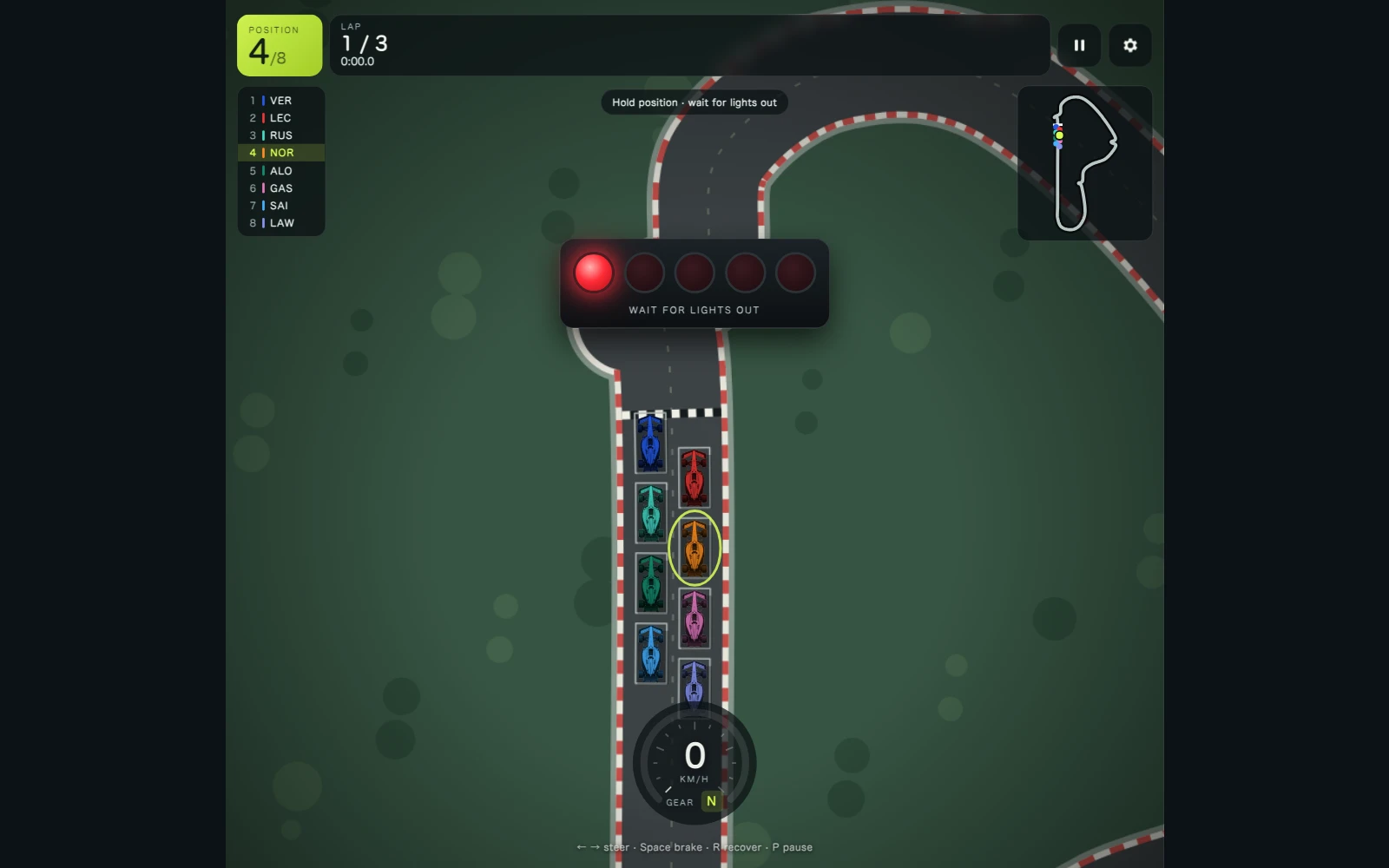
Apex GP - Screenshot 2Screenshot 2
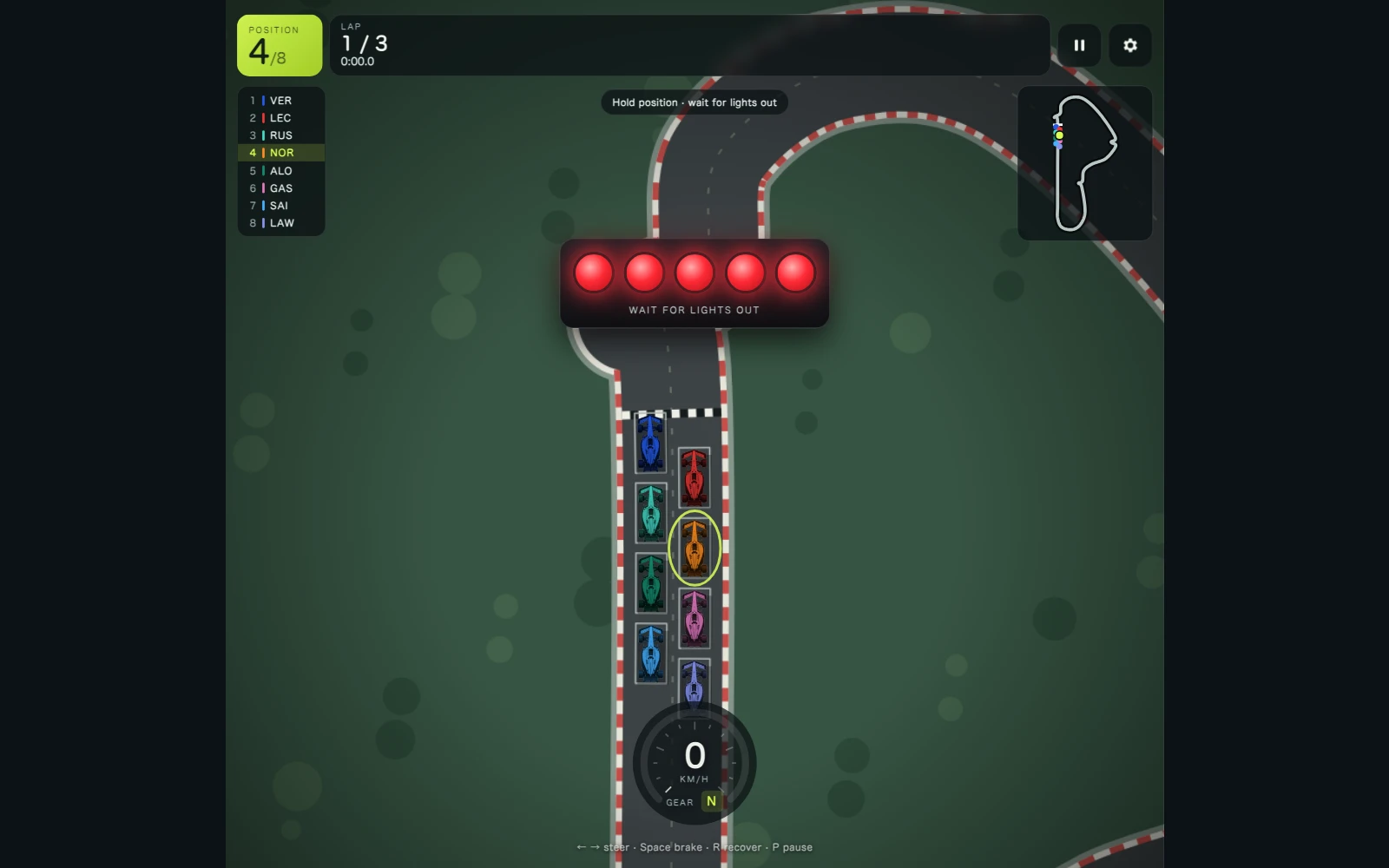
Apex GP - Screenshot 3Screenshot 3
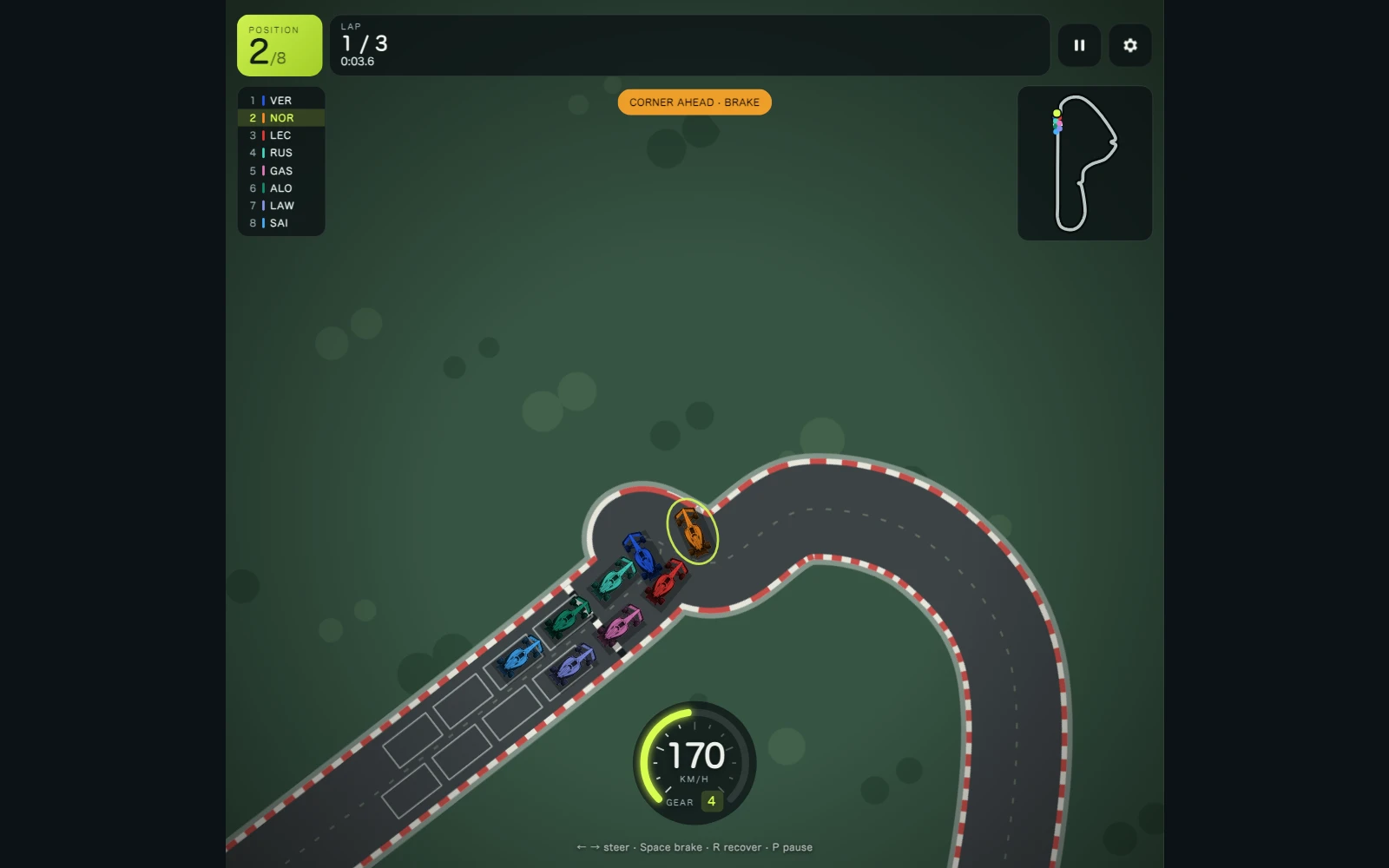
Apex GP - Screenshot 4Screenshot 4

Publisher

Wildfire Play
@wildfire_play

Dynamic elemental reactions, survival arenas, and chaotic physics.

11Games
0Followers
5.5KPlays

This game is owned, managed and distributed by its creator. ZuZi.dev hosts and moderates it but does not edit it.
View profile

How to play

  1. On the setup screen choose a team, driver, circuit (Monza, Silverstone or Monaco) and difficulty, then press Start. You can also set a custom team name and colour.
  2. Wait for the five start lights to go out. The car cannot move until then, and the delay is random.
  3. Steer with the arrow keys, A/D or the on-screen arrows. The car speeds up by itself, so you only need to brake before sharp corners.
  4. Overtake rivals without touching them: contact cuts your speed to 60%. The tower shows the running order.
  5. If you run off the track or get stuck, press Recover (R) to be placed back on the track, standing still.
  6. Cross the line after three laps. The result shows your finishing place, total time and whether it is a new personal best.

Controls

Left / Right, A / D, on-screen arrows
Steer
Space, Down, S, Brake button
Brake
R, Recover button
Put the car back on the track (appears when off the track or stuck)
P / Esc
Pause
O
Open audio and language settings

Tips

  • Steering gets sharper as you slow down, so brake before a corner rather than in the middle of it. The HUD shows "Corner ahead - brake" when you are going fast towards a sharp bend.
  • Hard gives you faster rivals and slightly less turning, so start on Easy to learn each circuit.
  • Monaco has a narrower road than the other two circuits, so there is less room to pass.
  • Personal bests are stored per circuit and difficulty, so compare times within the same setting.

Apex GP FAQ

Do I have to hold a button to accelerate?

No. The car accelerates automatically. You only steer and brake.

How many laps and opponents are there?

Three laps against seven computer-controlled cars.

What happens if I leave the track?

Nothing stops you, but a runoff warning appears and the Recover button puts you back on the track from a standstill.

Are my times saved?

Yes. Your setup choices and your best time for each circuit and difficulty are stored in your browser. The settings menu has a reset button that clears them.

Report a problem with this game

Apex GP

What's wrong?
0/1000